

On iPhone, “screen time control” usually comes down to one thing: Apple Screen Time. Most third-party apps can help with oversight, filtering, or reporting—but iOS limits what they can enforce compared to Android.
That’s why parents often feel frustrated: an app promises limits, but the real enforcement depends on iOS settings, permissions, and whether your child can bypass the Screen Time passcode.
This guide gives you a practical, real-life comparison—what actually works on iPhone, what’s worth paying for, and how to avoid the most common “it stopped working” moments.
Short on time? Quick verdict
- Best family-friendly approach (limits + safety mindset): Bark
- Best if you need deeper visibility (beyond timers): mSpy
- Best modern “visibility-first” option: Eyezy
- Best “help me choose fast” guided start: uMobix
- Best for web filtering on iPhone: Parentaler
Quick jump: Verdict · Comparison table · What really matters on iPhone · Best for your situation · Setup tips · Reviews · Legal notes · FAQ
60-second decision checklist
Answer these fast—then pick one path and commit:
- I mainly need limits + Downtime schedules → prioritize Apple Screen Time setup, then add Bark for a family-friendly layer.
- I need web filtering (content guardrails) → start with Parentaler and confirm it matches your iOS needs.
- Limits don’t change behavior (I need context) → consider mSpy or Eyezy (use responsibly).
- I’m overwhelmed and want a guided start → uMobix.
- I want fewer surprises → avoid jailbreak-dependent approaches; keep it iOS-friendly and maintainable.
Before you buy anything, sanity-check your options in our comparison table (platform fit matters a lot on iPhone).
Verdict: which screen time app is best for iPhone?
For most families, the winning combo is: Apple Screen Time (for real enforcement) + a parent-friendly app that supports your rules. In that “family-first” category, Bark is typically the easiest place to start.
If the real problem isn’t time—it’s what happens during that time, then a visibility-first tool like mSpy or Eyezy can be more effective than another “timer app.”
If your key concern is content exposure, go filtering-first with Parentaler and pair it with strong iOS Screen Time restrictions.
Try Bark | Try mSpy | Try Parentaler
Comparison table: best screen time apps for iPhone
iPhone reality check: true app limits and downtime enforcement are mostly controlled by iOS. Think of third-party apps as support layers—visibility, filtering, guidance, reporting—rather than “magic enforcement.”
| App | Best for | What it does well on iPhone | Watch-outs |
|---|---|---|---|
| Bark | Family-friendly rules + safety | Good “parent experience” and supportive safety layer | Still depends on strong iOS Screen Time setup for enforcement |
| mSpy | When timers aren’t enough | More visibility/context (use responsibly and legally) | Overkill for simple limits; iPhone methods vary |
| Eyezy | Visibility-first parenting | Modern dashboard, insight-driven oversight | Not a “pure screen-time limiter” on iOS |
| uMobix | Guided start | Helps you pick a direction quickly | Confirm it matches your “limits vs visibility” goal |
| Parentaler | Web filtering | Practical content guardrails angle on iPhone | Filtering is not the same as Screen Time enforcement |
What really matters on iPhone (iOS reality check)
If you only remember one thing, remember this: iPhone enforcement lives in iOS settings. Apps can help, but they can’t override Apple’s rules.
- Screen Time passcode: if your child guesses it, sees you enter it, or you reuse an old PIN, limits become optional.
- Family Sharing matters: the cleanest setup is parent-controlled Family Sharing + a child Apple ID.
- “Account Changes” and installs: if you allow account changes or app installs freely, bypass risk goes up fast.
- Older kids test boundaries: teens are more likely to exploit loopholes; consider visibility + clear rules, not just tighter timers.
Helpful next reads (iPhone-focused): setup guide · how to choose · without jailbreak options
If you’re comparing platforms, see: best screen time apps for Android.
Best for your situation
1) “Younger kid, first iPhone, I want clear rules and consistency”
Start with a strong Apple Screen Time setup, then add Bark as a parent-friendly layer that supports your rules instead of fighting them.
2) “My main fear is content exposure (not just hours)”
Go filtering-first with Parentaler, and tighten iOS Content & Privacy Restrictions.
3) “Teen is bypassing limits / lying about usage”
Pure screen time enforcement won’t solve this alone. Consider insight tools like mSpy or Eyezy alongside clearer family rules. The goal is fewer arguments—and more truth.
4) “I don’t know what I need, I just want to start”
uMobix is a decent “guided start” option that helps you move from indecision to a workable plan.
Setup tips (avoid the most common iPhone mistakes)
- Use Family Sharing + a child Apple ID when possible. It’s the cleanest long-term setup.
- Set a Screen Time passcode you don’t reuse (and don’t enter it in front of your child).
- Turn on Content & Privacy Restrictions and lock down Account Changes if bypass risk is high.
- Test downtime for 10 minutes to confirm it actually blocks what you expect.
- Decide your “Ask for More Time” policy in advance (approve occasionally, or you’ll be negotiating every night).
Want a broader map of options beyond screen time? Start here: The Best Parental Control & Phone Monitoring Apps.
In-depth reviews
Bark

Description
Bark is a family-oriented parental control option that pairs well with iPhone Screen Time. It’s best when you want a parent-friendly experience, clear rules, and a safety mindset—without turning your home into “constant settings management.”
Product highlights
- Strong “family-first” approach
- Supportive layer alongside iOS Screen Time
- Good long-term baseline for many households
What’s to like
- Great starting point for most families
- Feels designed for parents (not power users)
What’s not to like
- True enforcement still relies on iOS Screen Time done correctly
- If you need “deep visibility,” you may prefer a different style of tool
PROS
- Parent-friendly and practical
- Pairs well with Screen Time rules
CONS
- Not a magic replacement for iOS settings
- May be “too gentle” if you want investigation-level detail
mSpy
Description
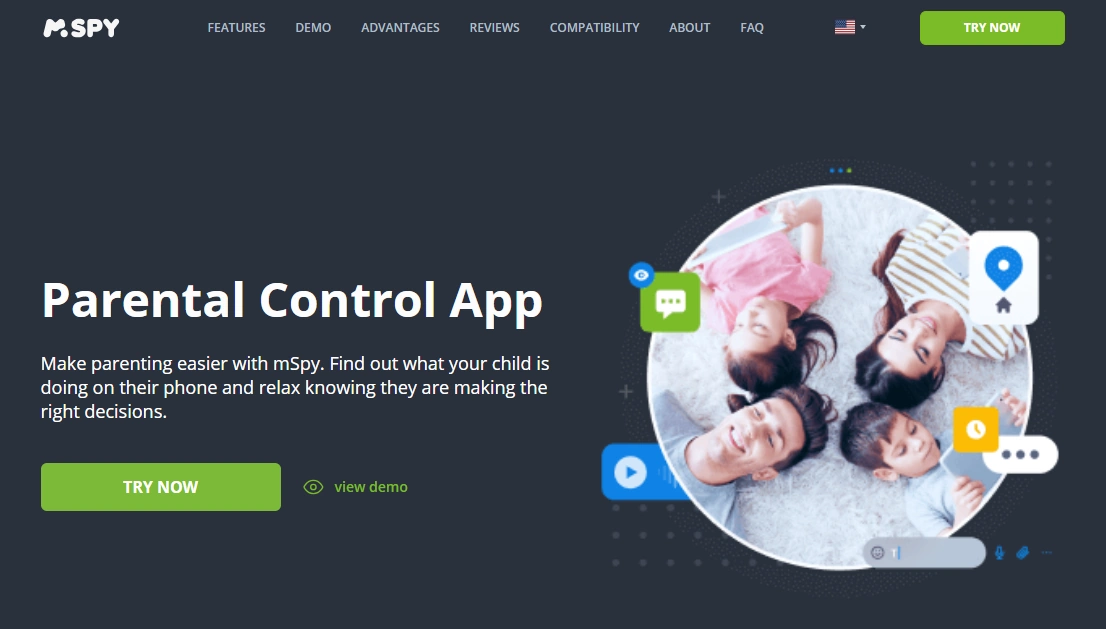
mSpy is best viewed as a “visibility and oversight” tool rather than a simple screen-time limiter. If your child is bypassing rules or you suspect risky behavior, more context can be more effective than stricter timers—when used legally and responsibly.
Product highlights
- More insight than “just screen time”
- Better for behavior/context situations
- Can complement strong iOS restrictions
What’s to like
- Useful when screen time isn’t the true problem
- Can reduce arguments by replacing guesswork with clarity
What’s not to like
- Overkill for simple downtime schedules
- iPhone monitoring methods vary—make sure it fits your exact setup
PROS
- Strong “beyond screen time” option
- Helps when you need context
CONS
- Not a lightweight screen-time-only tool
- Must be used ethically and legally
Eyezy
Description
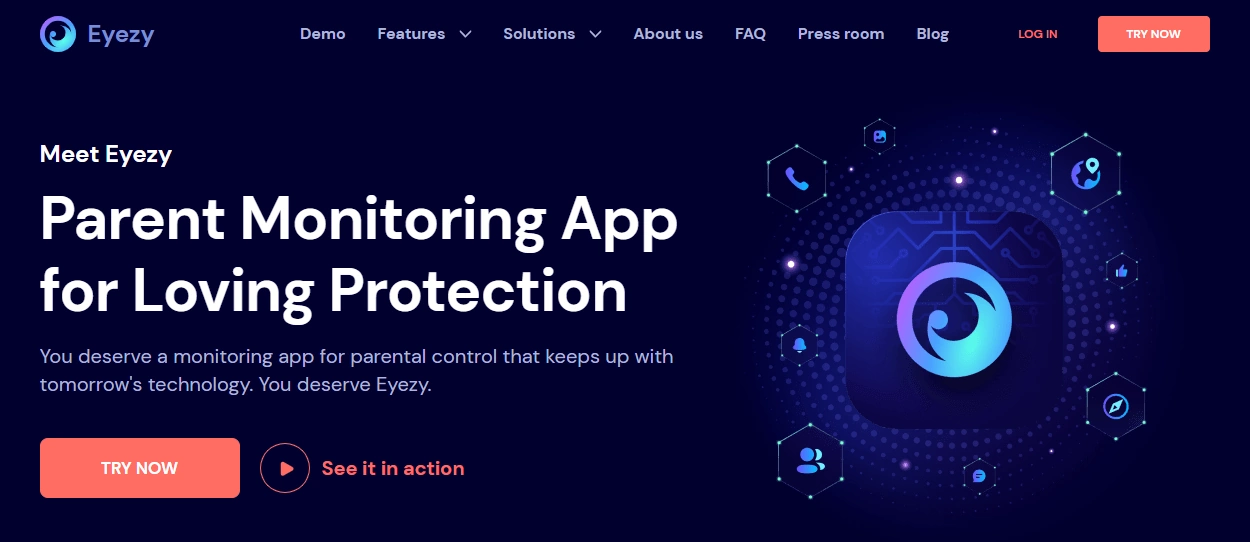
Eyezy is a visibility-first option with a modern dashboard feel. On iPhone, it’s best when you want insight and oversight to guide conversations—not when you’re only looking for strict app timers.
Product highlights
- Insight-driven parental oversight
- Modern UI and dashboard approach
- Useful for older kids and teens (when used responsibly)
What’s to like
- Good “pattern awareness” tool
- Helpful when parenting strategy needs context
What’s not to like
- Not a pure screen-time limiter on iOS
- Better as a complement to Screen Time, not a replacement
PROS
- Great for visibility-first parenting
- Good for teens (with clear rules)
CONS
- Overkill for simple downtime schedules
- Make sure it matches your exact needs before paying
uMobix

Description
uMobix is a practical “start here” option if you’re stuck between wanting stricter limits, better filtering, or more visibility. It works best when you want to move from confusion to a clear plan quickly.
Product highlights
- Guided start for choosing the right approach
- Good for parents who feel overwhelmed
- Can be evaluated quickly before committing long-term
What’s to like
- Fast way to pick a direction
- Helpful for first-time parents setting controls
What’s not to like
- Confirm it aligns with your “limits vs visibility” goal
- On iPhone, real enforcement still lives in iOS Screen Time
PROS
- Great for getting unstuck
- Good starting flow
CONS
- Not a dedicated “screen-time-only” limiter
- Make sure it matches your use case
Parentaler
Description
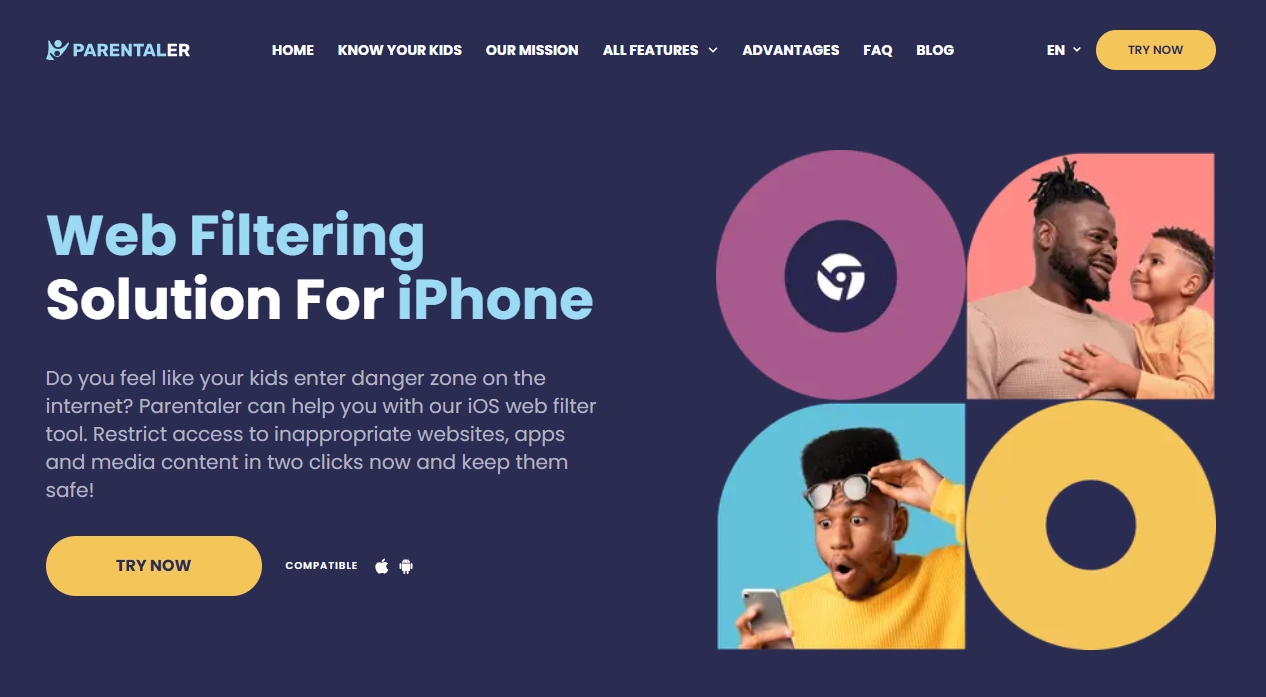
Parentaler is a practical pick when your primary concern is content access rather than pure time limits. On iPhone, it’s best used as a filtering/guardrails layer paired with a strong iOS Screen Time setup.
Product highlights
- Web filtering focus for iPhone
- Practical guardrails approach
- Good fit if your “problem” is content exposure
What’s to like
- Filtering-first approach can be more effective than timers alone
- Works well alongside iOS restrictions
What’s not to like
- Filtering is not the same as strict screen-time enforcement
- If you need deeper visibility, compare with mSpy/Eyezy
PROS
- Strong choice for content guardrails
- Simple angle for many families
CONS
- Not a “downtime scheduler replacement”
- Works best paired with Screen Time rules
Legal & ethical notes (important)
Use parental control tools only on devices you own/manage and for legitimate parenting purposes. For teens especially, set clear family rules and aim for transparency—secret monitoring can create legal and relationship risks fast.
Read this before installing anything: legal phone tracking: what’s allowed and what’s not. If your child is under 13, also see: the safest parental control apps for kids under 13.
FAQ
What’s the best screen time app for iPhone overall?
For most families, the best “overall” approach is Apple Screen Time for enforcement plus a parent-friendly support layer like Bark.
Can third-party apps fully enforce iPhone app limits?
iOS restrictions mean true enforcement is mostly controlled by Apple Screen Time settings. Third-party apps typically complement iOS controls with visibility, filtering, or reporting.
What’s the biggest reason Screen Time fails on iPhone?
Weak passcode hygiene (kids learning the PIN), loose account restrictions, and inconsistent Family Sharing setup are the most common failure points.
Should I avoid jailbreak solutions?
For most families, yes. Jailbreak approaches are harder to maintain and can create security and stability problems. If you’re exploring that route, start with non-jailbreak options first.
Which option is best for web filtering on iPhone?
Parentaler is a practical filtering-first option that works best alongside a strong Screen Time setup.
Is there an Android equivalent that’s easier for strict limits?
Android often offers more enforcement flexibility with third-party apps. If you’re comparing, see our guide to the best screen time apps for Android.