

Rooting an Android phone or jailbreaking an iPhone can unlock deeper monitoring – but it also increases risk: security issues, warranty problems, and a much more complicated setup. The good news is that in 2026 most parents don’t need root or jailbreak to get meaningful visibility into a child’s device.
Modern parental control and monitoring apps can work without modifying the device’s operating system. You can still get location tracking, app and web usage, screen time controls, and (depending on the app and device) some insight into social and messaging activity.
If you want a broader market overview first, start here: The Best Parental Control & Phone Monitoring Apps.
Short on time? Here are the best no-root / no-jailbreak picks
Best overall no-jailbreak iPhone solution: mSpy No Jailbreak Tracking – iCloud-based monitoring for iPhone without jailbreaking.
Best all-round parental control (Android & iPhone): Eyezy Parental Control – clean dashboard and strong no-root/no-jailbreak coverage.
Best for social-heavy teens: uMobix – focuses on app and social activity without requiring root in most cases.
Best safety-first parenting app: Bark – alerts about harmful content and behavior, less “monitoring” and more safety.
Best simple parental control dashboard: Parentaler – friendly interface for screen time, web filtering, and location.
Best for location & activity tracking: Moniterro – strong GPS history and day-to-day device activity.
Extra option for social-focused monitoring: Spynger – adds another no-root/no-jailbreak monitoring option for comparison.
Best for “locate the phone” scenarios: Scannero Lost Phone – location workflows without installing a full monitoring suite.
If you want to compare more than just these picks, use our full Parental Control & Monitoring Apps Comparison Table.
How no-root / no-jailbreak monitoring actually works
Android without root
On Android, most modern parental control apps can collect a lot of useful data using standard permissions and accessibility services. You usually don’t need root for:
- Real-time GPS and location history
- App usage summaries and screen time
- Basic web history and content filtering
- Notifications and some messaging/social insight (device- and app-dependent)
iPhone without jailbreak
On iPhone, Apple’s restrictions make deep monitoring harder. Many “no jailbreak” solutions rely on:
- iCloud backups and synced data (if backups and sharing are enabled)
- Limited app and web activity reports
- Screen time and restrictions combined with Apple’s own tools
Some apps also offer more advanced iCloud-sync-based features. To understand what’s realistically possible (and what’s not), see: Monitoring App Features Explained: What You Can (and Can’t) Monitor in 2026.
Best parental control & monitoring apps without root or jailbreak – quick comparison
| App | Best for | Platforms | Key highlights | Refund or Trial |
|---|---|---|---|---|
| mSpy (No Jailbreak) | Best for iPhone parents who don’t want to jailbreak | iPhone (no jailbreak) | iCloud-based iPhone monitoring without modifying the OS | Refund policy (see official site) |
| Eyezy | Best all-round no-root/no-jailbreak parental control | Android & iPhone | Clean dashboard, solid monitoring without deep hacks | Refund policy (see official site) |
| uMobix | Best for social-heavy teens on Android & iPhone | Android & iPhone | Strong focus on social and messaging apps (device-dependent) | Refund policy (see official site) |
| Bark | Best for alerts and safer digital habits | Android, iPhone & more (plans vary) | Content and behavior alerts, screen time, and web filtering | Trial/refund options (see official site) |
| Parentaler | Best simple parental control dashboard | Android & iPhone | Screen time controls, web filtering, and basic monitoring | Refund policy (see official site) |
| Moniterro | Best for GPS history and route tracking | Android & iPhone | Location timelines plus everyday device activity | Refund policy (see official site) |
| Spynger | Extra option for app/social-focused monitoring | Android & iPhone | Social and messaging coverage (varies by device) | Refund policy (see official site) |
| Scannero Lost Phone | Best for quick phone location use-cases | Android & iPhone (workflow-based) | Locate a device without installing a full monitoring suite | Trial/refund details (see official site) |
For a deeper feature-by-feature comparison, use our Parental Control & Monitoring Apps Comparison Table.
Best no-root & no-jailbreak apps in 2026 – detailed reviews
mSpy No Jailbreak – best choice for iPhone parents who don’t want to jailbreak
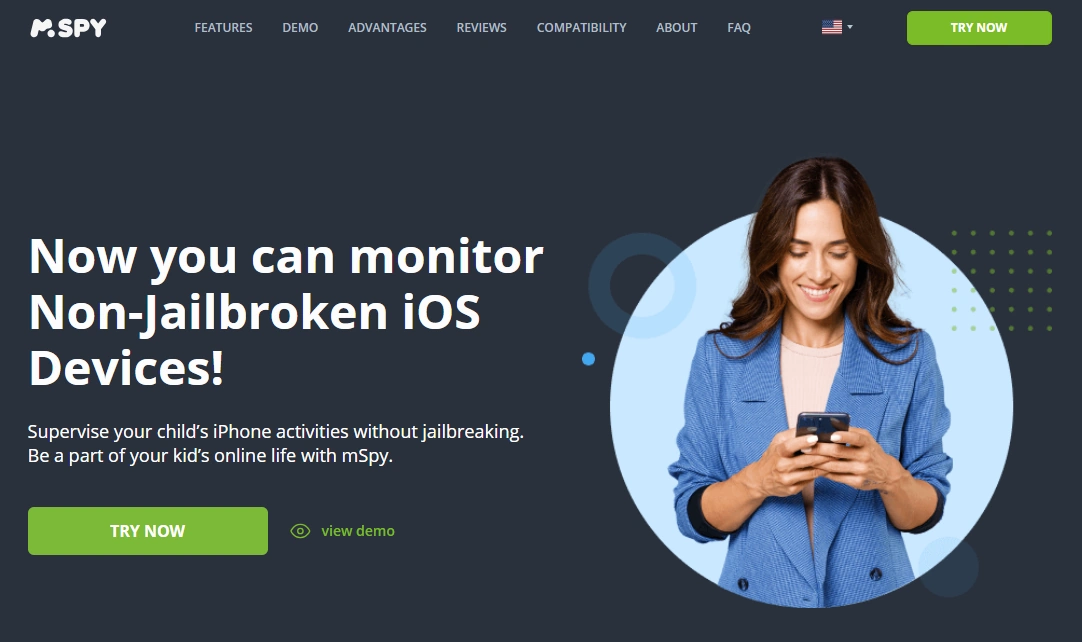
mSpy No Jailbreak Tracking is designed for iPhone parents who want extra visibility but don’t want to jailbreak the device. Instead of modifying iOS, it relies on iCloud backups and synced data where available – making it a more practical and less risky choice for many families.
It’s a good fit if your goal is to understand your child’s iPhone usage patterns and get some insight into their activity without turning the phone into a “test device” for hacks.
Key features
- No jailbreak required – uses iCloud-based workflows where supported
- Activity insights for messages and apps (scope depends on Apple’s limits)
- Location and travel history options (device- and settings-dependent)
- Helps parents spot patterns and risks on iOS without deep modification
PROS
- Specifically built for no-jailbreak iPhone monitoring
- Less technical risk than full jailbreak approaches
- Backed by an established brand in the monitoring space
CONS
- Feature depth depends heavily on iCloud backups and Apple’s restrictions
- Not a full replacement for traditional “jailbreak-level” access
Ready to try mSpy’s no-jailbreak solution? Check the latest options on the official mSpy website.
Eyezy – best all-round no-root/no-jailbreak parental control app
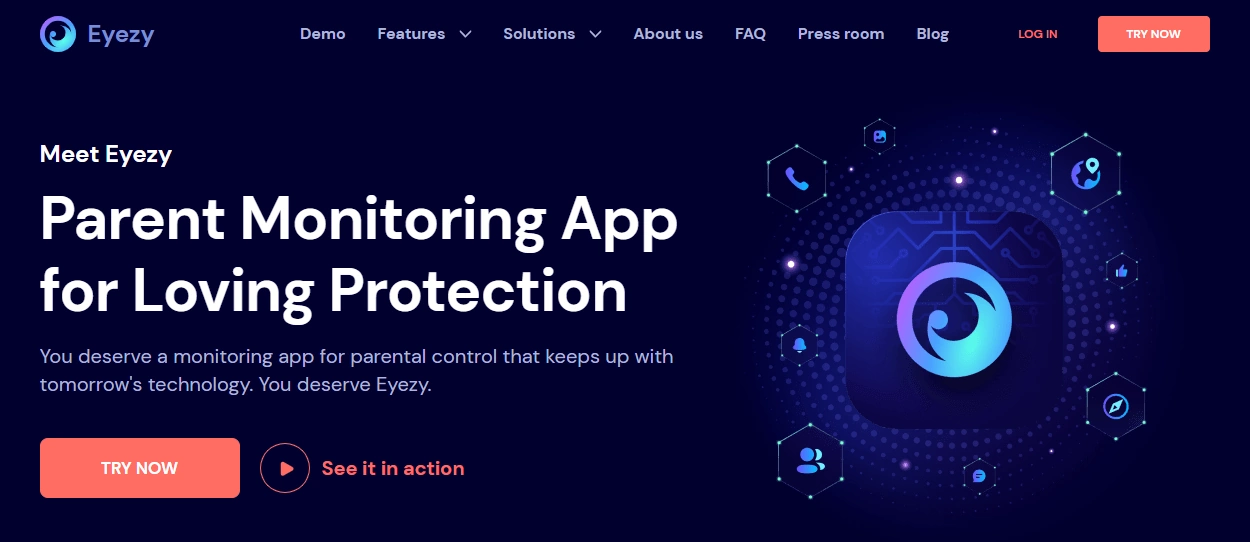
Eyezy is a balanced choice for families using both Android and iPhone. It focuses on making the data readable and actionable, rather than overwhelming you with raw logs. For most everyday parental needs, Eyezy can usually deliver enough visibility without root or jailbreak.
For iPhone, some features rely on Apple’s own limitations and may use iCloud-based workflows. For Android, Eyezy leans on permissions and accessibility instead of root access.
Key features
- Single dashboard for multiple devices and platforms
- GPS and activity overview without modifying the operating system
- Monitoring of app and online activity (depth varies by device)
- More “parent-first” interface than many raw monitoring tools
PROS
- Clean, understandable dashboard for non-technical parents
- Works across Android and iPhone without root/jailbreak in most scenarios
- Good starting point if you’re unsure how deep you need to go
CONS
- Some advanced features may not be available on all devices
- Not the most “forensic” tool for complex investigative cases
Want a simple but powerful control panel? See the current plans on the official Eyezy website.
uMobix – best no-root/no-jailbreak pick for social-heavy teens

uMobix aims to give parents better insight into how teens behave on social and messaging apps. On Android, it can go fairly deep without root in many cases. On iPhone, it still has to respect Apple’s limits – but can be a strong option when you want more than just basic screen time stats.
Key features
- Focus on social and messaging apps (coverage depends on OS and version)
- Location tracking and device activity information
- Multiple device support for Android and iPhone
- Useful for families where social apps are the main concern
PROS
- Strong teen-focused monitoring approach
- Delivers more context than simple time-limits-only solutions
- Good fit if you already understand the legal boundaries and expectations
CONS
- Deepest features can still be limited on iOS
- Not every family wants “high-intensity” social monitoring
Interested in teen-focused monitoring? Check the latest plans on the official uMobix website.
Bark – best safety-first alternative to classic monitoring apps

Bark is less about “monitoring” and more about alerts and safer habits. It monitors for signs of bullying, self-harm, explicit content, and other risks, then sends parents alerts instead of forcing them to read everything.
This approach works well for families who want to respect privacy while still protecting their kids. Bark can integrate with a wide range of devices and services without any root or jailbreak.
Key features
- Content and behavior alerts based on risk patterns
- Screen time and scheduling tools
- Web filtering with site and category controls
- Works across phones, tablets, and sometimes other family devices
PROS
- More balanced, communication-friendly parenting approach
- Good fit for younger kids and pre-teens
- Reduces the need to check every single message manually
CONS
- Not intended as a deep surveillance tool
- Some parents might want more granular chat-by-chat control
Prefer safety alerts over constant monitoring? See the current Bark options on the official Bark website.
Parentaler – best simple parental control dashboard in 2026

Parentaler focuses on straightforward control rather than complex “monitoring app” tooling. It’s designed for parents who want clear limits, web filtering, and basic visibility without feeling like IT admins.
For most families who are primarily worried about screen time and content, Parentaler covers the essentials without requiring root or jailbreak.
Key features
- Screen time schedules and daily limits
- Web filtering for inappropriate sites
- Location tracking and simple device checks
- Parent-focused dashboard with practical options
PROS
- Very approachable for non-technical parents
- Good for younger kids and “first phone” setups
- Works on Android and iPhone without platform hacks
CONS
- Not the deepest choice for detailed social app monitoring
- Power users might want more granular configuration
Want something you can set up in an evening? Check Parentaler’s current offers on the official Parentaler website.
Moniterro – best no-root/no-jailbreak app for location history

Moniterro is a strong pick when your main question is “Where has this phone been?” rather than “What exactly did they type in every chat?”. It focuses on GPS histories and routes plus everyday device activity.
Key features
- GPS location tracking and historical routes
- Overview of device usage and activity
- Works on Android and iPhone (feature depth varies by device)
- Helpful for safety check-ins and accountability
PROS
- Great choice when location is your #1 priority
- Less overwhelming than full monitoring-style dashboards
- Good fit for families with active kids and teens
CONS
- Not designed for maximum detail on all messaging platforms
- Some features may behave differently across OS versions
Need clear answers about “where” and “when”? See Moniterro’s plans on the official Moniterro website.
Spynger – extra no-root/no-jailbreak option for app and social monitoring
Spynger gives you another way to approach no-root/no-jailbreak monitoring across Android and iPhone. It focuses on app and social activity, adding diversity to your options if you don’t like the interface or feature mix of other tools.
Key features
- Monitoring of calls, messages, and app usage (device-dependent)
- Location tracking and activity logs
- Designed to work without root or jailbreak in most common cases
- Useful comparison point next to mSpy, Eyezy, and uMobix
PROS
- Good alternative if you don’t like other dashboards
- Supports multiple types of devices
- Balanced set of monitoring features
CONS
- Feature depth and stability may vary by device
- Works best when you already know what data you’re looking for
Want one more option before deciding? Check the latest offers on the official Spynger website.
Scannero Lost Phone – best no-install option for “where is the phone?”
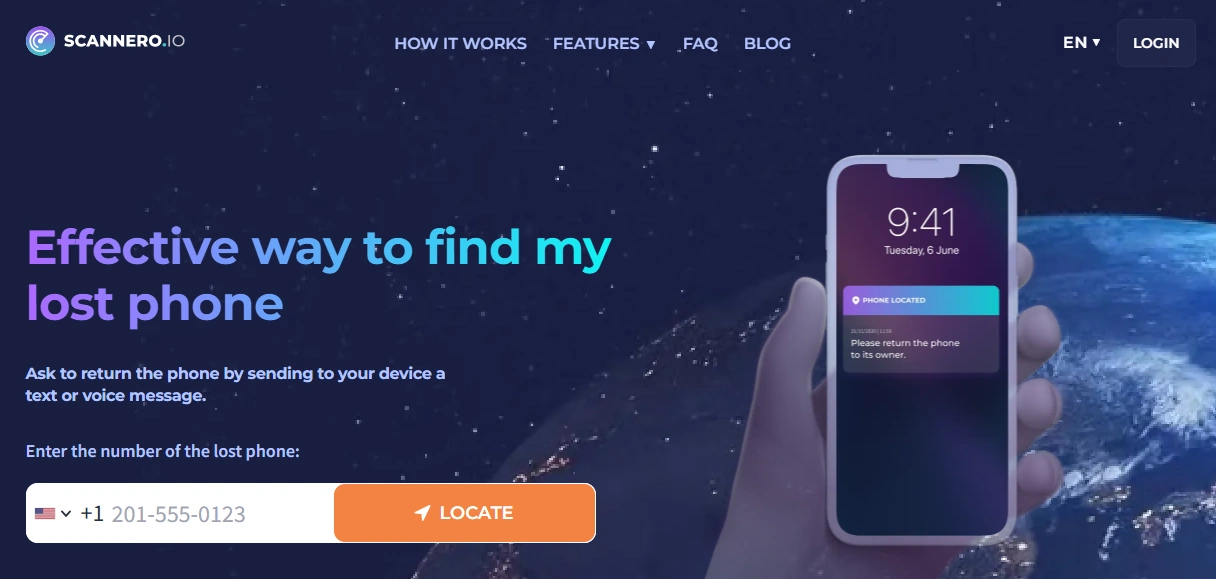
Scannero Lost Phone is not a full parental control app – it’s more of a location tool for specific situations. If your main need is to locate a missing phone or confirm where a device is, Scannero can be more lightweight than installing a full monitoring suite.
Key features
- Location workflows that don’t require a full monitoring app setup
- Can help in lost or misplaced phone scenarios
- Useful as a complement to broader parental control tools
PROS
- Right-sized for simple “where is this phone?” questions
- May be faster to use than full monitoring setups
- Works alongside other parenting and safety tools
CONS
- Not a full replacement for parental control or monitoring apps
- Limited scope compared to the other tools on this list
Need a location-first solution? Explore the Lost Phone workflows on the official Scannero website.
Which app is best for your situation?
Parents of younger kids (first phone stage)
If your child is getting their first phone, you usually don’t need deep monitoring-level access. Instead, combine Apple/Google’s own tools with:
- Bark – for alerts and healthier digital habits
- Parentaler – for straightforward screen time and web filtering
For iPhone-specific setup, see How to Set Up Parental Controls on iPhone.
Parents of teens who live in social apps
When teens are heavily active on social and messaging apps, visibility becomes more important.
- uMobix – strong social and messaging focus
- Eyezy – more balanced, dashboard-first view
- mSpy No Jailbreak – for iPhone-specific cases
For a broader market view, see: Best Monitoring Apps for Android and iPhone in 2026.
You mostly care about location and routes
If your main concern is where the phone goes (school, friends, late-night trips):
- Moniterro – best for ongoing GPS history
- Scannero Lost Phone – best for quick “where is it now?” checks
Also see: Best GPS Tracker Apps for Families in 2026.
You need a safety-first, less invasive approach
If you don’t want to read every message and would rather build trust:
- Bark – alerts-first approach for risky behavior
- Parentaler – for rules, limits, and basic visibility
For help choosing a philosophy and tool combination, read: How to Choose the Right Monitoring App for Your Family.
Is it legal to monitor a phone without root or jailbreak?
Using no-root/no-jailbreak tools doesn’t automatically make everything legal. In most countries you are allowed to monitor:
- Devices you own and pay for (for example, your child’s phone)
- Company-owned devices, when employees are clearly informed and consent where required
- Your own personal devices (for backup and self-monitoring purposes)
What is usually not allowed is secretly monitoring another adult’s personal phone without consent – even if you are in a relationship or married. That can be illegal and may have serious consequences.
Before you install anything, read our detailed guide: Legal Phone Tracking in 2026: What’s Allowed and What’s Not.
Final recommendations
- If you’re an iPhone parent and want to avoid jailbreak, start with mSpy No Jailbreak Tracking.
- If you need one dashboard for both Android and iPhone, try Eyezy.
- If your biggest concern is social apps, look at uMobix.
- If you want a safety-first approach with fewer privacy conflicts, choose Bark or Parentaler.
And if you’re still not sure, use our Parental Control & Monitoring Apps Comparison Table to compare everything side by side before you commit.
FAQ
Do I really need root or jailbreak for parental control apps?
In 2026, most parents do not need root or jailbreak. Modern apps can use permissions, accessibility services, and iCloud-style backups to provide useful monitoring on Android and iPhone without modifying the operating system.
Can I monitor an iPhone without jailbreaking it?
Yes. Solutions like mSpy No Jailbreak and other parental control apps can use iCloud-based workflows, as long as the right settings and backups are enabled. Feature depth will still be limited by Apple’s rules.
Will my child see the app on their phone?
It depends on the tool and the platform. Some apps are visible as standard applications, while others are more discreet. For long-term family relationships, many experts recommend clear rules and open conversations instead of purely hidden monitoring.
Which no-root/no-jailbreak app is best for younger kids?
For younger children, a safety-first tool like Bark or a simple dashboard tool like Parentaler is usually enough. Combine them with built-in controls on iOS and Android.
Which no-root/no-jailbreak app is best for social media monitoring?
If you mainly care about social apps, look at uMobix, Eyezy, or mSpy’s no-jailbreak iPhone option. Coverage still varies by platform and app.
Is it legal to use a monitoring app on someone else’s phone?
Usually you can only monitor devices you own or manage (for example, your child’s phone or a company device with clear policy). Secretly monitoring a partner’s or another adult’s personal phone is often illegal. For details, see Legal Phone Tracking in 2026: What’s Allowed and What’s Not.