

Kids under 13 don’t need “more surveillance”—they need clear rules, safer content, and consistent boundaries that don’t turn into daily arguments.
The best parental control apps for under-13s focus on three things: content filtering, screen-time limits, and simple, reliable alerts (without breaking battery life or slowing the phone to a crawl).
In this guide, you’ll get a real-life comparison of the most common options people actually use (and keep using), plus setup tips for both Android and iPhone.
Short on time? Quick verdict
- Best for younger kids + content safety: Bark
- Best for simple rules + easier setup: Parentaler
- Best for “one dashboard” monitoring (requires strict consent): mSpy
- Best for social/app activity summaries (more advanced): Eyezy
Quick jump: Checklist · Verdict · Comparison table · Best for your situation · Reviews · Legal notes · FAQ
60-second decision checklist (kids under 13)
- Filtering matters most? Choose the app with the strongest web/content controls and age-appropriate alerts.
- Do you want fewer fights about screen time? Prioritize schedules, daily limits, and app blocking that actually sticks.
- Android vs iPhone: Android usually offers deeper controls; iPhone is often “permission-based” and can be more limited.
- Shared family agreement: Under 13, make it normal: “We set rules together, we review weekly, we adjust.”
- Reliability test: Pick one that keeps working after updates and doesn’t kill battery.
- Start simple: If you’re unsure, begin with filtering + screen time, then add alerts if needed.
Verdict: which one should you choose?
If your main goal is content safety + calm parenting rules: go with Bark. It’s designed around kid safety signals and is usually the “least drama” option.
If you want a straightforward parental control tool without a steep learning curve: Parentaler is a practical pick for rules, limits, and basic monitoring.
If you need a more detailed monitoring dashboard (and your family rules explicitly allow it): mSpy can work well, but it’s “more tool than most parents need” for under-13s.
If your child is very active on apps and you want summaries/insights: Eyezy is an advanced option—but only makes sense with clear consent and boundaries.
Helpful reads: full monitoring apps comparison table, best screen time apps for Android, best screen time apps for iPhone, Bark web filtering review.
Comparison table (kids under 13)
| App | Best for | Strengths | Watch-outs | CTA |
|---|---|---|---|---|
| Bark | Content safety + alerts | Kid-focused safety signals, helpful filtering approach, parent-friendly | Some features vary by device/platform | Check Bark |
| Parentaler | Simple rules + limits | Easy-to-understand controls, practical for day-to-day limits | Not as “kid-safety specialized” as Bark | Check Parentaler |
| mSpy | Detailed monitoring (with consent) | Wide feature set, “one dashboard” approach | Overkill for many under-13 families; setup can be more involved | Check mSpy |
| Eyezy | App activity insights (advanced) | Useful summaries and monitoring features | Best used with explicit family rules; may be too “intense” for younger kids | Check Eyezy |
What really matters for kids under 13
1) Reliability beats “more features”
Under 13, you’ll get the best results from simple rules that work every day: bedtime schedule, school-time restrictions, and safe browsing. A “feature-heavy” tool that breaks after updates is worse than a basic tool that’s consistent.
2) Android vs iPhone (realistic expectations)
Android generally offers deeper device controls. iPhone options are often more permission-based and can be limited depending on iOS version and the child’s settings. If you need deeper iPhone guidance, see: iPhone setup (safe & legal) and Android setup (safe & legal).
3) “Monitoring” should support parenting, not replace it
A good under-13 setup is: rules → limits → review. You set boundaries, the app enforces them, and you review once a week (not every hour).
Best for your situation
- My kid keeps stumbling into inappropriate content: start with Bark + a clear “safe browsing” rule.
- I mostly need screen-time limits and app blocking: Parentaler is the simplest path to fewer fights.
- I’m dealing with repeated rule-breaking and need more visibility: consider mSpy—but only with explicit consent and family agreement.
- My kid is active on many apps and I want summaries: Eyezy can help, but keep the rules narrow (what you check + how often).
Setup tips (common issues parents hit)
Keep the rules visible
Write 3–5 rules and put them somewhere your child can see. Examples: “No phone in bed,” “Homework first,” “Only approved apps,” “Weekly review Sunday 18:00.”
Start with schedules, not constant checking
Most families get better results by enforcing school-time and bedtime schedules rather than reading every notification. If you want a structured screen-time approach, compare: Android screen time apps and iPhone screen time apps.
Do a 48-hour reliability test
After installation, test three things for 2 days: (1) schedules apply, (2) blocking works, (3) alerts/updates still appear after a restart.
Reviews
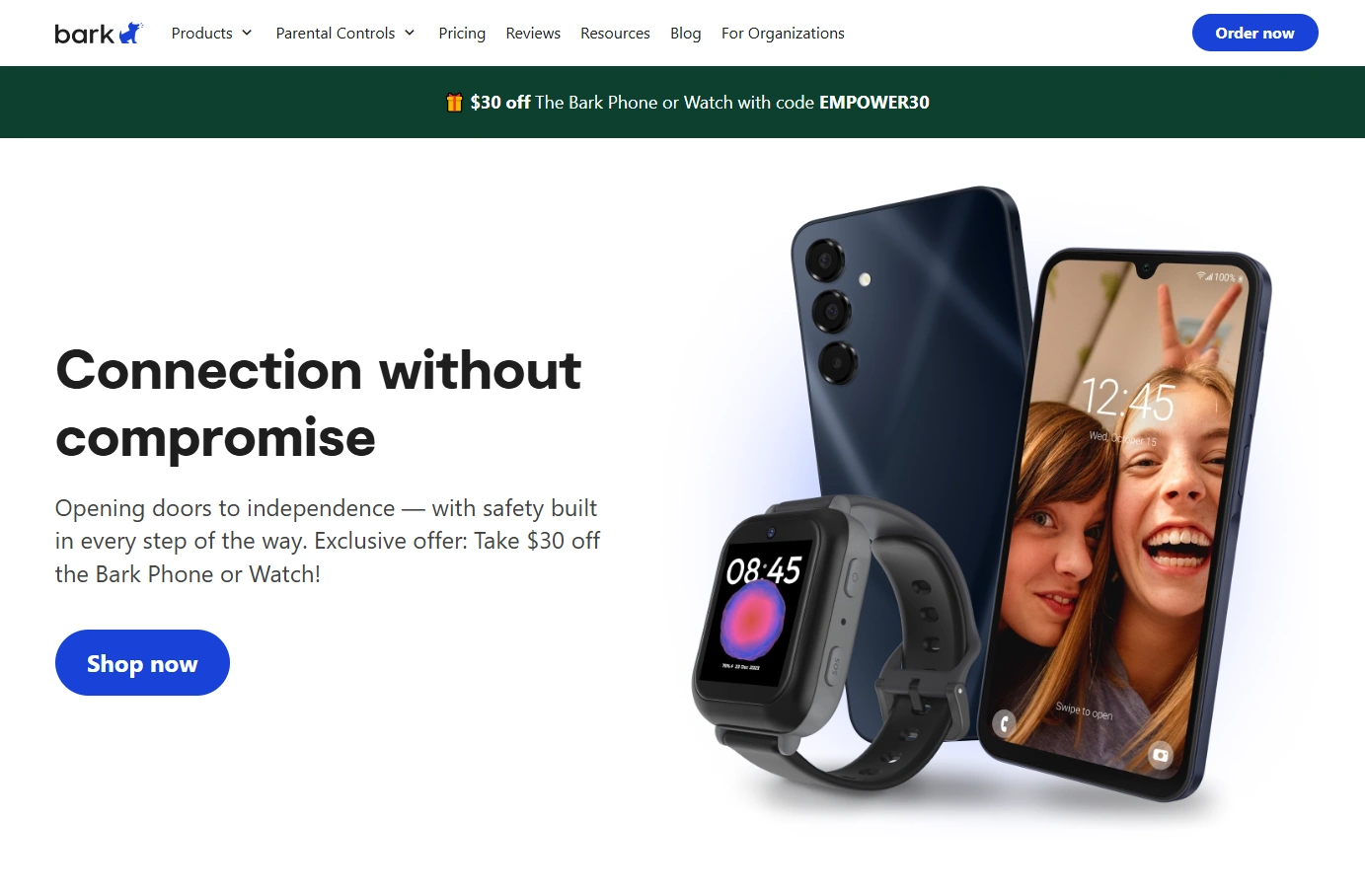
Bark
Description: Bark is a kid-safety-first parental control tool built around detecting risky situations and helping parents respond calmly and early (instead of reacting late).
Product highlights:
- Designed around kid safety signals and parent-friendly alerts
- Practical for under-13 rules: safer content, healthier habits
- Good “family agreement” fit (less intrusive, more preventative)
What’s to like: If your goal is a safer digital environment and fewer arguments, Bark tends to feel like a “support system” rather than an interrogation tool.
What’s not to like: Depending on device/platform, some features may differ; you’ll still want clear household rules for consistency.
PROS:
- Kid-focused approach (great for under 13)
- Helpful alerts instead of overwhelming data
- Supports healthy family boundaries
CONS:
- Feature depth can vary by platform
- Not meant for “every detail” monitoring (which is often good for under 13)
Check Bark Pricing & Features →
Parentaler
Description: Parentaler is a practical parental control option when you mainly want to enforce basic boundaries: limits, app control, and everyday monitoring without overcomplicating things.
Product highlights:
- Simple controls for day-to-day limits
- Good fit for “rules first” parenting
- Works best when paired with clear family routines
What’s to like: It’s a straightforward tool for parents who want results quickly—especially for screen-time structure and app control.
What’s not to like: If you want a strongly kid-safety-specialized system with nuanced alerts, Bark usually feels more “made for under-13s.”
PROS:
- Easier to adopt (less setup overwhelm)
- Practical for limits and basic monitoring
- Good “starter” choice for under-13 households
CONS:
- Less specialized for kid-safety alerting than Bark
- Advanced families may want deeper insights later

mSpy
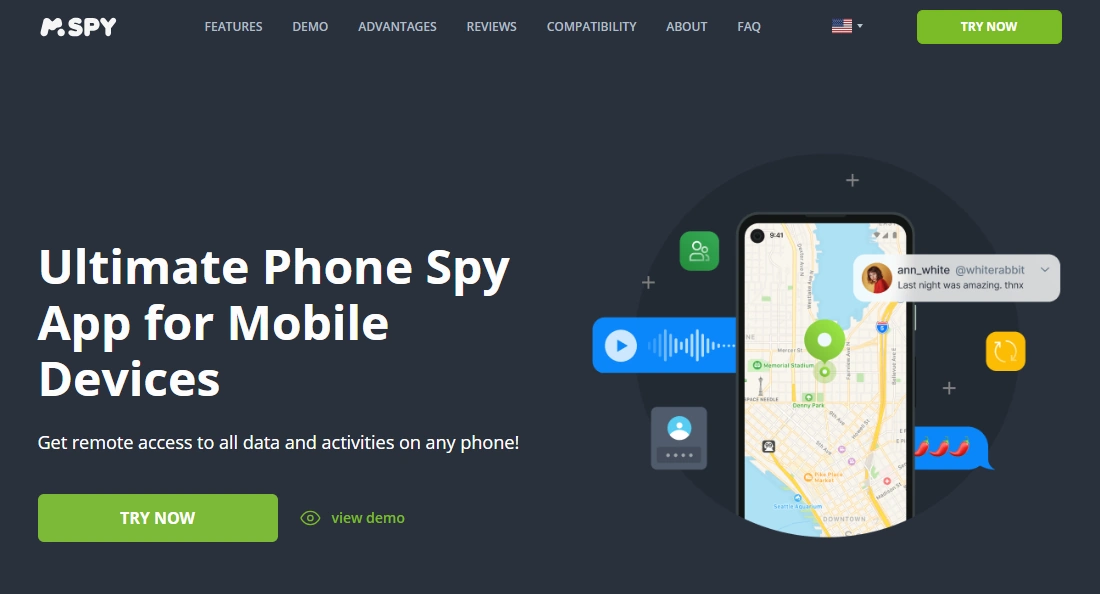
Description: mSpy is a feature-rich monitoring dashboard. For kids under 13, it’s best used only when your household has explicit consent and you genuinely need higher visibility for safety or repeated rule-breaking.
Product highlights:
- Wide set of monitoring features
- Useful if you want “one dashboard” coverage
- Can support structured review routines (weekly check-ins)
What’s to like: If you’re dealing with repeated issues and need consistent visibility, mSpy can be effective—especially on Android where controls are often deeper.
What’s not to like: It can be too much for many under-13 families. More features can mean more setup, more notifications, and more temptation to “check constantly.”
PROS:
- Very broad feature set
- Helpful for structured, rule-based monitoring
- Works for both Android and iPhone (with realistic platform limits)
CONS:
- Often overkill for under-13 needs
- Setup can be more involved than “simple rule apps”
Eyezy
Description: Eyezy is an advanced monitoring tool that can provide app activity insights and summaries. For under-13s, it’s most useful when you want lightweight insights without turning parenting into constant checking.
Product highlights:
- Monitoring features + activity insights
- Can be helpful for “what’s going on across apps”
- Best paired with strict family rules (what you check + how often)
What’s to like: Useful if your child is active across multiple apps and you want structured summaries to discuss calmly during a weekly review.
What’s not to like: It can feel too intense for younger kids if you use it as a “minute-by-minute” tool. Under 13, keep it rule-based, limited, and transparent.
PROS:
- Good for multi-app activity awareness
- Can support “weekly review” parenting style
- Strong option if you need more than basic limits
CONS:
- Advanced monitoring can increase family tension if not agreed upfront
- Not necessary for many under-13 households

Legal notes (and the “do this the right way” rule)
For kids under 13, the safest approach is: use parental controls openly, on your child’s device or a device you manage, with clear household rules and consent appropriate to age. Laws vary by country/state, and some monitoring behaviors can be illegal or violate platform policies if done secretly or without authorization.
If you’re unsure how to do this properly, follow these guides: Android: safe & legal setup and iPhone: safe & legal setup.
FAQ
What’s the best parental control app for kids under 13 overall?
If your priority is kid safety and content protection, Bark is usually the best overall. If you mainly need straightforward limits and app control, Parentaler is often easier to start with.
Do parental control apps work better on Android or iPhone?
Android typically allows deeper device controls. iPhone options can be more limited and permission-based depending on iOS settings and configuration.
How do I avoid turning monitoring into daily conflict?
Use schedules and limits first, then check alerts or summaries only during a weekly review. Make the rules visible and consistent.
Should I use advanced monitoring tools for a 9–12 year old?
Only if you have a clear safety reason and your family rules explicitly allow it. For most under-13 kids, content filtering + screen time limits are enough.
Which app is best if I only want screen time controls?
Start with a simple option focused on limits and app blocking (and compare with our Android/iPhone screen time guides). Heavy monitoring tools are often unnecessary for this goal.