

People often search for “iPhone monitoring apps without Apple ID password” because they want monitoring without iCloud credentials, without access to the phone, and without complicated setup.
Reality check: on modern iPhones, you generally cannot get deep, reliable monitoring without either (a) proper authorization + access, or (b) Apple account credentials you’re allowed to use. iOS is designed to prevent silent surveillance.
This guide focuses on what’s actually realistic in 2026—especially for parents who want safety and boundaries, not shady “hacker promises.” For the full iPhone shortlist, start here: Top iPhone Monitoring Apps.
Short on time? The most realistic options (2026)
- Best “no need to spy” safety approach: Bark (alerts-first parenting workflow)
- Best iPhone web filtering focus: Parentaler (boundaries + simple routines)
- Best “no jailbreak” iPhone monitoring route (authorized use): mSpy
- Best parent-friendly dashboard alternative: Eyezy
- Best option that doesn’t require Apple ID at all (limited + consent-based): Scannero (phone-number lookup style workflow)
If you’re unsure what “monitoring features” even mean on iOS, read: Monitoring App Features Explained: What You Can (and Can’t) Monitor.
Can you spy on an iPhone without the Apple ID password?
In most cases: no. If someone claims they can fully monitor an iPhone with zero access and no Apple credentials, treat it as a red flag.
What’s usually realistic depends on your situation:
- You’re a parent/guardian and you manage the device: parental control apps + Apple Screen Time are the most sustainable route.
- You have authorized physical access to the iPhone: some monitoring tools can be configured without jailbreaking, but you still need permission and a stable setup.
- You have no Apple ID password and no access: your options drop to very limited solutions (typically consent-based phone lookup workflows), not full iPhone monitoring.
Comparison table (best realistic picks)
| App | Best for | Platforms | Key highlights | Refund or Trial |
|---|---|---|---|---|
| Bark | Safety alerts for kids/teens | iPhone + Android | Alerts-first approach (less micromanaging) | See official site |
| Parentaler | Web filtering & simple boundaries | iPhone | Practical “rules & routines” parenting fit | See official site |
| mSpy | No-jailbreak monitoring route (authorized use) | iPhone | Often shortlisted for broader visibility than basic parental controls | See official site |
| Eyezy | Clean dashboard + daily check-ins | iPhone | Parent-friendly workflow (setup-dependent on iOS) | See official site |
| Scannero | Phone-number based lookup workflows | iPhone + Android | Doesn’t require Apple ID (limited; consent-based use) | See official site |
Want to compare more tools side-by-side? Use our master table: Parental Control & Monitoring Apps Comparison Table.
Best iPhone monitoring apps without Apple ID password (realistic reviews)
Bark – alerts-first safety for parents (no “spy mindset”)
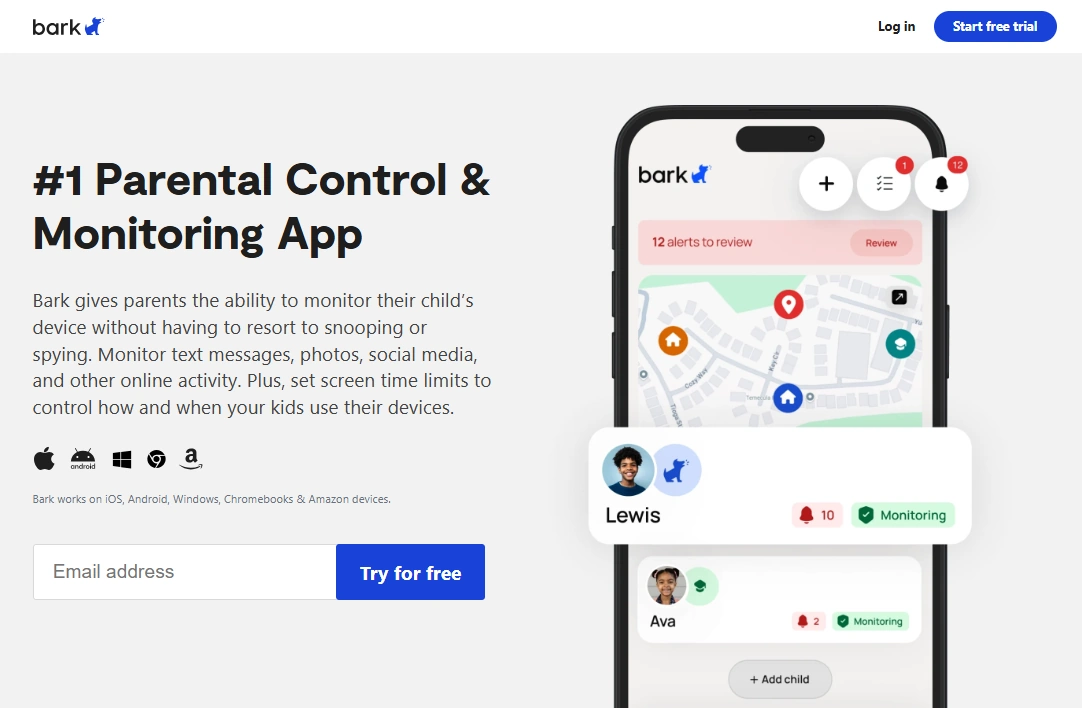
If your goal is child safety (not secret surveillance), Bark is one of the most realistic options on iPhone. It’s built around alerts and guidance rather than trying to turn parenting into full-time phone monitoring.
Key features
- Safety alerts and risk signals (plan/setup dependent)
- Parent-friendly dashboard (less micromanaging)
- Strong fit for kids and many teen households
PROS
- More sustainable long-term than “log everything” approaches
- Good for trust-preserving parenting
- Clear value if you want alerts, not endless data
CONS
- Not designed for extreme “spy-style” detail on iPhone
- Some features vary by device/setup
Ready to try Bark? Check the latest plans on the official website.
Parentaler – iPhone web filtering without complicated setup
If the real problem is “what my child sees online” (not deep surveillance), Parentaler is a practical iPhone pick. It’s best treated as a boundaries tool: safer browsing + simpler family rules.
Key features
- Web filtering focus for iPhone use cases
- Great for clear rules and younger kids
- Simple day-to-day parenting workflow
PROS
- Clear focus: web filtering
- Less overwhelm for non-technical parents
- Good “first step” before paying for complex tools
CONS
- May feel limited if you want broad monitoring visibility
- Not a “no-access magic solution” (iPhone still needs proper setup)
Ready to try Parentaler? Check the latest plans on the official website.
mSpy – no-jailbreak iPhone monitoring route (authorized use)
mSpy is often shortlisted by parents who want more visibility than basic parental controls provide. On iPhone, results depend heavily on your setup and what you’re legitimately able to configure on the device you manage.
For a full iPhone walkthrough, use: mSpy for iPhone: Full Review & Setup Guide.
Key features
- Designed for iPhone monitoring workflows without jailbreaking (setup-dependent)
- Often used when parents want broader visibility than Screen Time alone
- Works best when you can keep permissions and settings stable
PROS
- Common “all-round” shortlist pick for parents
- Good companion to a structured parenting plan
- Strong option to compare against Eyezy for overall value
CONS
- If you truly have no access and no credentials, iPhone monitoring won’t be realistic
- Feature depth depends on iOS constraints and setup
Ready to try mSpy? Check the latest plans on the official website.
Eyezy – parent-friendly iPhone dashboard (setup-dependent)
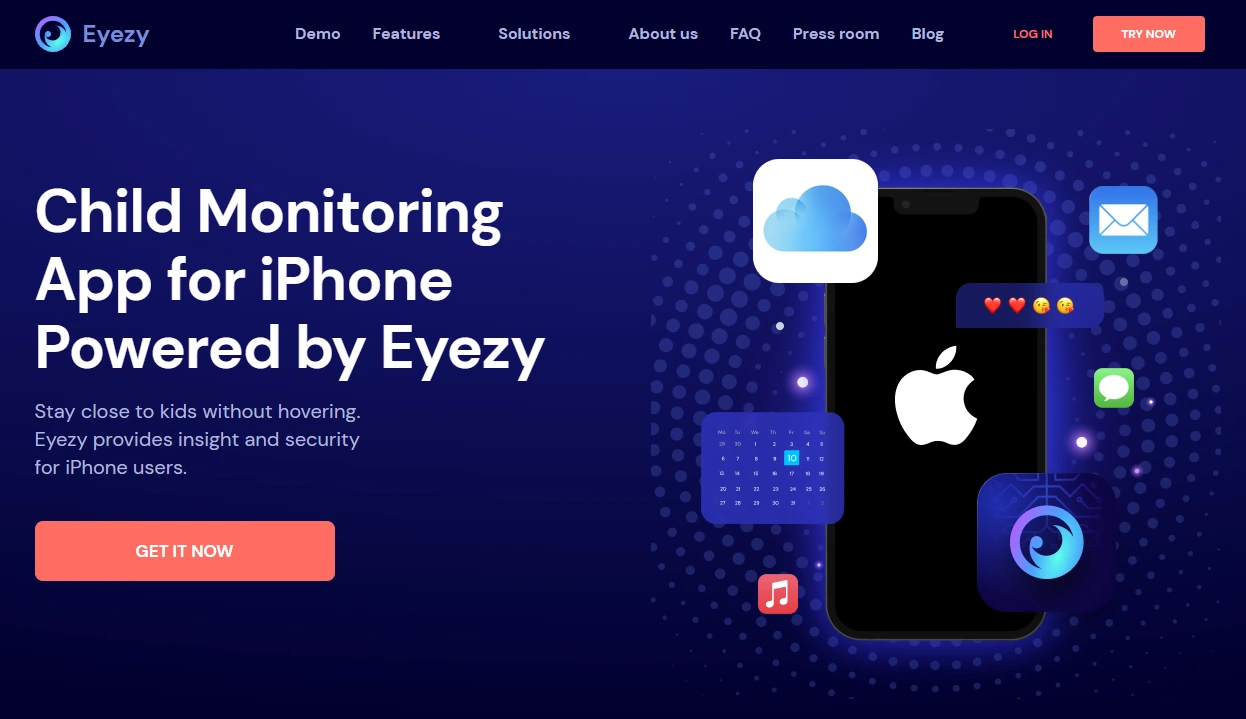
Eyezy is often chosen for its clean interface and “daily check-in” workflow. On iPhone, reliability is usually determined by whether your setup stays stable (permissions, sync consistency, and iOS limitations).
Recommended deep-dive: Eyezy for iPhone Review – Performance, iCloud Sync & Reliability.
Key features
- Parent-friendly dashboard for routine check-ins
- Good shortlist option if you want clarity over complexity
- Best results come from correct setup and stable permissions
PROS
- Clean UI and easy daily review workflow
- Good alternative to compare with mSpy
- Fits parents who want practical signals, not endless data
CONS
- iPhone monitoring is never “no access + no credentials” in a reliable way
- Feature behavior varies by iOS constraints and setup type
Ready to try Eyezy? Check the latest plans on the official website.
Scannero – no Apple ID needed (limited + consent-based)
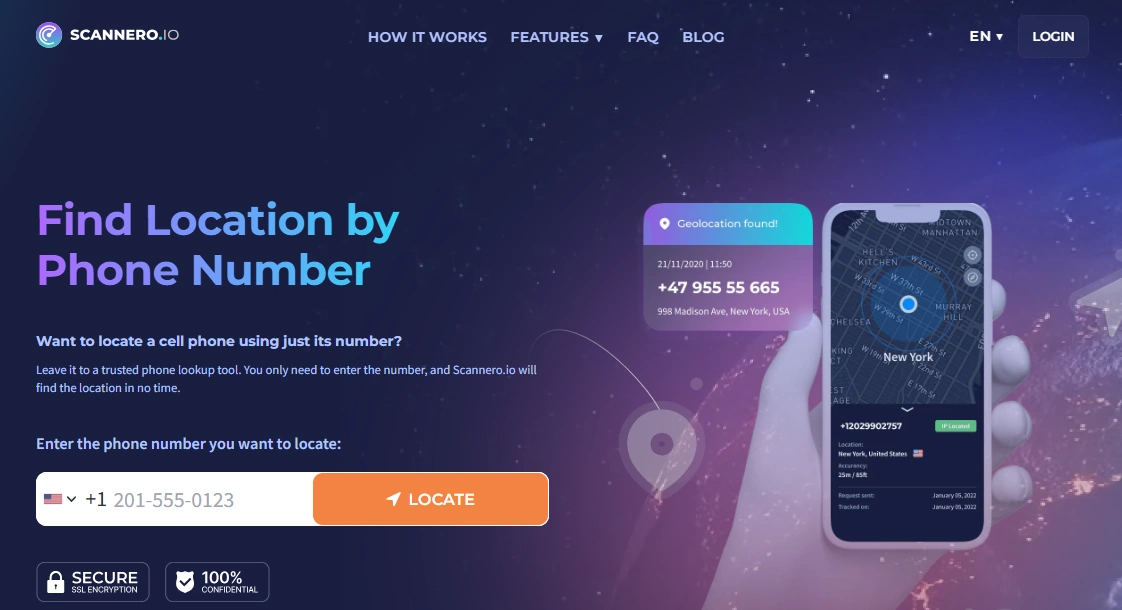
If you truly don’t have the Apple ID password and you don’t manage the iPhone, Scannero is a different kind of tool: it’s typically used for phone-number based lookup workflows, not deep iPhone spying. It doesn’t “break into” an iPhone.
Start here: How to Track a Phone Number with Scannero (Full Tutorial).
Key features
- Works without Apple ID credentials
- Phone-number oriented workflow
- Better fit for limited, consent-based use cases
PROS
- No iCloud/Apple ID requirement
- Practical for specific, limited scenarios
- Good fallback when iPhone monitoring isn’t realistic
CONS
- Not a full parental control suite
- Not a “monitoring app replacement” for iPhone device-level monitoring
Ready to try Scannero? Check the latest plans on the official website.
Which option is best for your situation?
If you’re parenting and want the most sustainable approach
Start with alerts + healthier boundaries. Pair Bark with a clear parenting framework: How to Choose the Right Monitoring App for Your Family. For Bark-specific guidance, see: Bark Screen Time & Content Filter Review.
If you mainly need web filtering (not deep surveillance)
Use Parentaler as your “rules & routines” tool and keep it simple. Related guide: Parentaler Website Blocking Review.
If you want broader iPhone visibility (and you manage the device)
Compare mSpy and Eyezy and choose based on your priorities. Start with: mSpy for iPhone – Full Review & Setup and Eyezy for iPhone – Complete Review & Setup.
If the phone is lost/stolen (not a parenting scenario)
Use a recovery-minded workflow, not “monitoring app thinking.” This guide helps you choose the safest path: How to Monitor a Lost or Stolen Phone (Using mSpy or Scannero).
If your child is too young for a full iPhone
Consider a kids’ phone or GPS watch with built-in parental controls (often fewer problems than iOS monitoring workarounds): Best Kids Phones and GPS Watches With Parental Controls.
Is it legal to use iPhone monitoring tools?
It depends on where you live and who owns/manages the device. In general, monitoring is safest when:
- You use it on a device you own or manage (for example, your child’s phone under your care).
- You have clear consent and transparent family rules.
Secretly tracking a partner or another adult without consent is usually illegal. Always read this before installing anything: Legal Phone Tracking: What’s Allowed and What’s Not.
FAQ
Can I monitor an iPhone without the Apple ID password?
In most cases, not in a deep or reliable way. iOS prevents silent surveillance. If you don’t have authorized access or the ability to manage the device, your options are limited to lighter, consent-based workflows.
Do I need to jailbreak an iPhone to use monitoring apps?
Many tools advertise “no jailbreak” workflows, but feature depth varies by setup type and iOS limitations. Match expectations to what’s realistic for iPhone monitoring in 2026.
What’s the best option for parents who forgot the Apple ID password?
If you manage your child’s device, use a parental-control approach (Bark/Parentaler) and build rules around Screen Time. If you need broader monitoring, compare mSpy and Eyezy with a proper setup you control.
Can I track iPhone location without iCloud login?
Full device-level location tracking typically relies on proper device setup and permissions. Without Apple credentials or access, you’re usually limited to consent-based phone-number workflows rather than “iPhone spying.”
Which app is best for iPhone web filtering?
If web safety is your priority, Parentaler is a strong iPhone-focused option. For a more “alerts-first” parenting style, Bark is often easier to maintain long-term.
Is it legal to install these apps on someone else’s iPhone?
It’s generally legal only on a device you own/manage (like your child’s phone) and under local privacy laws. Secretly monitoring another adult without consent is usually illegal. Read: Legal Phone Tracking.