

Searching for “hidden iPhone monitoring apps” usually means one of two things: you want fewer daily phone arguments as a parent, or you are trying to understand what iOS actually allows before you buy anything.
Here is the realistic 2026 version: iPhones are locked down by design. Any app that promises unlimited, invisible access to everything should be treated with caution. The safest use case is simple: monitor only an iPhone you own or manage, such as your child’s phone, a family device, or a company-owned device with proper notice.
For a broader iPhone shortlist, start with our Top iPhone Monitoring Apps guide. This page focuses specifically on low-friction, parent-friendly monitoring options and what “hidden” can realistically mean on iOS.
Short on time? Best hidden-style iPhone monitoring picks for 2026
- Best for safety alerts with less micromanaging: Bark
- Best all-round iPhone monitoring dashboard: mSpy
- Best clean dashboard for calm daily check-ins: Eyezy
- Best situational pick for social-heavy teen scenarios: uMobix
- Best simple parent workflow: Parentaler
- Best budget-style shortlist option to compare carefully: Spynger
- Best free starting point: Apple Screen Time + Family Sharing
Bottom line: for most parents, the best setup is Apple Screen Time for boundaries, then a parent-focused monitoring tool only if you need safety alerts, location awareness, or a clearer dashboard.
Is hidden iPhone monitoring legal?
Monitoring should only be used on devices you own or manage, such as your child’s iPhone, your own iPhone, or a company-owned device with the right notice and policies. Monitoring another adult without consent is usually illegal and can create serious legal problems.
Before choosing any tool, read our legal guide: Legal Phone Tracking: What’s Allowed and What’s Not.
What “hidden” really means on iPhone in 2026
On iPhone, “hidden” should not mean secret adult tracking or bypassing Apple’s security. A safer, more realistic definition is:
- Low-friction parenting: fewer daily phone checks and fewer arguments.
- Routine review: checking alerts, location, and activity patterns at set times instead of constantly watching.
- iOS-aware expectations: understanding that some features are limited by Apple’s privacy model.
- Consent-first setup: using monitoring as part of a family safety plan, not as a punishment or surprise.
For a plain-English feature breakdown, see Monitoring App Features Explained: What You Can and Can’t Monitor.
Quick comparison table
| App | Best for | Platforms | Key highlights | Refund or Trial |
|---|---|---|---|---|
| Apple Screen Time | Free boundaries and restrictions | iPhone | Downtime, app limits, content restrictions, purchase controls | Free |
| Bark | Safety alerts without constant checking | iPhone + Android | Alerts-first workflow for parents who want fewer daily conflicts | See official site |
| mSpy | All-round monitoring dashboard | iPhone | Structured dashboard approach for parent check-ins | See official site |
| Eyezy | Clean daily review workflow | iPhone | Simple interface for spotting patterns and reviewing key signals | See official site |
| uMobix | Social-heavy teen scenarios | iPhone | Worth comparing when social activity is the main concern | See official site |
| Parentaler | Simple parent routine | iPhone + Android | Lower-overwhelm option for families who want consistency | See official site |
| Spynger | Budget-style comparison pick | iPhone | Shortlist only if its current feature set matches your iPhone setup | See official site |
Best hidden-style iPhone monitoring apps for parents
Bark – best for safety alerts without micromanaging
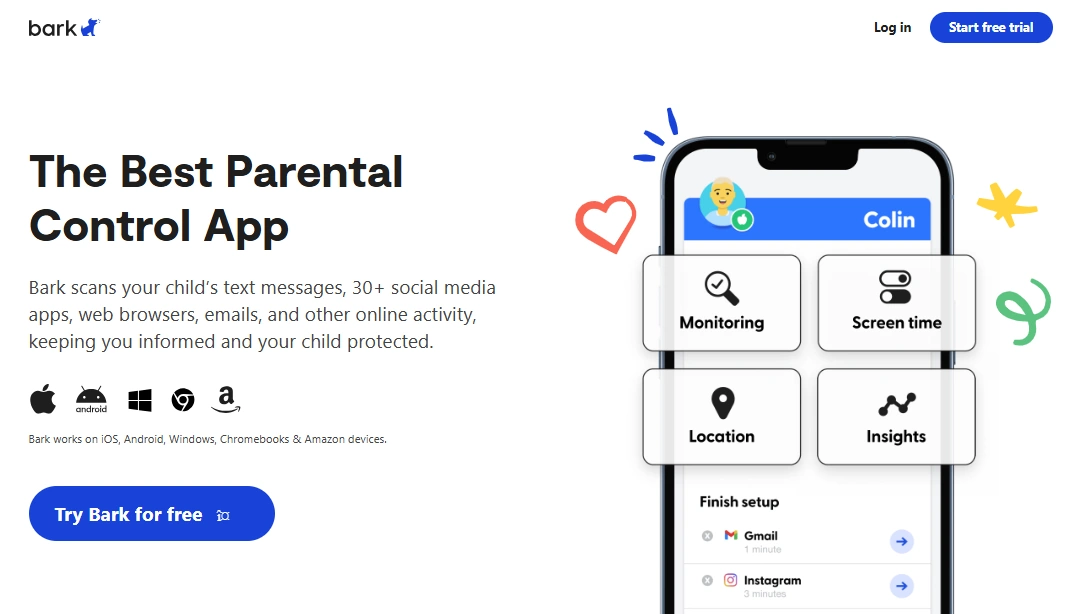
Bark is the best fit when you do not want to read every detail or turn parenting into surveillance. Its strength is an alerts-first approach: you can focus on conversations and intervention when something looks risky, instead of checking a dashboard all day.
This makes Bark a strong first paid option for families who already use Screen Time but want more safety signals around online behavior.
Key features
- Alerts-first parent workflow
- Designed for safety conversations, not constant checking
- Useful for families who want less micromanaging
- Works as a complement to Apple Screen Time boundaries
PROS
- Best fit for healthier parent-child conversations
- Less overwhelming than “log everything” dashboards
- Strong option for kids and many teen households
CONS
- May feel too light if you want a detailed dashboard
- Not intended for deep “spy-style” monitoring
Ready to try Bark? Check the latest plans on the official website.
mSpy – best all-round iPhone monitoring dashboard
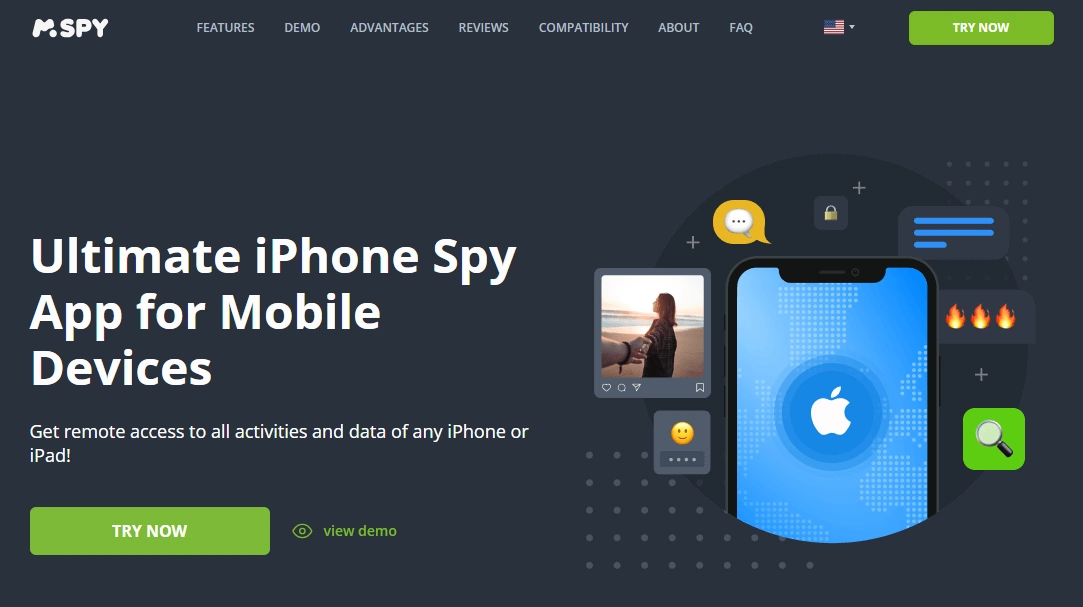
mSpy is a strong choice if you want a single dashboard for routine parent check-ins. It is best for parents who want more structure than Screen Time alone, but still understand that iPhone monitoring is setup-dependent.
Use mSpy as a scheduled review tool: check key signals, look for patterns, and then talk with your child if something needs attention.
Key features
- All-round iPhone monitoring dashboard
- Useful for scheduled parent check-ins
- Good comparison option against Eyezy and uMobix
- Better for broader visibility than simple screen time limits
PROS
- Strong “one dashboard” option for parents
- Good fit when Apple Screen Time feels too limited
- Clear shortlist pick for iPhone monitoring
CONS
- iOS limitations still apply
- Not a magic “monitor everything” solution
Ready to try mSpy? Check the latest plans on the official website.
Eyezy – best clean dashboard for calm daily check-ins
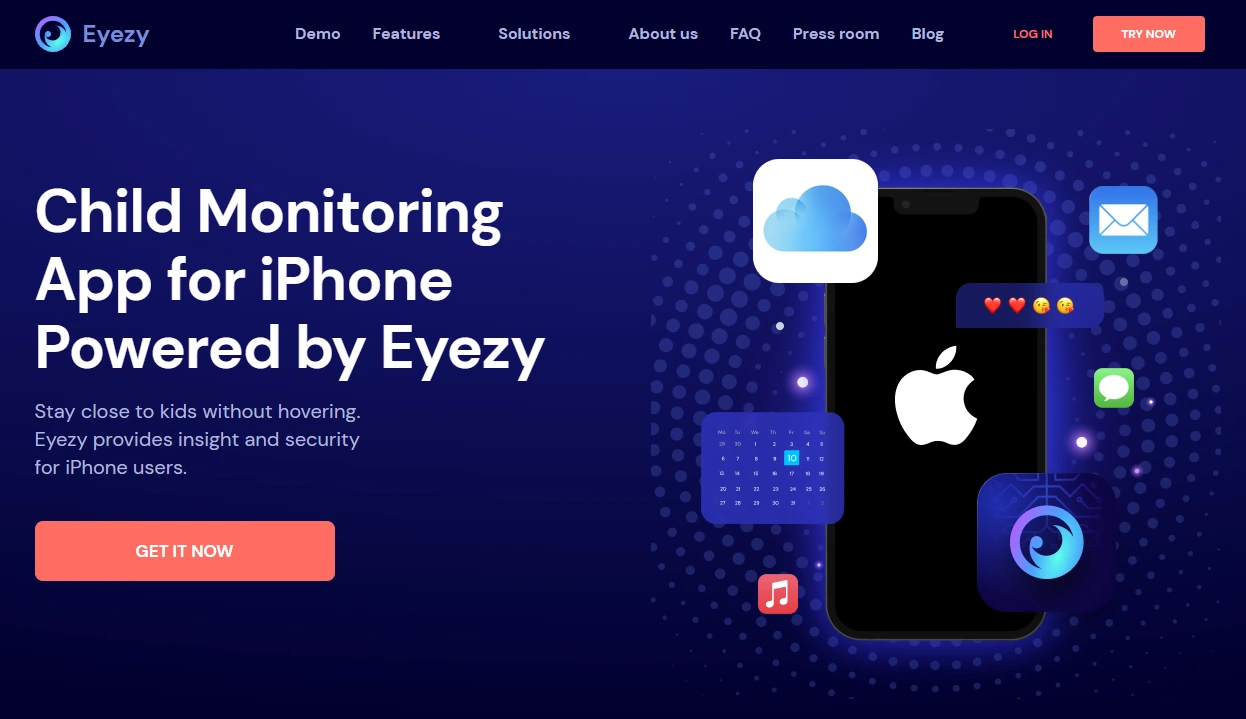
Eyezy is best for parents who want a clean interface and a simple review routine. If you tend to get overwhelmed by dashboards, Eyezy is easier to live with because the workflow feels more focused.
It is especially useful when your goal is pattern spotting: location habits, social activity signals, and daily check-ins rather than constant surveillance.
Key features
- Clean parent-friendly dashboard
- Useful for daily or weekly review routines
- Good option for pattern spotting
- Strong usability-focused alternative to mSpy
PROS
- Easy interface for non-technical parents
- Good fit for calm daily check-ins
- Less overwhelming than many power-user tools
CONS
- Feature depth depends on iPhone setup
- May not be ideal if you want maximum dashboard detail
Ready to try Eyezy? Check the latest plans on the official website.
uMobix – best situational pick for social-heavy teen scenarios
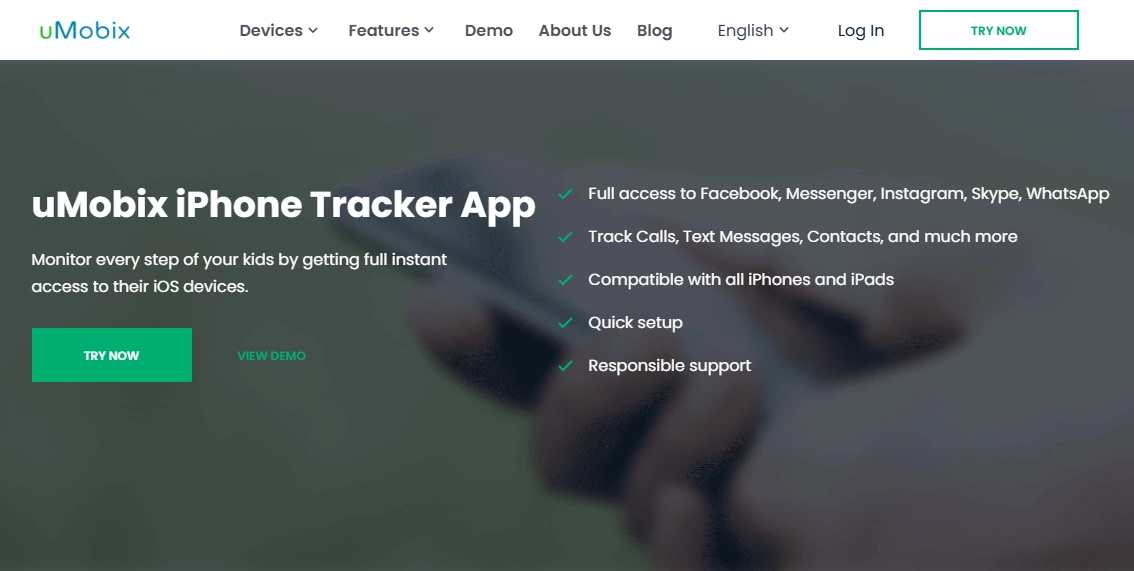
uMobix is worth shortlisting when your biggest concern is social-heavy behavior. It is not the first pick for simple limits or bedtime rules, but it can make sense when you are comparing tools for teen-related online risk signals.
Before choosing it, compare your actual goal: do you need alerts, a clean parent workflow, or deeper dashboard detail?
Key features
- iPhone-focused monitoring option
- Useful comparison pick for social-heavy concerns
- Works best as part of a routine review workflow
- Good shortlist option against mSpy and Eyezy
PROS
- Worth comparing for teen social scenarios
- Clear iPhone-focused offer
- Useful when social activity is the main concern
CONS
- Not the best choice for simple parental controls
- iPhone setup limits still matter
Ready to try uMobix? Check the latest plans on the official website.
Parentaler – best simple parent workflow

Parentaler is a good option if your main goal is consistency. Many families do not need a complicated monitoring stack; they need simple boundaries, a predictable review routine, and fewer settings to manage.
Use Parentaler if you want a calmer alternative to feature-heavy tools and you care more about a maintainable family routine than maximum data detail.
Key features
- Simple parent-friendly workflow
- Good fit for routine and consistency
- Lower-overwhelm alternative to complex dashboards
- Useful for families moving beyond built-in controls
PROS
- Easy to keep consistent
- Good for less technical parents
- Strong “start simple” option
CONS
- May feel limited for advanced monitoring needs
- Not ideal if you want the deepest possible dashboard
Ready to try Parentaler? Check the latest plans on the official website.
Spynger – budget-style shortlist option to compare carefully
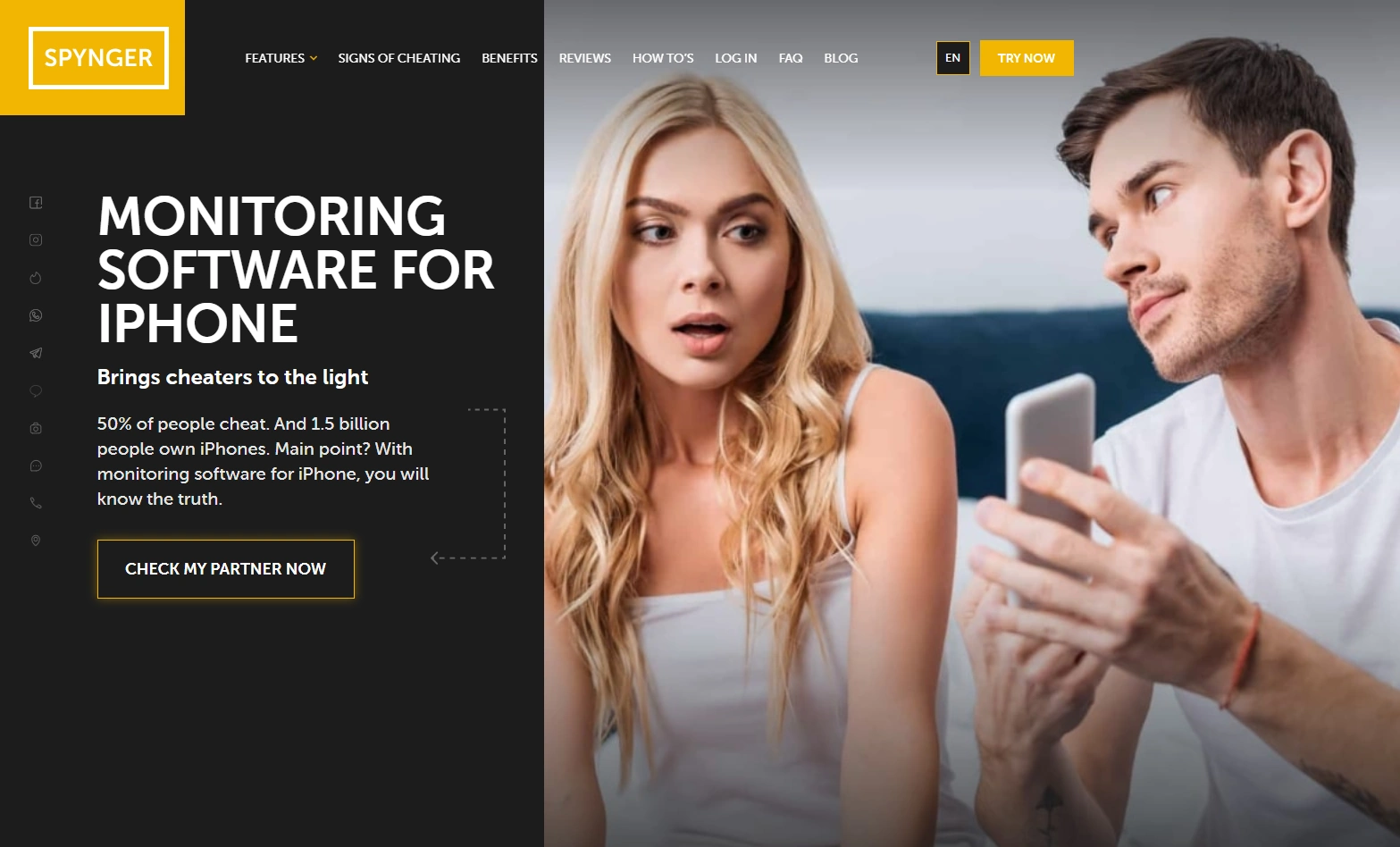
Spynger is a comparison pick rather than the first recommendation. It may be worth checking if you are comparing several iPhone-focused tools, but read the current offer details carefully and make sure the available features match your family’s setup.
For most parents, Bark, mSpy, Eyezy, or Parentaler will be easier to position clearly. Spynger is mainly useful as a secondary shortlist option.
Key features
- iPhone-focused comparison option
- Worth reviewing against current pricing and feature claims
- Can be considered after the stronger parent-first picks
PROS
- Useful extra comparison point
- Dedicated iPhone offer exists
- May suit some budget-conscious shoppers
CONS
- Not my first pick for most families
- Feature expectations should be checked carefully before buying
Ready to try Spynger? Check the latest plans on the official website.
Which option is best for your situation?
If you mainly need limits, downtime, and purchase controls
Start with Apple Screen Time + Family Sharing. It is free, built into iOS, and enough for many younger kids.
If you want alerts without checking everything manually
Start with Bark. It is the best fit when you want safety signals without turning your routine into constant monitoring.
If you want an all-round parent dashboard
Compare mSpy and Eyezy. Choose mSpy if you want a broader dashboard, or Eyezy if you want a cleaner daily check-in workflow.
If social activity is the main concern
Shortlist uMobix, then compare it with Eyezy or Bark depending on whether you prefer dashboard review or alerts.
If you want the simplest long-term routine
Choose Parentaler or use Screen Time first. Consistency matters more than adding too many tools at once.
Setup principles for safer family monitoring
- Explain the reason: safety, routines, sleep, school focus, or risky behavior signals.
- Set review times: daily or weekly check-ins are healthier than constant checking.
- Use the least invasive option first: Screen Time, then alerts, then dashboards if needed.
- Review after iOS updates: settings and sync behavior can change.
- Keep adults out of it: do not use these tools to monitor another adult without consent.
Related iPhone monitoring guides
- Best iPhone Monitoring Apps for Parents
- Top iPhone Monitoring Apps
- Monitoring App Features Explained
- Parental Control & Monitoring Apps Comparison Table
- Legal Phone Tracking: What’s Allowed and What’s Not
FAQ
Are hidden iPhone monitoring apps really possible?
iPhones are strict, so “hidden” should be understood as low-friction, parent-managed monitoring rather than unlimited invisible access. Be cautious with any app that promises total access with no realistic setup requirements.
Is it legal to monitor my child’s iPhone?
In many cases, parents can set rules and monitoring on a device they own or manage for their child. Laws vary, so use consent-first, family-safety framing and avoid monitoring another adult without permission.
Do iPhone monitoring apps need jailbreak?
Most parents should avoid jailbreak-based setups. No-jailbreak options are safer and more realistic for normal family use, but feature depth can be limited by iOS.
What is the best hidden-style iPhone monitoring app for parents?
For alerts, Bark is the best first pick. For a dashboard, compare mSpy and Eyezy. For simple routines, consider Parentaler or Apple Screen Time.
Can I monitor an iPhone without Apple ID access?
Legitimate access matters on iPhone. If you do not manage the Apple ID or device, your options are limited and may not be appropriate. Start with built-in family controls whenever possible.
Which app is best for social media concerns?
uMobix is worth shortlisting for social-heavy teen scenarios, while Bark is better when you prefer alerts and less micromanaging.
Will monitoring apps affect battery or performance?
Any monitoring setup can affect battery or performance depending on sync frequency, permissions, and iOS behavior. Keep settings simple and review them after major iOS updates.