

If you’re a parent trying to keep your child safe on an iPhone, you usually want three things:
- Boundaries: limits, downtime, content filtering, purchase blocks
- Safety signals: risky behavior indicators without constant micromanaging
- Peace of mind: a monitoring routine that doesn’t turn into daily fights
This guide compares the best iPhone monitoring apps for parents in 2026 (including Apple’s built-in options), plus realistic expectations for iOS.
For the iPhone hub, see: Top iPhone Monitoring Apps.
Short on time? Best picks for parents (2026)
- Best for safety alerts (less micromanaging): Bark
- Best all-round monitoring dashboard: mSpy
- Best clean dashboard for daily check-ins: Eyezy
- Best situational pick for social-heavy teen scenarios: uMobix
- Best “keep it simple” parenting workflow: Parentaler
- Best free option (built-in): Apple Screen Time + Family Sharing
Important iPhone reality check: iOS is stricter than Android. Monitoring depth can be setup-dependent, and “100% invisible, monitor everything, no access required” promises are usually a red flag.
Is it legal to monitor an iPhone as a parent?
In most situations, parents/guardians can set up monitoring and restrictions on devices they own or manage for their child. Secretly monitoring another adult without consent is usually illegal and can create serious legal trouble.
Read this first (seriously): Legal Phone Tracking: What’s Allowed and What’s Not.
What “iPhone monitoring” can realistically mean in 2026
Parents typically use iPhone monitoring for some combination of:
- Parental controls: content restrictions, app limits, downtime, purchase blocks
- Safety signals: risky content patterns, concerning behavior, location awareness
- Communication awareness: enough visibility to intervene when needed (not constant spying)
If you want a simple breakdown of what monitoring features mean (and what’s realistic), read: Monitoring App Features Explained: What You Can (and Can’t) Monitor.
Quick comparison table (best iPhone monitoring apps for parents)
| App | Best for | Platforms | Key highlights | Refund or Trial |
|---|---|---|---|---|
| Apple Screen Time | Free limits, downtime, content restrictions | iPhone | Best starting point for most families | Free |
| Bark | Safety alerts (less micromanaging) | iPhone + Android | Alerts-first parenting workflow | See official site |
| Parentaler | Simple rules + parent-friendly routine | iPhone + Android | Great “start simple” approach | See official site |
| mSpy | All-round monitoring dashboard | iPhone | Broader “one dashboard” option (setup-dependent on iOS) | See official site |
| Eyezy | Clean dashboard + daily check-ins | iPhone | Usability-first parent workflow (setup-dependent on iOS) | See official site |
| uMobix | Social-heavy teen scenarios (situational) | iPhone | Shortlist option when socials are the main concern | See official site |
Want to compare more tools and use-cases? Start here: The Best Parental Control Apps for iPhone.
1) Apple Screen Time (free): best first step for most parents
If your main goal is boundaries (limits, downtime, content filtering, purchase blocks), Apple’s built-in parental controls are usually enough — and they’re free.
Step-by-step setup guide: How to Set Up Parental Controls on iPhone
Best iPhone monitoring apps for parents (detailed reviews)
Bark – best for safety alerts (less micromanaging) in 2026
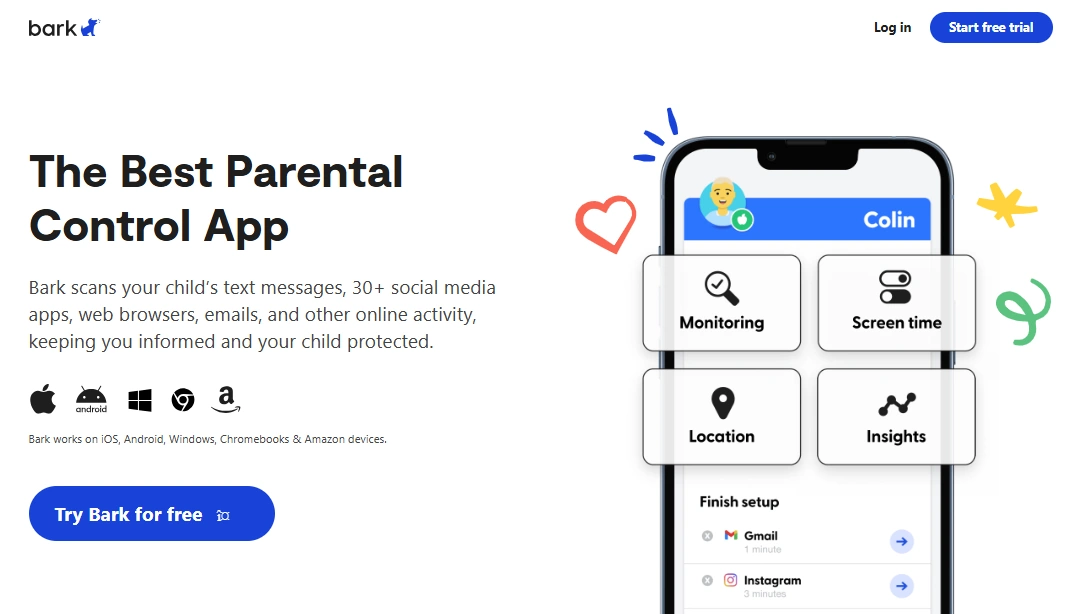
Bark is ideal if you want a healthier parenting style: you get alerts and intervene when needed, instead of constantly checking everything. For many families, this reduces daily conflict and keeps monitoring focused on safety.
Key features
- Alerts-first approach to child safety
- Designed to support parent interventions (not nonstop checking)
- Often easier to sustain long-term than “log everything” tools
PROS
- Great for reducing micromanaging
- Strong fit for kids and many teen households
- Encourages healthier conversations, not constant control
CONS
- May feel “too light” if you want deep dashboard detail
- Not designed for extreme “spy-style” monitoring
Ready to try Bark? Check the latest plans on the official website.
Parentaler – best “keep it simple” monitoring routine for parents

Parentaler is a strong option if you want structure and simplicity: clear boundaries, a parent-friendly workflow, and fewer settings to obsess over. It’s a good step up when Screen Time feels too limited or too “menu-heavy.”
Key features
- Parent-friendly monitoring workflow
- Good fit for families who want simple routines
- Often lower “overwhelm” than advanced dashboard tools
PROS
- Easy to keep consistent long-term
- Good for less technical parents
- Great “start simple” option beyond Screen Time
CONS
- May feel limited if you want advanced visibility
- Not aimed at power users who want every possible data category
Ready to try Parentaler? Check the latest plans on the official website.
mSpy – best all-round iPhone monitoring dashboard for parents
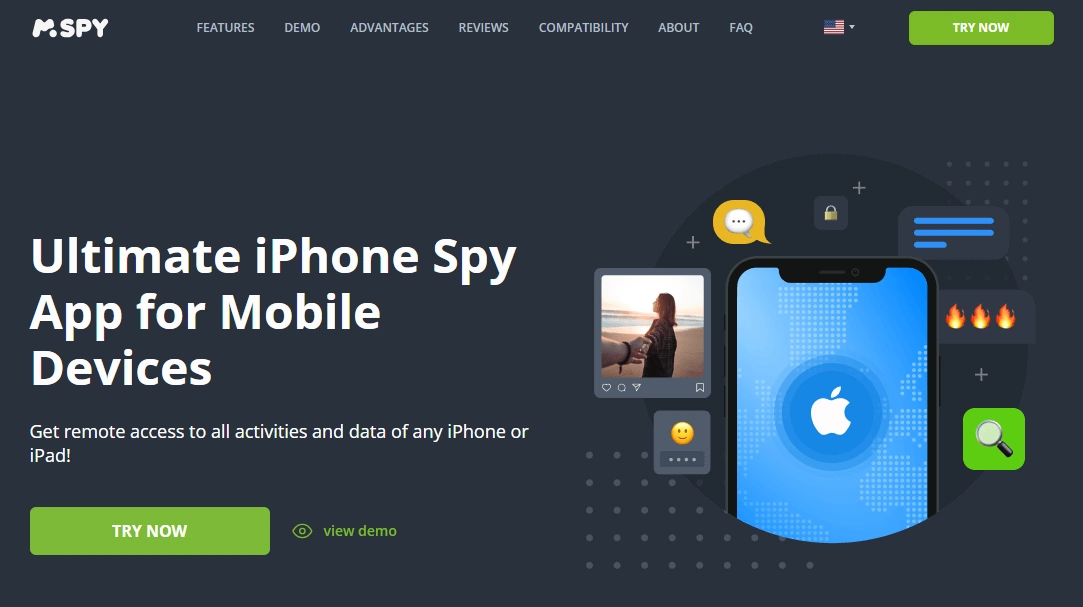
mSpy is best for parents who want an all-round monitoring dashboard and a structured check-in routine. On iPhone, the experience is setup-dependent, so the best results come from realistic expectations and stable configuration.
Key features
- All-round dashboard approach for iPhone monitoring
- Works best with routine check-ins (not constant refreshing)
- Good “one dashboard” alternative to built-in controls
PROS
- Strong all-round option for parents who want broader visibility
- Great shortlist pick to compare against Eyezy/uMobix
- Useful when you want more than just app limits
CONS
- iPhone monitoring is setup-dependent (not “magic stealth”)
- Some data categories can be limited by iOS constraints
Full walkthrough: mSpy for iPhone: Full Review & Setup Guide
Ready to try mSpy? Check the latest plans on the official website.
Eyezy – best clean dashboard for calm daily parent check-ins
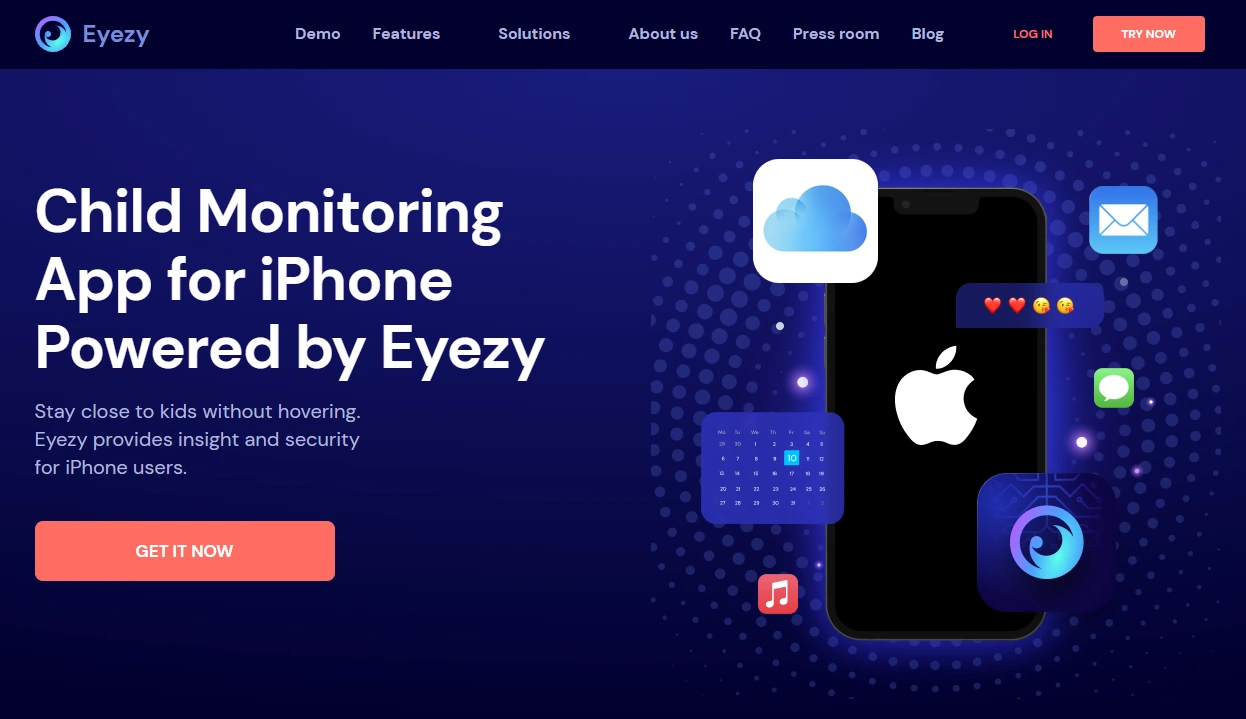
Eyezy is best if you want a clean, parent-friendly dashboard and a simple routine: check once a day, spot patterns, and talk to your child when something looks off. It’s one of the easiest options to live with long-term.
Key features
- Usability-first monitoring dashboard
- Designed for daily check-ins and pattern spotting
- Strong alternative to feature-heavy tools
PROS
- Clean interface that’s easy to use consistently
- Great fit for parents who dislike complex dashboards
- Logical shortlist comparison vs mSpy
CONS
- iOS limitations still apply (setup-dependent)
- Not built for unrealistic “monitor everything silently” expectations
Full walkthrough: Eyezy for iPhone: Complete Review & Setup
Ready to try Eyezy? Check the latest plans on the official website.
uMobix – best situational pick for social-heavy teen scenarios
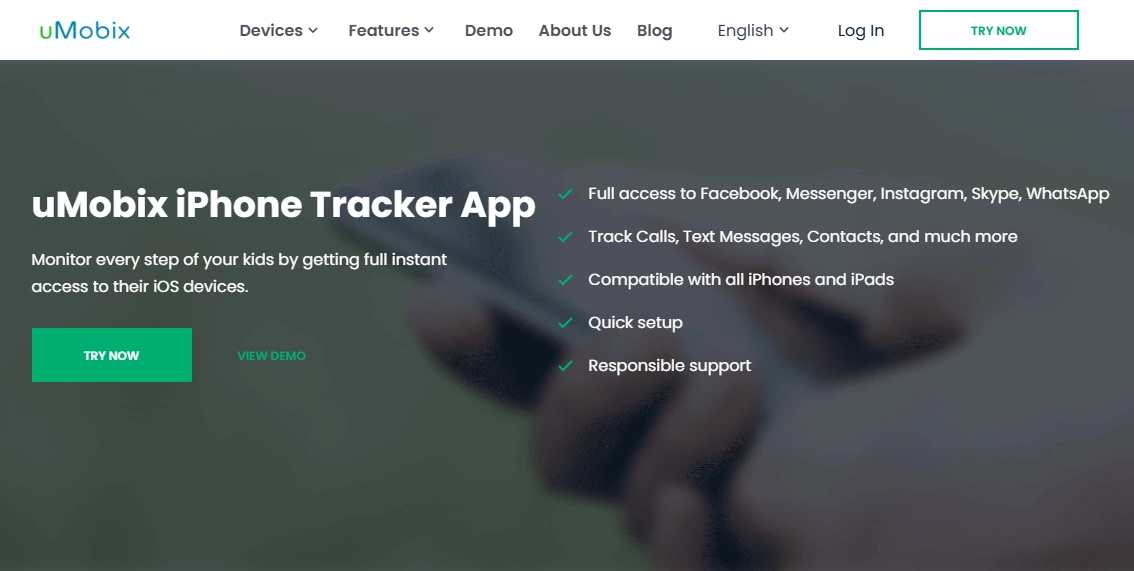
uMobix can be a strong situational pick if your main concern is social-heavy behavior (rather than simple limits). Treat it as a shortlist option to compare against mSpy and Eyezy based on your parenting goal.
Key features
- Built for iPhone monitoring scenarios (setup-dependent)
- Often shortlisted when socials are the priority
- Works best with stable setup and routine check-ins
PROS
- Good comparison option for teen scenarios
- Worth shortlisting when social apps are the main concern
- Simple workflow for many parents
CONS
- Not the best fit if you only want limits and downtime
- As with all iPhone options, results depend on setup constraints
Full walkthrough: uMobix for iPhone: Review & Setup
Ready to try uMobix? Check the latest plans on the official website.
Which iPhone monitoring app is best for your situation?
If you only need boundaries (limits, bedtime, purchases)
Start with Apple Screen Time + Family Sharing. It’s free and usually enough for younger kids.
If you want safety alerts (and less micromanaging)
Start with Bark. It’s often the most sustainable option for long-term parenting.
If you want an all-round dashboard beyond Screen Time
Start with mSpy for iPhone (guide), or go directly to mSpy if you already know you want the “one dashboard” approach.
If you want the cleanest dashboard and a calm daily routine
Start with Eyezy for iPhone (guide), or go directly to Eyezy.
If socials are the main risk area (situational)
Start with uMobix for iPhone (guide), or go directly to uMobix.
If you want a simple “keep it consistent” workflow
Start with Parentaler and keep your rules simple (weekly adjustments beat daily changes).
Setup tips that prevent 90% of parent headaches
- Start simple: restrict web content + 2–3 app limits first, then tighten later.
- Use routines: one daily check-in (or weekly review) beats obsessive monitoring.
- Talk before you lock: explain the “why” to reduce rule-breaking and conflict.
- After iOS updates: re-check that settings and syncing still behave as expected.
What if you don’t have Apple ID login?
Be careful with expectations. On iPhone, legitimate access matters. If your scenario involves missing credentials, start here:
- Best iPhone Monitoring Apps Without Apple ID Password
- Best iPhone Monitoring Apps That Work Without Apple ID Login
FAQ
What is the best iPhone monitoring app for parents in 2026?
For most families, start with Apple Screen Time. If you want safety alerts, Bark is often best. If you want an all-round dashboard, compare mSpy and Eyezy based on your preferred workflow.
Is it legal to monitor my child’s iPhone?
In many cases, parents can monitor a device they own or manage for their child, but laws vary. Secretly monitoring another adult without consent is usually illegal. Read: Legal Phone Tracking.
Do iPhone monitoring apps need jailbreak?
Most parents prefer no-jailbreak approaches. iOS is more restricted than Android, so feature depth can vary depending on setup type and what you can legitimately configure.
What’s better for parents: Bark or Screen Time?
Screen Time is great for boundaries (limits, downtime, purchases). Bark is often better if you want safety alerts and fewer daily arguments.
Which is better for a dashboard: mSpy or Eyezy?
mSpy is a strong all-round “one dashboard” option. Eyezy is often better for parents who want the cleanest interface and a calm daily check-in routine.
Can I monitor an iPhone without Apple ID access?
Options can be limited without legitimate access. Start with these guides to avoid unrealistic expectations: without Apple ID password and without Apple ID login.