

iMessage is where most kids actually talk—especially in group chats. That’s great for staying connected… and also where parents first see issues like bullying, risky links, older strangers, sleep-killing late-night drama, or “secret” chat groups.
This guide compares the best iMessage tracking apps for kids’ iPhones, with a realistic focus on what you can (and can’t) monitor on iOS, what’s reliable in everyday use, and which option fits your parenting style.
Important: this is for legal, parent/guardian monitoring of a child’s device (or any device you own/manage with explicit consent). If you’re trying to monitor another adult without permission, don’t—see the legal notes.
Short on time? Quick verdict
- Best iMessage-focused monitoring suite: mSpy (good all-around visibility when setup is stable)
- Best for non-techy parents: Eyezy (simpler dashboard for routine check-ins)
- Best “parental control” vibe: Bark (safety + alerts approach, less intrusive feel)
- Best extra iPhone suite to compare: uMobix iPhone Tracker (good “compare-and-decide” option)
Quick jump: 60-second checklist · Verdict · Comparison table · What really matters on iPhone · Best for your situation · Setup tips & common issues · Reviews · Legal notes · FAQ
60-second decision checklist
- Define your goal: safety alerts, visibility into chats, or “who is messaging my kid”?
- Age matters: under-13 needs different rules than a teen (boundaries + trust).
- Know iPhone reality: iOS monitoring can be more constrained than Android—setup route matters.
- Choose the lightest solution that works: many families do best with alerts + boundaries, not “read everything.”
- Plan for maintenance: iOS updates and Apple ID changes can disrupt monitoring.
- Make it transparent: kids behave better when rules are clear (and monitoring doesn’t become a cat-and-mouse game).
Verdict: which iMessage tracking app is best for kids’ iPhones?
Best overall suite (most parents choose this)
Pick mSpy if you want iMessage visibility plus broader monitoring in one dashboard—and you’re willing to keep the setup stable.
Best for non-techy parents
Pick Eyezy if you want a simpler dashboard and quick check-ins without endless tweaking.
Best “parental control” vibe
Pick Bark if your priority is safety + alerts and you prefer a less “spy-ish” approach that’s easier to explain to kids.
If you’re still deciding, these help: Best iMessage monitoring apps for parents and How to choose the right iPhone monitoring app.
Comparison table
| App | Best for | iMessage angle | Real-life reliability | Parent “feel” |
|---|---|---|---|---|
| mSpy | Parents who want a full suite | Dedicated iMessage offer + broader monitoring toolkit | High when setup stays stable; can drop after updates/account changes | More “monitoring suite” |
| Eyezy | Non-techy parents | iMessage offer with a simpler dashboard workflow | Good for routine check-ins; still setup-dependent | More “parent-friendly UI” |
| Bark | Safety alerts + boundaries | Text monitoring + safety alerts mindset (less “read everything”) | Strong when used with clear family rules | More “parental control” |
| uMobix | Another iPhone suite to compare | Suite-style iPhone tracker option | Varies by device situation and maintained access | More “compare-and-decide” |
What really matters when tracking iMessage on kids’ iPhones
1) iPhone monitoring depends on the setup route
On iOS, two families can buy the same tool and get different results because iPhone monitoring depends on how the device is configured and whether access stays stable over time.
Use a safe setup guide so you don’t waste money: How to set up iPhone monitoring safely and legally.
2) Deleted iMessages are not guaranteed
No app can promise it will always show deleted messages. The practical rule is simple: if a message is captured before it’s deleted, you might see it. If it’s already gone, recovery is not guaranteed.
If this is your main concern, read: Best apps to recover deleted chats and media.
3) Group chats are the biggest risk zone
Most real parenting problems happen in group chats: social pressure, bullying, risky links, older contacts, and “everyone does it” decisions. Your goal should be fast signals + smart response, not endless monitoring.
4) Transparency beats secret surveillance (especially with teens)
When kids understand the boundaries (“this is for safety”), they’re less likely to play games. If you want a broader overview, see: Safest parental control apps for kids under 13.
Best for your situation
- My kid is under 13 and I want safety + structure: Bark is often the easiest to keep consistent (rules, alerts, parenting workflow).
- My teen is in risky group chats and I need more visibility: mSpy can be a better fit if you want a monitoring suite (but make rules transparent).
- I’m busy and want something simple: Eyezy is usually easier for quick check-ins and routine parenting.
- I want to compare multiple iPhone suites before buying: compare uMobix with mSpy/Eyezy, then choose based on usability and your tolerance for maintenance.
- I’m not sure what’s legal: start with What’s allowed and what’s not.
Setup tips & common issues
Tip 1: Set clear family rules first
Before installing anything, define: what you monitor, why you monitor it (safety), and what happens when something risky shows up (talk first, boundaries next, consequences last). This prevents “spy vs kid” dynamics.
Tip 2: Expect disruptions after iOS updates
iOS updates and account changes can interrupt monitoring. If data looks stale, check access and settings first—then troubleshoot.
Tip 3: Don’t over-focus on “reading everything”
For most families, the biggest wins come from:
- night-time boundaries (sleep protection)
- unknown contact rules
- fast response to bullying/risky links
- building trust (kids tell you things sooner)
Tip 4: Use the safe/legal setup route
Follow this guide to reduce failures and stay compliant: iPhone monitoring setup (safe & legal).
Reviews
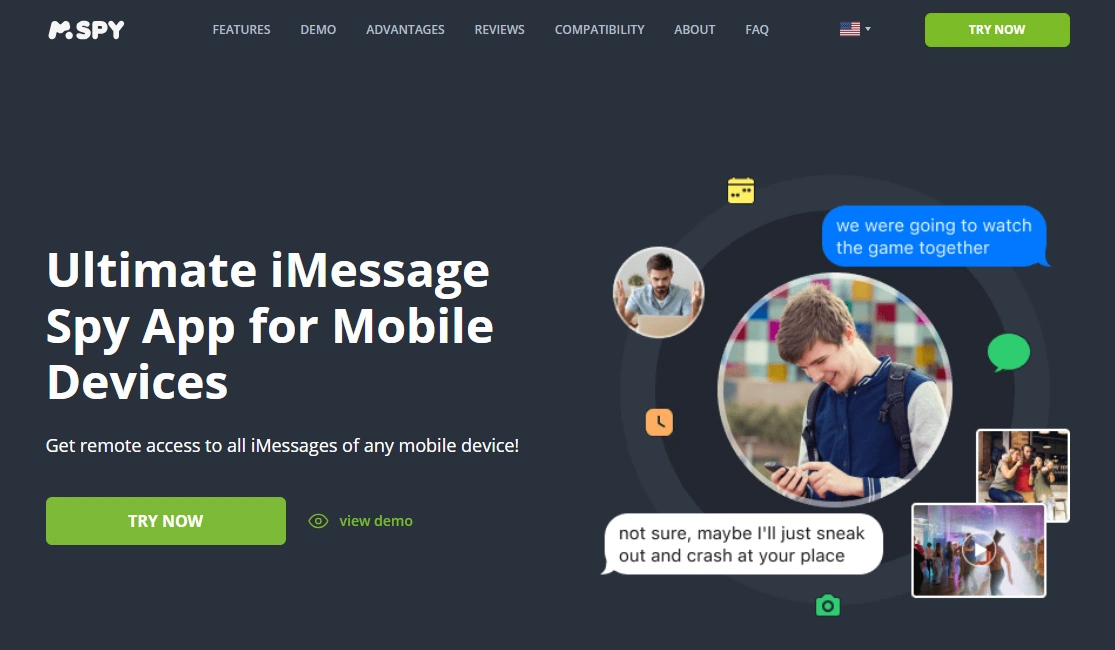
mSpy — iMessage Tracking
Description
mSpy is a monitoring suite with a dedicated iMessage tracking offer. For parents, it’s most useful when you want iMessage visibility plus broader safety signals in one dashboard—especially for older kids/teens where group chats and social overlap matter.
Product highlights
- Dedicated iMessage offer inside a broader monitoring suite
- Good “all-in-one” visibility for family-managed devices
- Best results when setup is stable and maintained
What’s to like
- Strong choice if you need more than one safety signal (not just iMessage)
- Works well as an ongoing monitoring system (not a one-time check)
What’s not to like
- Not “set and forget” — updates and access changes can affect reliability
- Not a guaranteed solution for deleted-message recovery
PROS
- Best overall suite pick for many parents
- Good fit for teens and group chat concerns
CONS
- Requires ongoing maintenance
- iPhone constraints can limit “perfect visibility” expectations
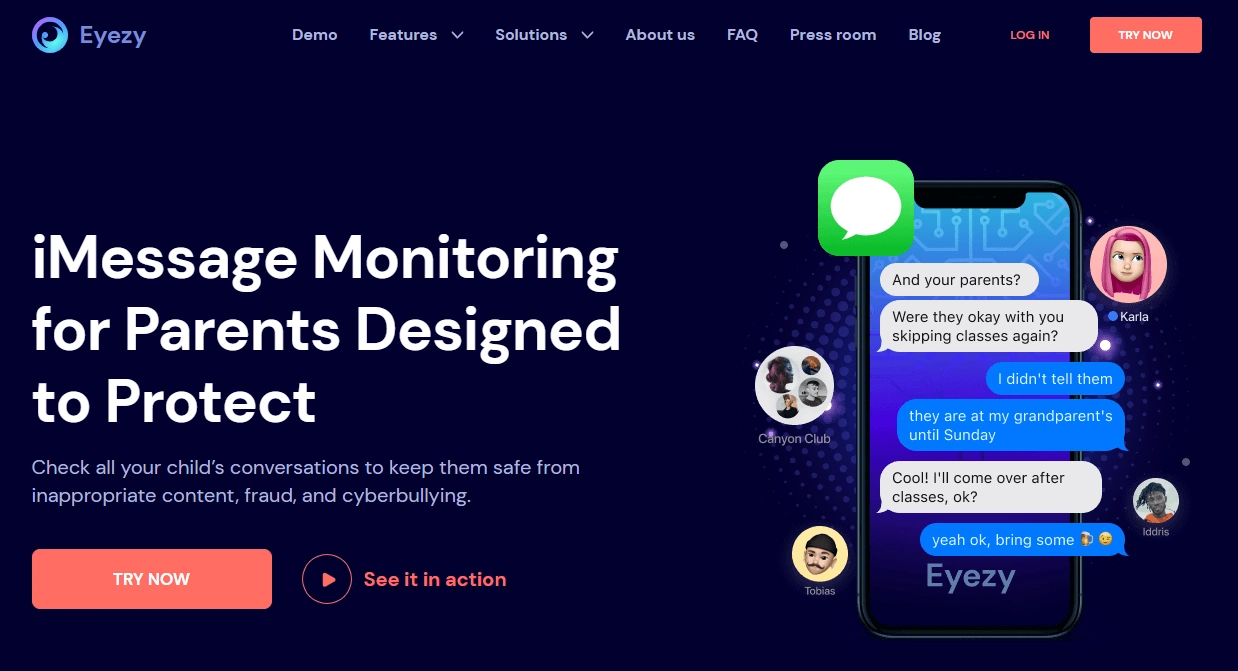
Eyezy — iMessage
Description
Eyezy is often chosen by parents who want a simpler dashboard and less complexity. If you want quick check-ins and a clean interface (without feeling like you’re running an investigation), Eyezy is a strong option.
Product highlights
- Parent-friendly dashboard experience
- iMessage-focused offer for iPhone monitoring
- Good for routine monitoring and consistency
What’s to like
- Lower friction for busy parents
- Good fit for families who want “visibility” without over-monitoring
What’s not to like
- Still depends on iPhone setup route and access stability
- Not a magic solution for deleted messages
PROS
- Simple day-to-day experience
- Strong alternative to heavier suites
CONS
- Less ideal if you want maximum controls and lots of tuning
- iOS constraints still apply
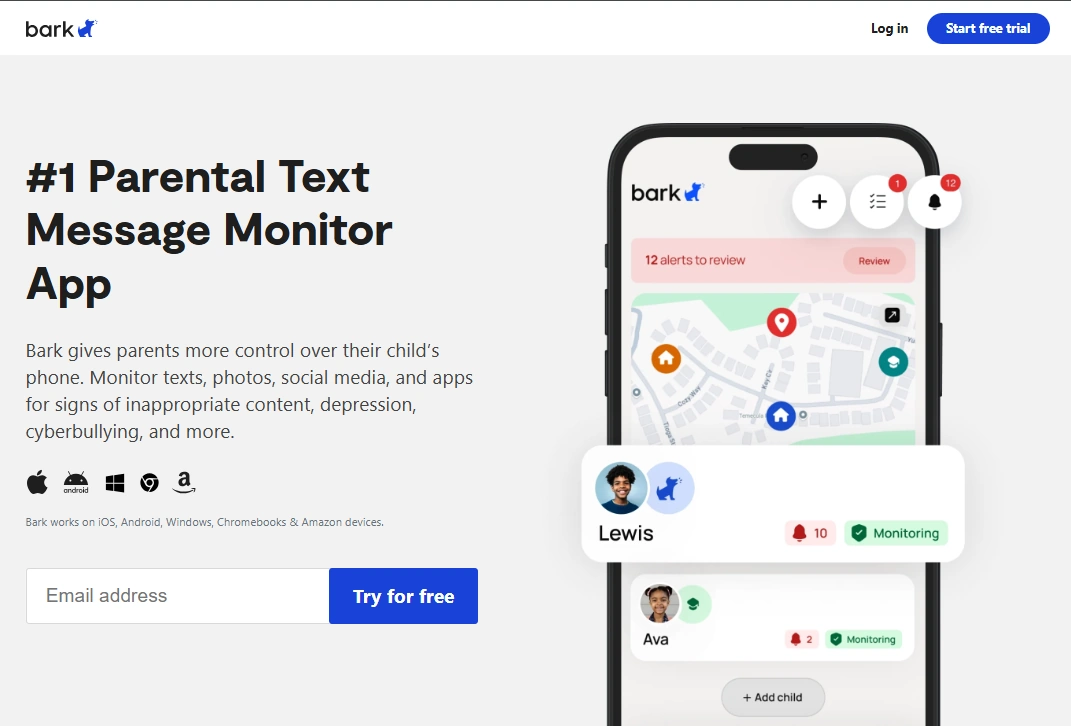
Bark — Premium App (text monitoring + safety alerts)
Description
Bark is popular with parents who want a safety-first approach: alerts, boundaries, and parenting workflows. If your goal is preventing harm (bullying, risky contacts, unsafe content) and keeping things transparent, Bark can be an easier long-term fit.
Product highlights
- Safety/alerts-first parenting approach
- Often feels less intrusive than classic “monitoring suites”
- Best when paired with clear family rules and expectations
What’s to like
- Easier to explain to kids: “safety system,” not “monitoring”
- Good long-term structure for families
What’s not to like
- If you want deep chat-by-chat digging, you may prefer mSpy/Eyezy
- Your exact device situation still affects outcomes
PROS
- Great for younger kids and safety-first parenting
- Less “surveillance” feel
CONS
- Not designed for “read everything” control
- Not a one-feature “iMessage tracker” — it’s a parenting system
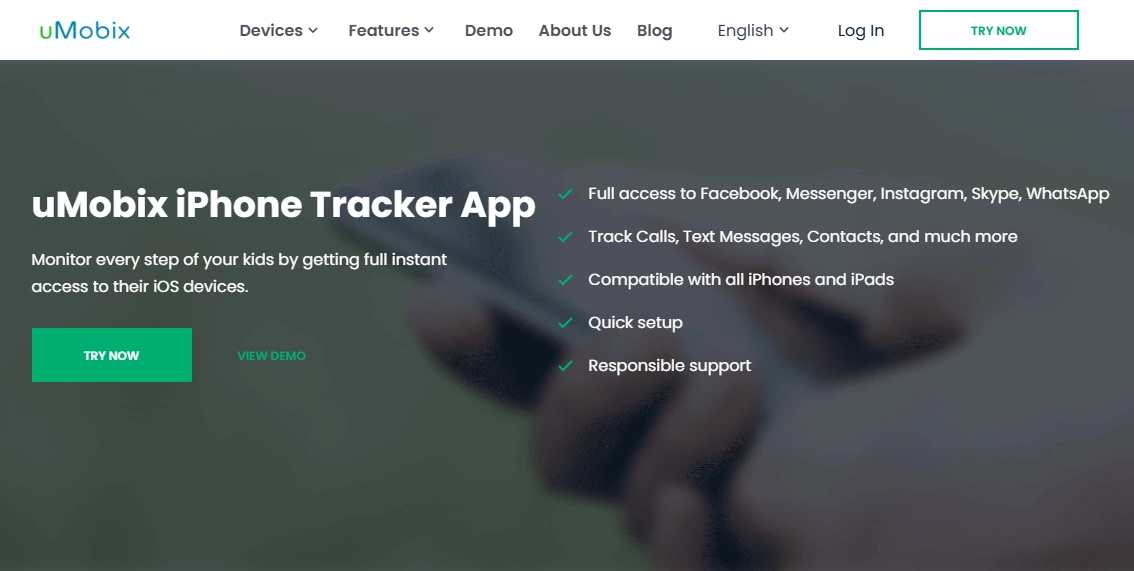
uMobix — iPhone Tracker (comparison option)
Description
uMobix is another suite-style iPhone option that some parents compare against mSpy/Eyezy. If you’re the type who wants to compare dashboards and approaches before committing, uMobix is a reasonable contender.
Product highlights
- Suite-style iPhone tracker offer
- Useful as a comparison option when choosing between iPhone monitoring tools
- Works best when lawful access stays stable
What’s to like
- Good “compare against” pick to avoid one-brand tunnel vision
- Fits families who want a broader monitoring toolkit
What’s not to like
- Results vary by iPhone setup route and access stability
- Not a guaranteed solution for deleted messages
PROS
- Solid comparison option
- Suite approach (not just one feature)
CONS
- Setup/maintenance required
- iOS constraints still apply
Legal notes
Use iMessage tracking tools only if you are a parent/guardian monitoring a minor’s device, or you own/manage the device with explicit permission. Secretly monitoring another adult’s iPhone without consent may be illegal and can create serious consequences.
Start here if you’re unsure: Legal phone tracking: what’s allowed and what’s not and Legal phone tracking for parents.
FAQ
What is the best iMessage tracking app for a child’s iPhone?
mSpy is a strong all-around choice if you want a full monitoring suite. Eyezy is often easier for non-techy parents. Bark is a great safety-first alternative if you prefer alerts and boundaries over deep monitoring.
Can I track iMessage on my kid’s iPhone without touching the phone?
In most real-world parenting setups, you’ll need authorized access at least once to set things up properly and keep it reliable over time.
Do these apps show deleted iMessages?
No app can guarantee deleted-message recovery. Some setups may capture messages before deletion, but results depend on timing and the device situation.
Which is better for kids: monitoring suites or parental control apps?
For younger kids, parental control style tools with alerts and boundaries are often easier to sustain. For older kids/teens where group chats and risky contacts matter, a suite can provide more visibility—if used transparently.
Is it legal to monitor my child’s iMessage?
Often yes as a parent/guardian monitoring a minor’s device, but laws vary by location and circumstances. If you’re unsure, read your local rules and start with the legal guidance linked above.
What’s the safest setup approach?
Use transparent family rules and follow a safe guide: iPhone monitoring setup (safe & legal).