

iMessage is where a lot of real-life parenting problems show up first: bullying, risky links, unknown contacts, “secret” group chats, or late-night conversations that wreck sleep and mood.
This guide compares the best iMessage monitoring apps for parents, with a practical focus on what you can actually monitor, what breaks in real life, and what’s different on iPhone vs Android.
Important: this is for parents/guardians monitoring a child’s device (or any device you own/manage with clear consent). If you’re trying to monitor a partner or another adult without permission, don’t—see the legal notes at the end.
Short on time? Quick verdict
- Best iMessage-focused pick: mSpy iMessage Tracking (good all-around monitoring suite when set up properly).
- Best “simple parent dashboard”: Eyezy iMessage (often easier to use day-to-day).
- Best “parental control first” approach: Bark Premium (strong choice if your priority is safety + alerts, not deep surveillance vibes).
- Best if you want another iPhone suite to compare: uMobix iPhone Tracker or Spynger iPhone option.
Quick jump: 60-second checklist · Verdict · Comparison table · What really matters · Best for your situation · Setup tips & common issues · Reviews · Legal notes · FAQ
60-second decision checklist
- Confirm your goal: safety alerts? visibility into chats? or just “who is contacting my kid”?
- Check the device: is it an iPhone/iPad or Android? Your options are different.
- Choose the lightest tool that solves the problem: for many families, alerts + boundaries beat “read everything.”
- Plan for reliability: updates and permission changes are the #1 reason monitoring stops.
- Set a family rule: what is monitored, why, and what happens if something risky appears.
- Do it legally: only monitor devices you own/manage as a parent/guardian (or with explicit consent).
Verdict: who should use which iMessage monitoring app
If you want the most “complete” monitoring suite
Go with mSpy (best when you can maintain access and keep the setup stable).
If you want a simpler parent dashboard
Pick Eyezy if you care about usability and quick check-ins more than endless settings.
If you want “parental control vibes” (alerts + safety)
Choose Bark if your goal is safety monitoring and you prefer a less intrusive approach.
If you’re still deciding, these internal guides help you choose the right setup without guesswork: How to choose the right iPhone monitoring app and How to set up iPhone monitoring safely.
Comparison table
| App | Best for | iMessage monitoring angle | Reliability (real life) | Setup effort |
|---|---|---|---|---|
| mSpy | Parents who want a full suite | iMessage-focused offer + broad monitoring toolkit | High when set up properly; drops if access/permissions drift | Medium |
| Eyezy | Parents who want simplicity | iMessage offer with parent-friendly dashboard approach | Good for routine monitoring if you keep the setup stable | Low–Medium |
| Bark | Safety-first parenting | Alerts + parental control style monitoring (less “spy-ish”) | Strong when used as a family safety system with rules | Low |
| uMobix | Alternative suite to compare | iPhone tracker offer; can fit iMessage-related oversight setups | Varies by device and how well you maintain access | Medium |
| Spynger | Another iPhone suite option | iPhone-focused offer some parents compare | Varies by setup route and device constraints | Medium |
What really matters with iMessage monitoring (so you don’t waste time)
1) iPhone monitoring is not the same as Android monitoring
Parents often expect “real-time everything.” In practice, iPhone monitoring depends on your setup route and what the device allows. The best results come from choosing the right app for your exact device situation, not the “most hyped” app.
2) Reliability is mostly a maintenance problem
Most failures happen because of:
- permissions or access getting changed after an update
- the child switching Apple ID settings / passwords without a family agreement
- inconsistent device connectivity (Wi-Fi/data off, low power mode, etc.)
3) The best parenting outcomes come from boundaries, not endless reading
If your goal is safety (bullying, grooming, risky links), set clear rules and use monitoring as a signal—then talk and adjust boundaries. If you need help framing this, you’ll like: legal phone tracking rules and your safe setup guide: iPhone monitoring setup.
Best for your situation
- My child is in group chats with older kids: choose a monitoring option that helps you spot risky patterns fast (alerts + visibility), then set rules around night mode and unknown contacts.
- I’m worried about bullying: prioritize tools that give you context quickly, and plan how you’ll respond (screenshots, school policy, blocking/reporting).
- I only need iMessage specifically: start with a dedicated iMessage offer (mSpy or Eyezy) instead of a generic “iPhone spy” promise.
- I want to understand iMessage limits before paying: read a full iPhone-focused review like mSpy for iPhone or Eyezy for iPhone.
Setup tips & common issues
Do setup the “safe/legal way”
Use this guide so you don’t break things (and so you stay on the right side of the law): How to set up iPhone monitoring safely and legally.
Expect “deleted messages” to be complicated
No app can guarantee it will recover every deleted iMessage in every situation. Some setups can capture messages before deletion, but results depend on timing and device constraints. If this is your key concern, read: Best apps to recover deleted chats and media.
Make a family agreement so monitoring doesn’t turn into “cat and mouse”
Tell your child what you monitor and why (safety), what you don’t monitor, and what happens if something dangerous appears. This keeps monitoring effective and reduces “workarounds.”
Reviews
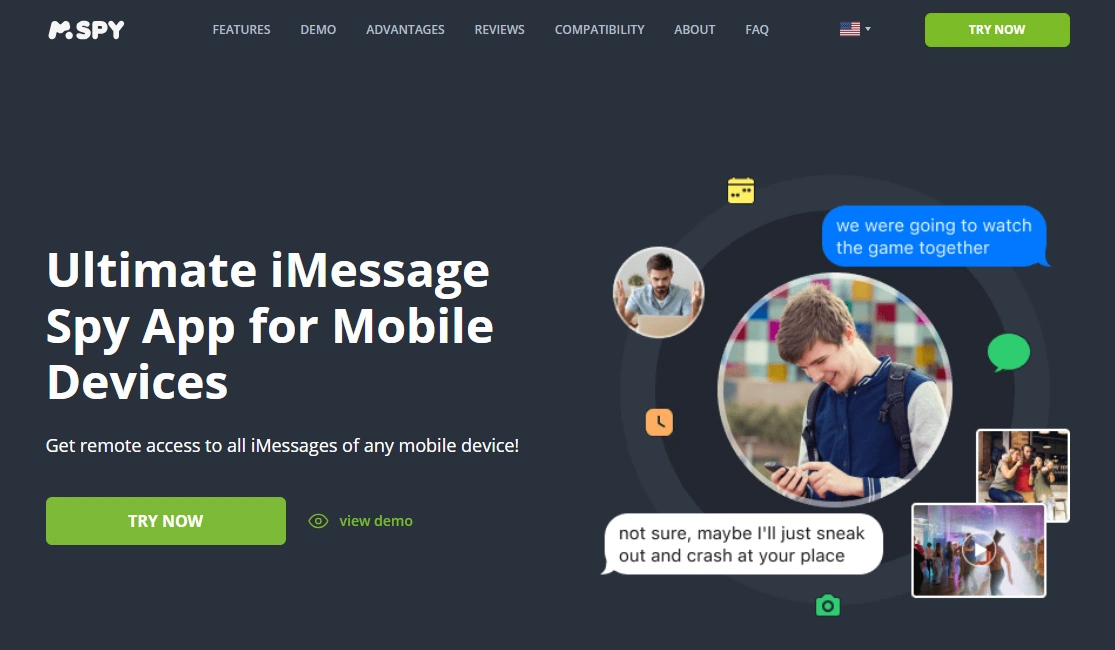
mSpy — iMessage Tracking
Description
mSpy is a full monitoring suite with a dedicated iMessage tracking offer. For parents, it’s most useful when you want iMessage visibility plus other safety signals in one dashboard—assuming you can set it up correctly and maintain access over time.
Product highlights
- iMessage-focused offer inside a broader monitoring suite
- Good for families who need multiple safety signals, not just one app view
- Works best when setup is stable and maintained
What’s to like
- Strong “all-in-one” value for parents (less juggling of multiple tools)
- Good option if you want a long-term monitoring system, not a one-time check
What’s not to like
- Not “set and forget”—updates and access changes can affect results
- iPhone monitoring expectations must be realistic and setup-dependent
PROS
- Best overall suite pick for many parents
- Dedicated iMessage angle
CONS
- Requires ongoing maintenance
- Not a replacement for family rules and conversations
Try mSpy iMessage Tracking | Read: mSpy for iPhone (full review)
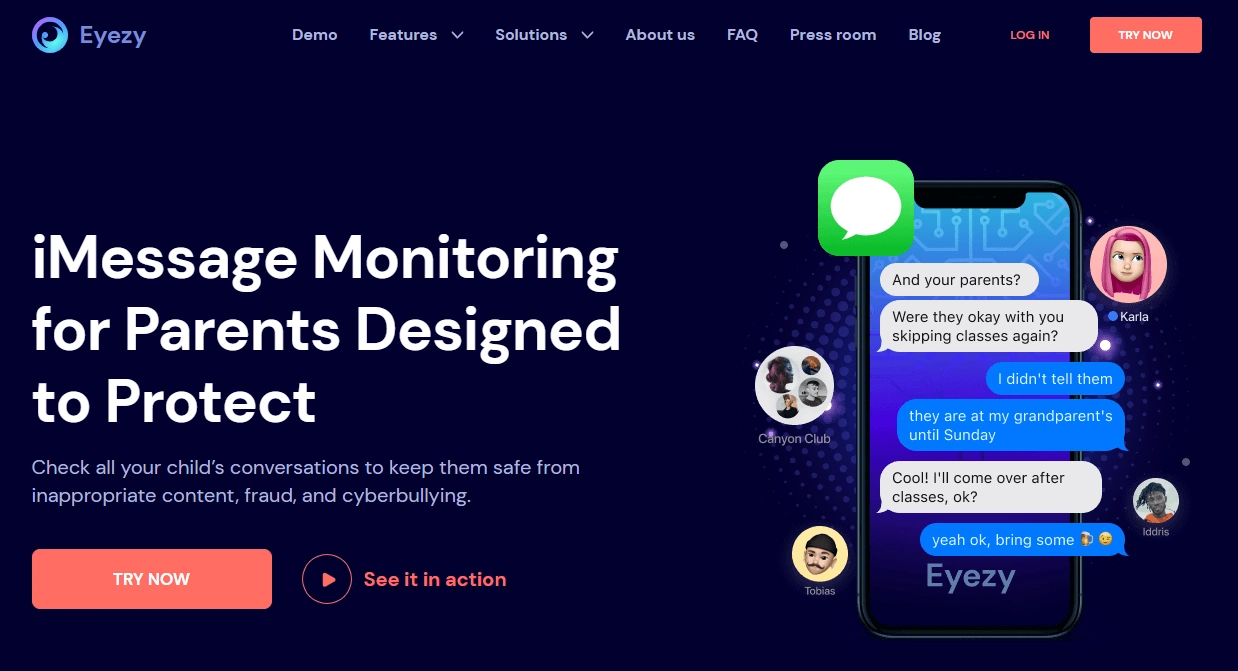
Eyezy — iMessage
Description
Eyezy is often chosen by parents who want a simpler, more straightforward dashboard. If your goal is routine visibility and you don’t want to fight with complex settings, Eyezy is usually the “less friction” option.
Product highlights
- Parent-friendly dashboard approach
- iMessage offer designed for iPhone-focused monitoring needs
- Good for quick check-ins and consistent routines
What’s to like
- Usually easier for non-technical parents to manage
- Good fit if you want “overview monitoring,” not deep digging
What’s not to like
- Like all iPhone monitoring, results depend on setup route and access stability
- Not a magic solution for every “deleted messages” scenario
PROS
- Simple day-to-day parent experience
- Strong alternative to heavier suites
CONS
- Less ideal if you want maximum control and endless features
- Still requires maintenance over time
Try Eyezy iMessage | Read: Eyezy for iPhone (review & setup)
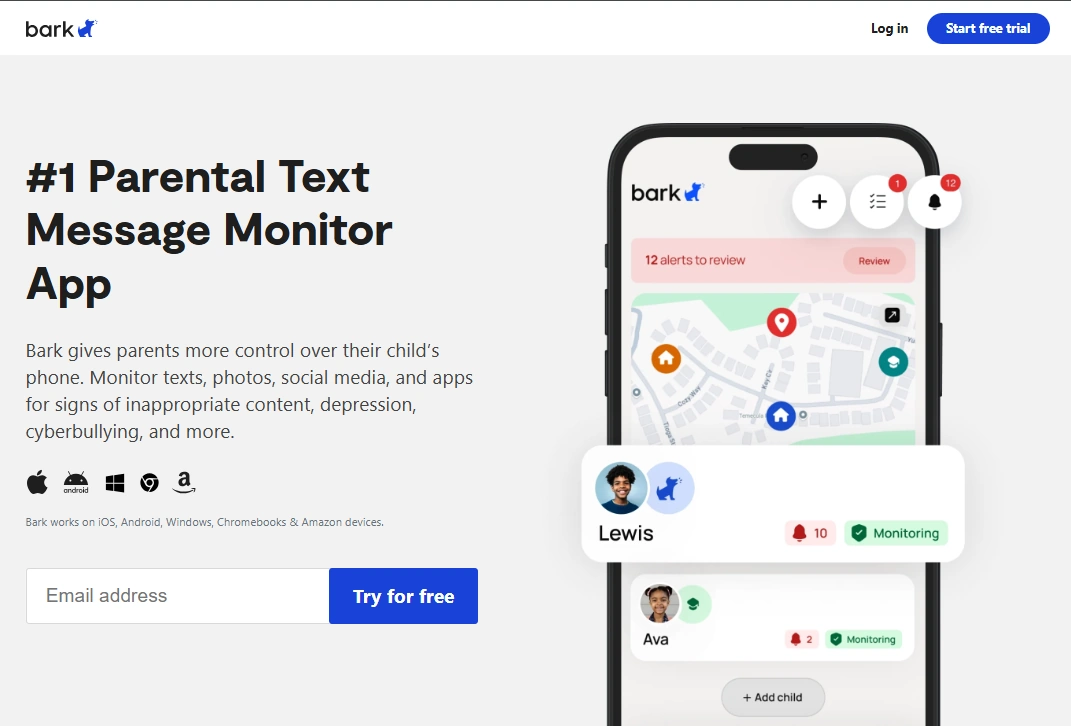
Bark — Premium App (monitoring texts & safety alerts)
Description
Bark is popular with parents who want a safety-first system—alerts, boundaries, and a more “parental control” vibe. If your goal is protecting your child (not reading every line), Bark can be a better emotional fit for many families.
Product highlights
- Safety/alerts-first positioning
- Designed around parenting workflows (rules, visibility, action)
- Better fit for families who want structure, not secret surveillance
What’s to like
- Often easier to talk about with kids (“this is for safety”)
- Good as a long-term family system (not a one-time check)
What’s not to like
- If you want deep “monitoring suite” level detail, you may prefer mSpy/Eyezy
- As with all iOS-related monitoring, your setup and device constraints matter
PROS
- Great for safety-first parenting
- Less intrusive “feel” for many families
CONS
- Not built for “read everything” control
- Results depend on the exact device situation
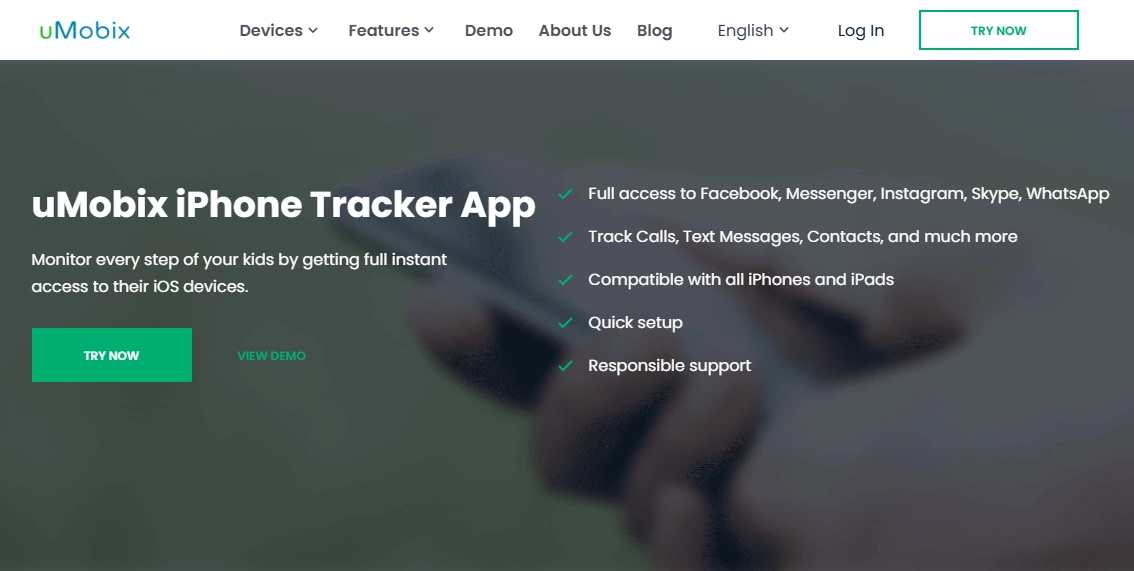
uMobix — iPhone Tracker
Description
uMobix is a suite-style option that some parents choose as an alternative iPhone monitoring solution. It’s best treated as a “compare and choose” pick—especially if you already like uMobix’s approach on other use cases.
Product highlights
- iPhone tracker offer (suite approach)
- Can fit iMessage-related oversight as part of a broader monitoring plan
- Good comparison option when choosing between platforms and dashboards
What’s to like
- Solid alternative pick to compare against mSpy/Eyezy
- Useful if you want a broader toolkit beyond one feature
What’s not to like
- iPhone monitoring still depends on setup route and access stability
- Not a guaranteed “deleted iMessage recovery” solution
PROS
- Good alternative suite to test/compare
- Works for parents who want a broader monitoring toolkit
CONS
- Setup/maintenance required
- Results vary by device constraints
Check uMobix iPhone Tracker | Read: How to track iMessage with uMobix
Spynger — iPhone option
Description
Spynger is another iPhone-focused offer that appears in “monitoring app” comparisons. For parents, it’s best treated as a comparison option if you want to evaluate different dashboards and approaches—always within legal/authorized use.
Product highlights
- iPhone-focused offer
- Suite-style approach (not only one feature)
- Useful as a “compare against” option
What’s to like
- Gives you another baseline to compare pricing and usability
- Can fit families who want broader monitoring tools
What’s not to like
- Not a replacement for safe setup and family boundaries
- iPhone constraints and setup route still decide the outcome
PROS
- Good comparison option
- Suite approach for parents who want “more than iMessage”
CONS
- Variable results depending on device situation
- Not ideal if you only want lightweight safety alerts
Legal notes
Only monitor iMessage (or any private messages) if you’re the legal guardian monitoring your child’s device, or you own/manage the device with clear permission. Secretly monitoring another adult’s phone without consent can be illegal and can seriously backfire.
Read this before you do anything: Legal Phone Tracking: What’s Allowed and What’s Not.
FAQ
What is the best iMessage monitoring app for parents?
For a full monitoring suite, mSpy is a strong iMessage-focused pick. If you prefer a simpler dashboard, Eyezy is often easier. If you want safety alerts and a parental-control feel, Bark is a great choice.
Can I monitor iMessage on an iPhone without access to the device?
In most real-world parenting setups, you’ll need authorized access at some point to set things up properly. If you can’t maintain lawful access, reliability will suffer.
Can these apps show deleted iMessages?
No app can guarantee deleted-message recovery in every case. Some setups may capture messages before they’re deleted, but results depend on timing and device constraints. See: apps to recover deleted chats and media.
Do iMessage monitoring apps work better on Android or iPhone?
iMessage itself is an Apple service, so your target is usually an iPhone/iPad. More broadly, Android devices often allow more flexible monitoring setups, while iPhone monitoring depends heavily on the setup route and device constraints.
What’s the safest way to set up iMessage monitoring for a child?
Use a transparent family rule, set it up lawfully, and follow a safe guide: iPhone monitoring setup (safe & legal).
Is it legal to monitor my child’s iMessage?
Often yes as a parent/guardian for a minor’s device, but laws vary by location and situation. Don’t assume—read: what’s allowed and what’s not.