

Tracking location on an iPhone is absolutely possible, but it’s not the same experience as Android. iOS is more restrictive, battery and privacy settings matter more, and “live location” quality depends heavily on permissions like Precise Location and background activity.
This guide focuses on real-world use for parents: which GPS tracker apps make sense on iPhone (without jailbreak), what you can realistically expect, and the setup steps that prevent the classic issues (stuck location, delayed updates, random dropouts).
If you want the broader safety toolkit (not only GPS), these internal pages help: The Best Parental Control & Phone Monitoring Apps · Top 10 Parental Control & Phone Monitoring Apps Comparison Table · iPhone setup (safe & legal)
Short on time? Quick verdict
- Best overall GPS + parent oversight: mSpy (GPS Tracking)
- Best for a simple parent dashboard: Eyezy (GPS Tracking)
- Best “locator + context” approach: uMobix (GPS Cell Phone Locator)
- Best for straightforward tracking: Spynger (GPS Tracker)
- Best for consent-based “request location” flow: Scannero (GPS/IP Address Tracker)
Quick jump: Verdict · Comparison · What really matters · Best for your situation · Setup tips · Reviews · Legal notes · FAQ
60-second decision checklist
- Permission first: Are you tracking an iPhone you own/manage (e.g., your child’s phone) or have clear consent to track?
- No jailbreak: Most parents should avoid jailbreak. Accept iOS limitations upfront.
- Your goal: “Where are they now?” live checks, or history + patterns (often better for safety)?
- Accuracy: Is Precise Location enabled and allowed for the tracking method/app?
- Battery tolerance: More frequent updates can use more battery. Decide your acceptable tradeoff.
- Fast pick: For most families, start with mSpy. If you want the simplest dashboard, start with Eyezy.
Verdict: which GPS tracker app should you pick for iPhone?
Pick mSpy if you want GPS plus broader parent oversight
If your goal is family safety, GPS alone is rarely enough. mSpy GPS Tracking is the best default when you want location with broader monitoring context (so you don’t outgrow the tool quickly).
Pick Eyezy if you want a simple, repeatable routine
Eyezy GPS Tracking is best if you want a clean parent dashboard with quick check-ins and fewer “advanced settings” decisions.
Pick uMobix if you want a “locator + context” approach
uMobix GPS Cell Phone Locator fits when you want location as part of a wider understanding of what’s happening on the device.
Pick Spynger if you want straightforward tracking
Spynger GPS Tracker is a low-friction choice for baseline tracking check-ins on a device you clearly manage.
Pick Scannero for consent-based location requests
Scannero GPS/IP Address Tracker is useful when you need a consent-based locate flow (send a request/link to someone who agrees to share their location).
Related internal guides: How to choose the right iPhone monitoring app · Best iPhone monitoring apps without jailbreak
Comparison table (iPhone, no jailbreak)
This table focuses on what matters on iPhone: realistic update behavior, setup friction, and which tool fits your routine.
| App | Best for | Live checks | History + patterns | Geofences/alerts | Setup difficulty | CTA |
|---|---|---|---|---|---|---|
| mSpy | Best overall family oversight | Yes (depends on iOS permissions) | Strong | Commonly used in parent setups | Medium | Check mSpy |
| Eyezy | Simplest parent dashboard | Yes | Good | Good for routine alerts | Easy–Medium | Check Eyezy |
| uMobix | Locator + broader context | Yes | Good | Useful for patterns | Easy–Medium | Check uMobix |
| Spynger | Straightforward tracking | Yes | Good | Basic routine alerts | Medium | Check Spynger |
| Scannero | Consent-based request/share location | Depends on user flow | Not the main use-case | Not the main use-case | Easy | Check Scannero |
What really matters for GPS tracking on iPhone
1) Precise Location is the #1 accuracy lever
If “Precise Location” is off, your updates can jump around or look delayed. For best results, the tracked iPhone should allow Precise Location and avoid always staying in Low Power Mode.
2) “Live” often means “near live” on iPhone (without jailbreak)
Many iOS tracking scenarios update on a schedule. That’s not “broken” — it’s how iPhone privacy/background behavior works. The practical move is using geofences/alerts and patterns rather than refreshing a map every minute.
3) Location history is often more useful than constant live tracking
For family safety, history answers the important questions: “Did they go where they said?” “What’s the normal route?” “When did behavior change?”
4) Battery tradeoffs are real
More frequent tracking = more battery use. On iPhone, parents often get the best experience by using normal tracking most of the day and doing high-frequency checks only when needed.
5) Android vs iPhone
If you also track Android phones in the family, Android tends to allow more direct background tracking. See: Best GPS tracker apps for Android. For a combined family guide: Best GPS tracker apps for families.
Best for your situation
If you want the best overall “family safety” tool
Choose mSpy if you want GPS tracking plus broader parent oversight in one place.
If you want the easiest, cleanest dashboard
Choose Eyezy for a simple routine: quick check-ins, alerts, and fewer settings headaches.
If you want a “locator + context” approach
Choose uMobix when location is important but you also want broader context around device usage patterns.
If you want straightforward GPS check-ins
Choose Spynger for baseline tracking without a complex routine.
If you need consent-based location requests
Choose Scannero if the goal is permission-based locating rather than a long-term tracking suite.
Setup tips (iPhone) + common issues
Fix “stuck location” and delayed updates
- Turn on Location Services on the tracked iPhone.
- Enable Precise Location for the relevant tracking method/app.
- Avoid always being in Low Power Mode (it can reduce background updates).
- Check that the iPhone has stable connectivity (Wi-Fi/cellular) when you expect updates.
- After iOS updates, re-check permissions and re-auth steps (updates can change behavior).
For a safe setup walkthrough, use: How to set up iPhone monitoring safely and legally.
Reviews
mSpy – GPS Tracking
Description
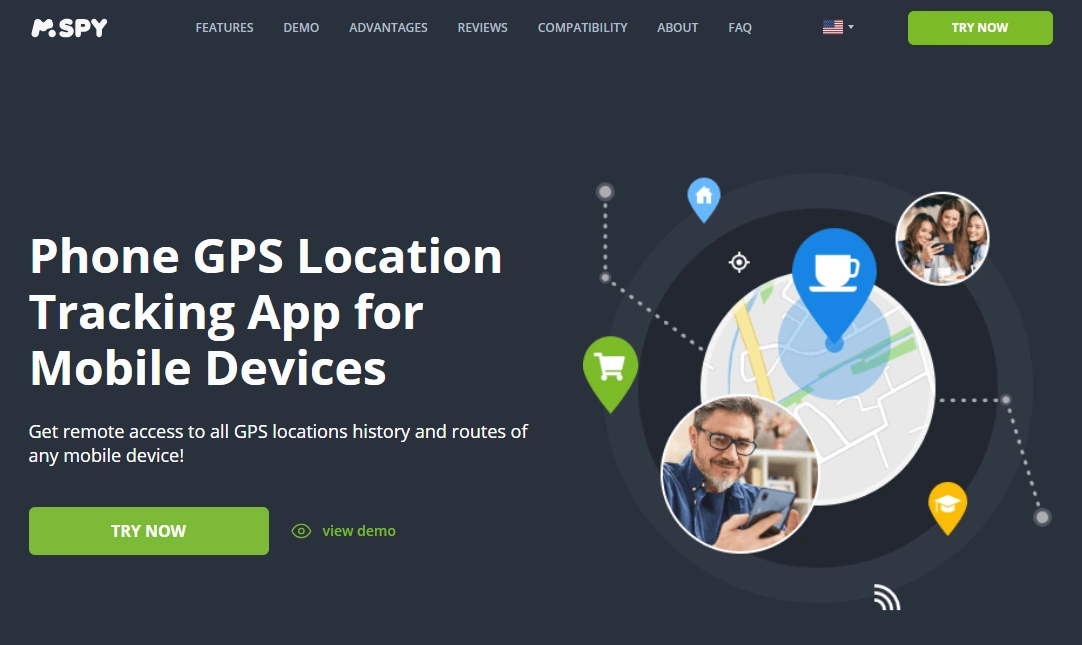
mSpy is the best default choice for iPhone GPS tracking when you want location plus broader parent oversight. It’s the most future-proof pick: if your needs expand beyond GPS, you’re not forced to switch tools.
Product highlights
- GPS tracking designed for parent oversight routines
- Useful for patterns and safety signals, not only “live map refreshing”
- Good long-term value if your concerns expand beyond location
What’s to like
- Strong default choice for families
- Works well when you focus on history/patterns and alerts
- Reduces the chance you need to switch tools later
What’s not to like
- No-jailbreak iPhone tracking can feel less “instant” than Android
- Accuracy depends heavily on Precise Location + power settings
PROS
- Best overall family safety pick
- Good balance of live checks and history
- More future-proof than GPS-only tools
CONS
- Not true “live mirroring” on iPhone
- Setup and settings matter
Eyezy – GPS Tracking
Description
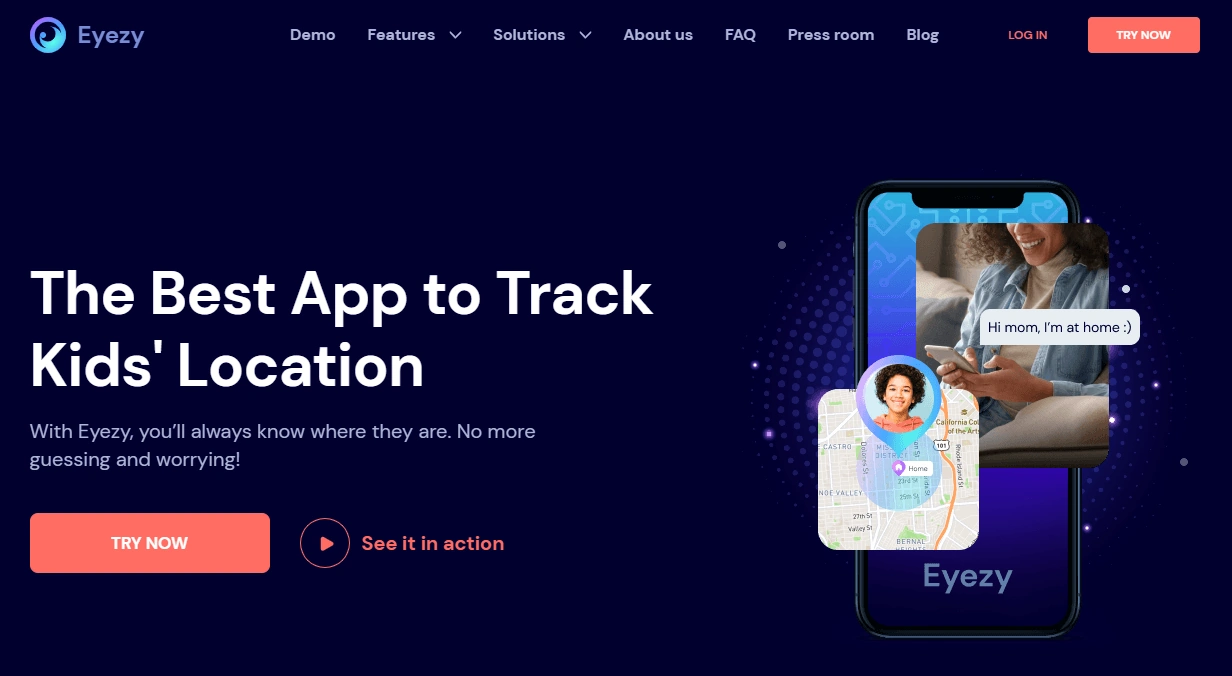
Eyezy is best for parents who want a clean dashboard and a simple routine: quick check-ins, alerts, and minimal fuss. It’s a strong fit if you don’t want to overthink settings.
Product highlights
- Parent-friendly workflow
- Good for routine tracking and safety alerts
- Designed to be easier for non-tech parents
What’s to like
- Simple experience and navigation
- Great for consistency
What’s not to like
- Still limited by iPhone background behavior (no-jailbreak)
- Not aimed at “maximum technical control” users
PROS
- Best for simplicity
- Great for parent routines
CONS
- Not ideal for power-user expectations
uMobix – GPS Cell Phone Locator
Description
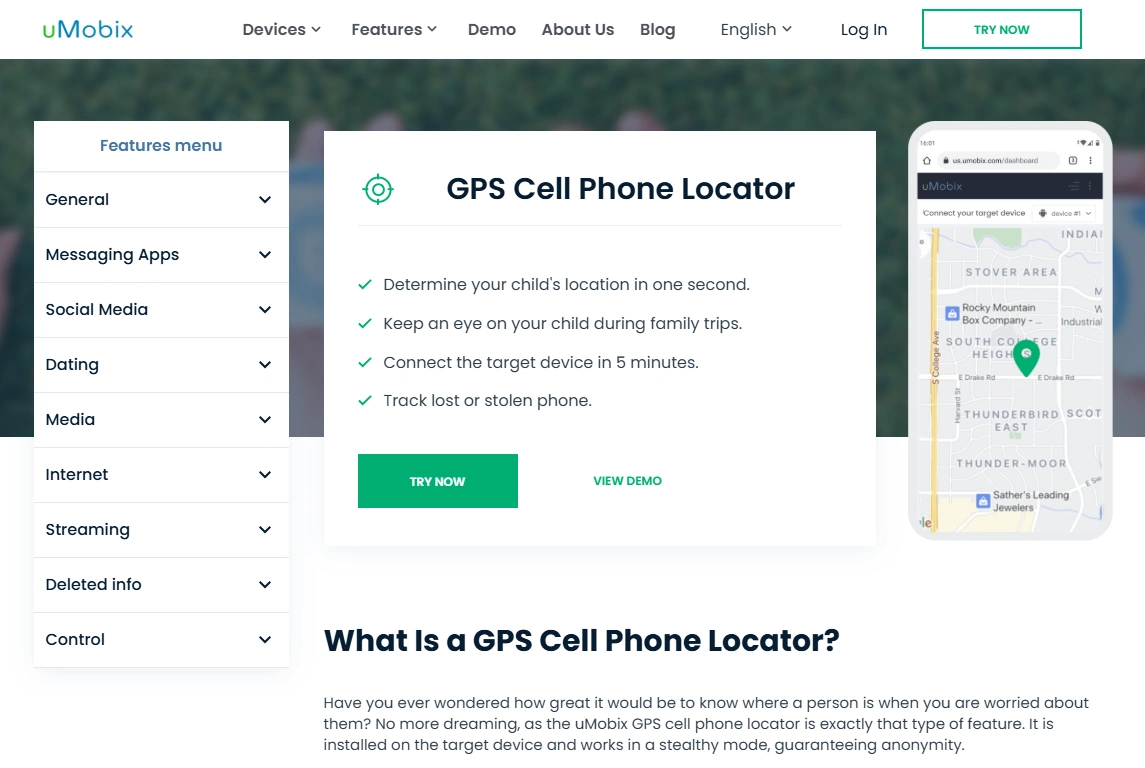
uMobix fits a “locator + context” approach. It’s best when location matters, but you also want broader signals around the device’s usage patterns rather than relying on GPS alone.
Product highlights
- Locator-style GPS tracking
- Good for patterns and safety check-ins
- Works best when iPhone location settings are configured correctly
What’s to like
- Good balance between simple tracking and broader context
- Works well for routine check-ins
What’s not to like
- iPhone update timing may feel less “live” than Android
- Depends on correct location settings
PROS
- Great for GPS + context
- Good for family routine monitoring
CONS
- Not a true “live mirroring” experience
Spynger – GPS Tracker
Description
Spynger is a straightforward pick for baseline location check-ins on a device you clearly manage. It’s best when you want a low-friction routine instead of a feature-heavy suite.
Product highlights
- Simple tracking approach
- Good for routine check-ins
- Designed for low decision fatigue
What’s to like
- Easy to keep as a routine tool
- Good for “just location” use-cases
What’s not to like
- Not designed for deep technical control
- iPhone limitations still apply (expect partial visibility / delayed updates)
PROS
- Low-friction tracking routine
- Good baseline option
CONS
- Less “all-in-one” than broader suites
Scannero – GPS/IP Address Tracker
Description
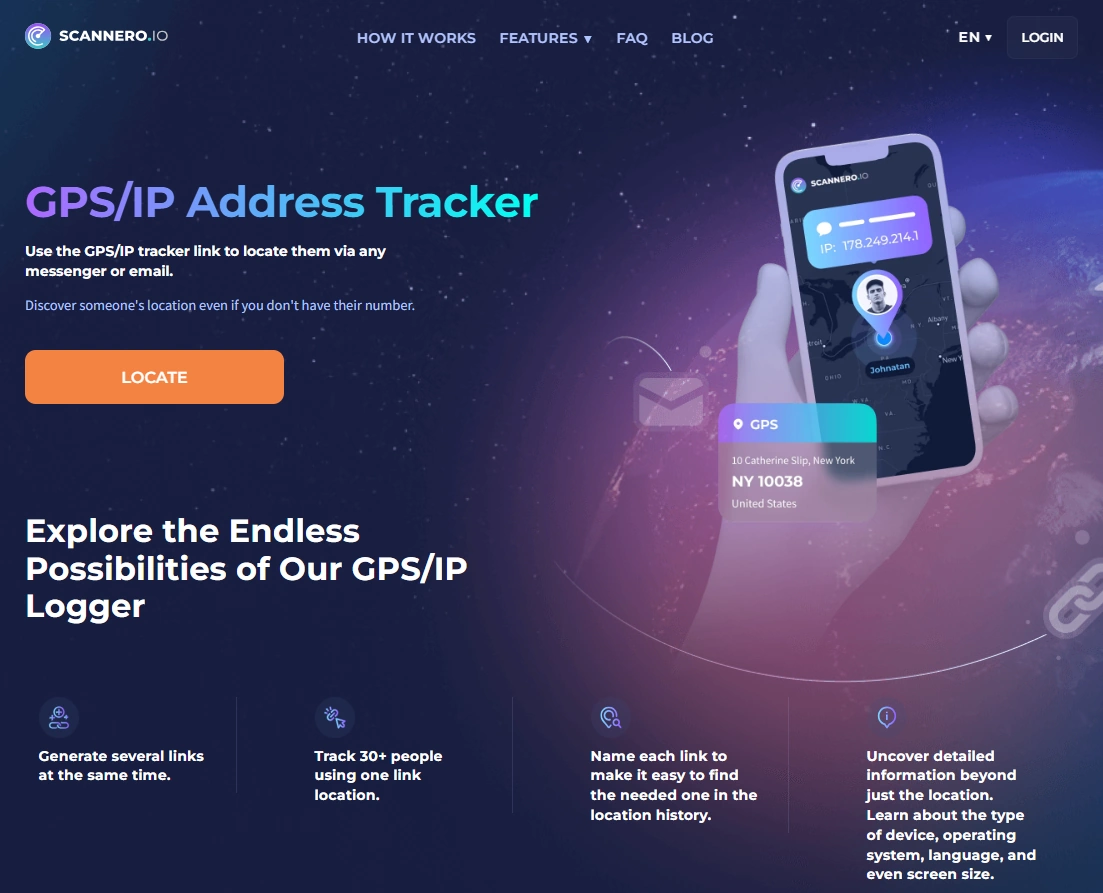
Scannero is best when your scenario is consent-based location sharing — for example, you need someone to share their location via a request/link workflow. It’s not a full parental monitoring suite, but it can be useful in specific “locate now” situations with permission.
Product highlights
- Consent-based locate flow (request/share)
- Useful for quick location checks with permission
- No heavy installation routine compared to monitoring suites
What’s to like
- Simple and fast for permission-based use
- Useful for specific one-off scenarios
What’s not to like
- Not a replacement for full GPS history/geofence parent tools
- Depends on the sharing/request flow (not background tracking)
PROS
- Very simple for consent-based locating
- Useful for “locate now” scenarios
CONS
- Not a full monitoring suite
- Not designed for long-term routine tracking the same way
Legal notes (please read)
Use GPS tracking legally and ethically.
- Only track a device you own or have clear permission to manage (for example, your child’s iPhone).
- Tracking adults without consent may be illegal. Laws vary by country and situation.
- If you’re unsure, read: Legal phone tracking: what’s allowed and what’s not.
FAQ
What is the best GPS tracker app for iPhone?
For most families, mSpy is the best overall pick because it combines GPS tracking with broader parent oversight. If you want a simpler dashboard, Eyezy is a strong alternative. uMobix and Spynger are good depending on whether you want more context or a straightforward tracker.
Why is iPhone location tracking delayed?
On iPhone (without jailbreak), updates may happen on a schedule due to background and privacy behavior. Delays are often caused by Precise Location being off, Low Power Mode, or permissions not being set correctly.
Do GPS tracking apps drain battery on iPhone?
They can, especially with frequent live checks. A practical approach is normal tracking most of the day and higher-frequency checks only when needed.
Do you need jailbreak for GPS tracking on iPhone?
Most parents should avoid jailbreak. Many tracking approaches work without jailbreak, but you must accept iOS limitations and set permissions carefully.
Is it legal to track someone’s iPhone?
It can be legal if you own the device or have explicit permission to track it (such as a child’s phone). Tracking without permission may be illegal, so check local laws.