

Android is the best platform for GPS tracking because it gives apps more practical access to location permissions, background activity, and device settings. But the “best GPS tracker app” depends on what you actually need: live location, location history, geofences, or just a quick one-time check-in.
This guide covers the GPS trackers that make sense in real life for parents and families, plus the settings that prevent the classic issues: “location stuck,” “battery drain,” or “it worked yesterday and stopped today.”
If you want broader context beyond GPS only, these internal guides help: The Best Parental Control & Phone Monitoring Apps · Top 10 Parental Control & Phone Monitoring Apps Comparison Table · Best Android monitoring apps for parents
Short on time? Quick verdict
- Best overall GPS + parent oversight: mSpy (GPS Tracking)
- Best for a simple parent dashboard: Eyezy (GPS Tracking)
- Best for “locator + activity context” style: uMobix (GPS Cell Phone Locator)
- Best for straightforward tracking: Spynger (GPS Tracker)
- Best for consent-based “send a link to locate”: Scannero (GPS/IP Address Tracker)
Quick jump: Verdict · Comparison · What really matters · Best for your situation · Setup tips · Reviews · Legal notes · FAQ
60-second decision checklist
- Permission first: Are you tracking an Android device you own/manage (e.g., your child’s phone) or have clear consent to track?
- Your goal: Live location now, or location history + patterns?
- Geofences: Do you need “arrived/left school” alerts?
- Battery tolerance: More frequent updates = more battery use. Decide what’s acceptable.
- Setup access: Can you access the phone once to set permissions correctly?
- Fast pick: For most families, start with mSpy. If you want the simplest dashboard, start with Eyezy.
Verdict: which GPS tracker app should you pick for Android?
Pick mSpy if you want “GPS + everything else” in one place
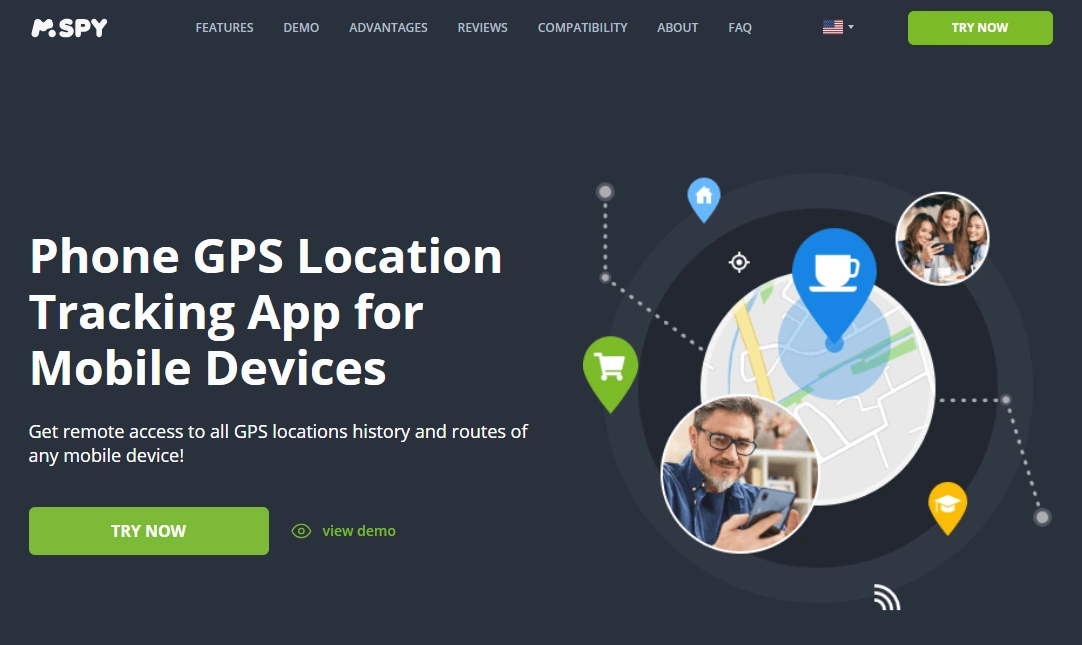
If you’re doing this for family safety, GPS alone is rarely the whole story. mSpy GPS Tracking is the best default when you want location with broader parent oversight, so you don’t outgrow the tool in a month.
Pick Eyezy if you want the simplest parent routine
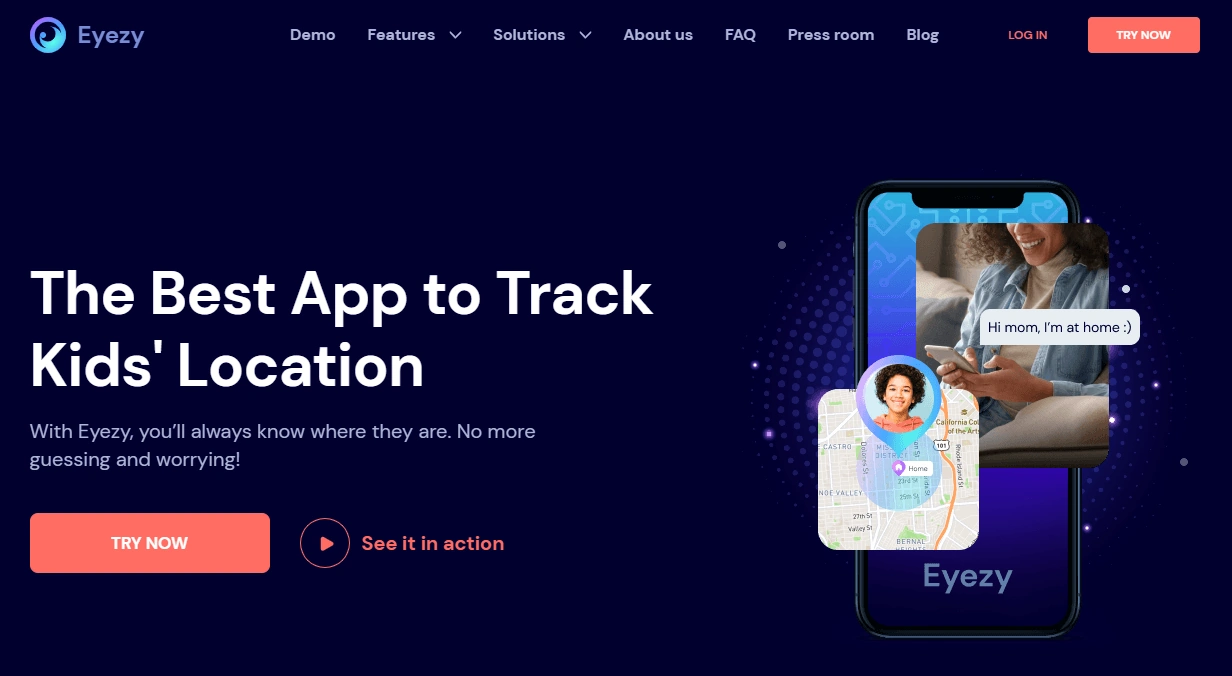
Eyezy GPS Tracking is best if you want a clean dashboard for quick check-ins and less “settings fiddling.”
Pick uMobix if you want a “locator + context” approach
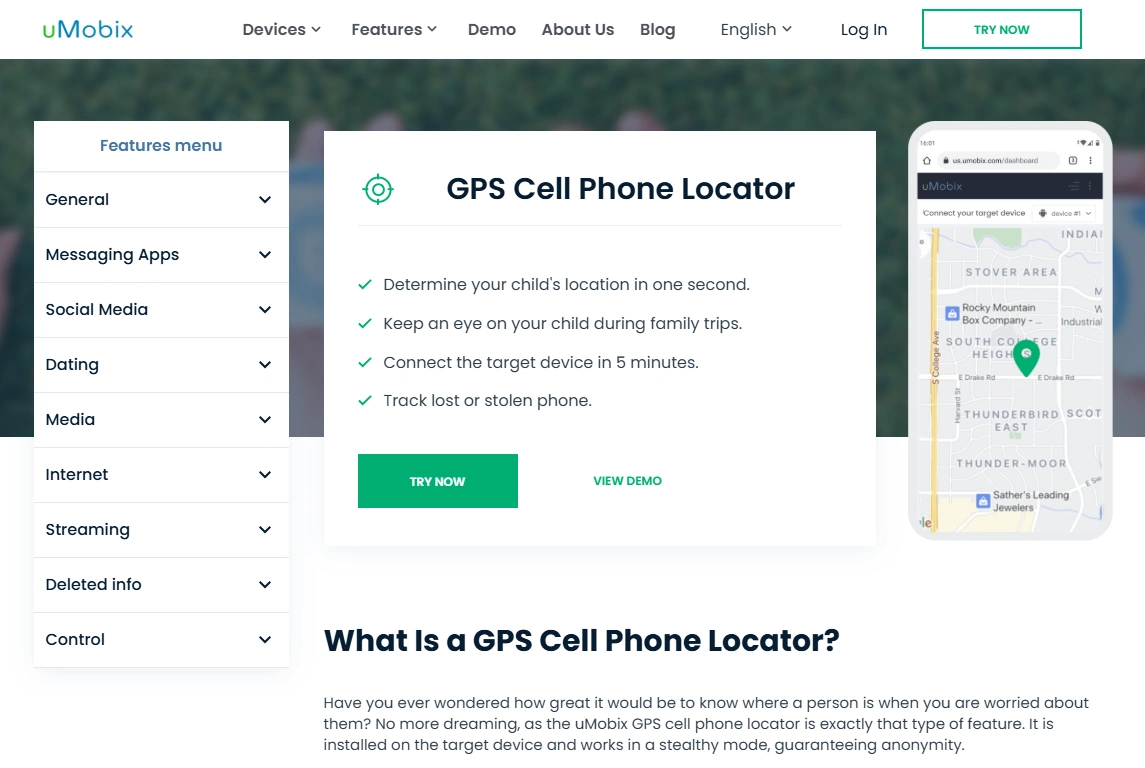
uMobix GPS Cell Phone Locator is a strong option if you want location as part of a wider “what’s going on” picture.
Pick Spynger if you want straightforward tracking without overthinking
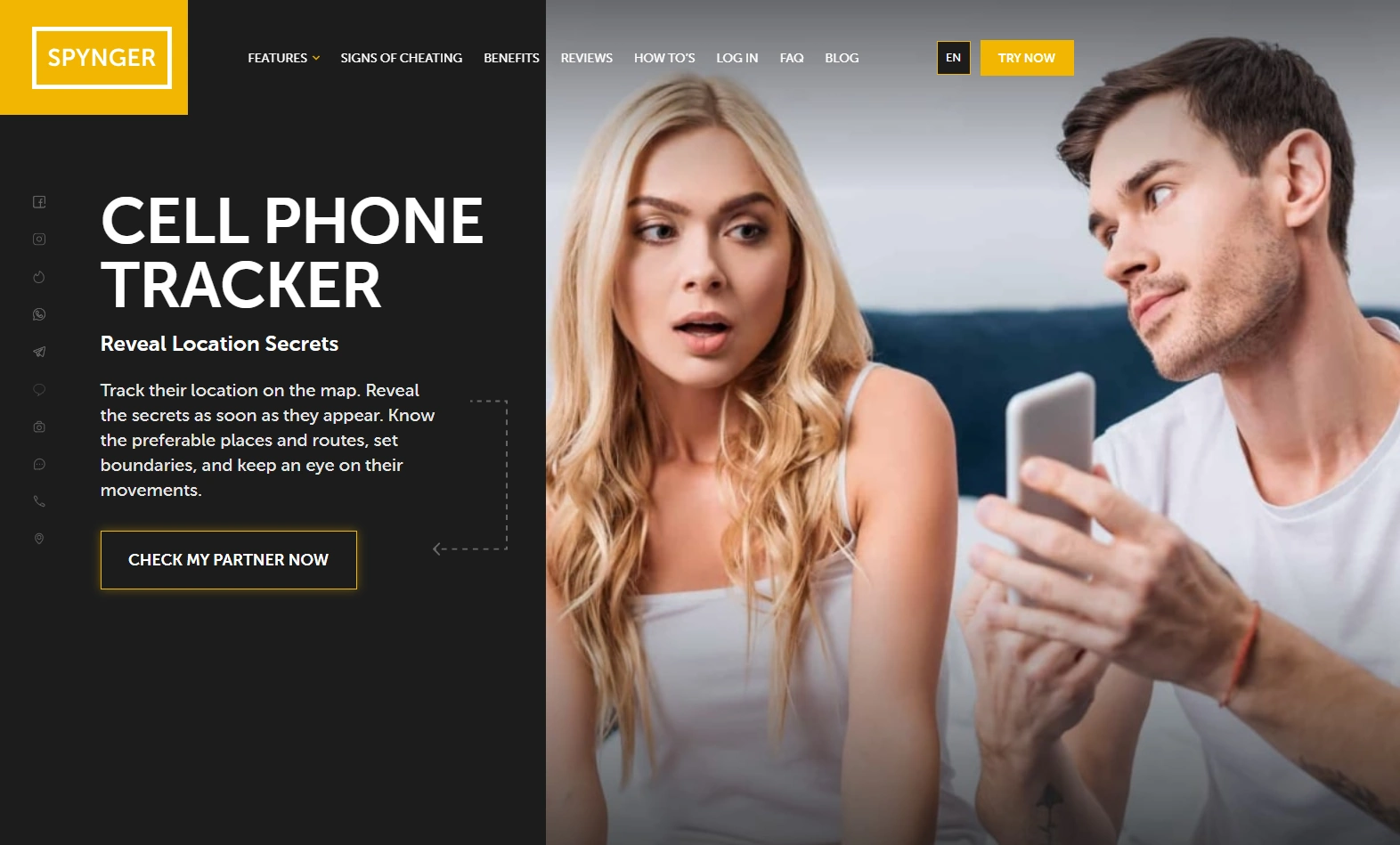
Spynger GPS Tracker fits a simple “set it up and check in” routine on devices you clearly manage.
Pick Scannero for consent-based, link-style locating
Scannero GPS/IP Address Tracker is useful when you need a consent-based locate flow (for example, sending a request/link to someone who agrees to share their location).
If you’re trying to stay no-root on Android, read this first: Best Android monitoring apps without root · And if you’re still deciding how to choose: How to choose the right Android monitoring app
Comparison table: best GPS tracker apps for Android
This table focuses on what matters in real use: live updates vs history, setup effort, and the “best for” scenario.
| App | Best for | Live location | History + patterns | Geofences/alerts | Setup difficulty | CTA |
|---|---|---|---|---|---|---|
| mSpy | Best overall family oversight | Yes (best with correct permissions) | Strong | Commonly used in parent setups | Medium | Check mSpy |
| Eyezy | Simplest parent dashboard | Yes | Good | Good for routine alerts | Easy–Medium | Check Eyezy |
| uMobix | Locator + broader context | Yes | Good | Useful for patterns | Easy–Medium | Check uMobix |
| Spynger | Straightforward tracking | Yes | Good | Basic routine alerts | Medium | Check Spynger |
| Scannero | Consent-based “request location” flow | Depends on user sharing/flow | Not the main use-case | Not the main use-case | Easy | Check Scannero |
What really matters for GPS tracking on Android
1) Accuracy comes from permissions + “Precise location”
For best results, the tracked phone should have Location enabled, Precise location allowed, and the tracking app set to Allow all the time (where applicable). If the phone is always in Battery Saver mode, accuracy and update frequency drop.
2) Live location vs location history: pick what you actually need
- Live location: Best for “where are they right now?” moments.
- History + patterns: Best for routine safety (school → practice → home) and identifying unusual routes.
3) Geofences are the parent superpower
If your main goal is safety and routine (not micromanaging), geofences are often more useful than constant live tracking: “arrived at school,” “left practice,” “entered a new area.”
4) Battery impact is real (and manageable)
Frequent updates cost battery. The practical approach is: normal tracking most of the day + higher-frequency checks only when needed.
5) Android vs iPhone
If you also track iPhones in the family, iPhone setups are more restrictive. See: Best GPS tracker apps for iPhone. For a combined view: Best GPS tracker apps for families.
Best for your situation
If you want the best overall “family safety” tool
Choose mSpy if you want GPS tracking plus broader parent oversight in one place.
If you want the easiest, cleanest dashboard
Choose Eyezy for a simple routine: quick check-ins, alerts, and fewer settings headaches.
If you want a “locator + context” approach
Choose uMobix when location is important but you also want broader context around the device’s usage patterns.
If you just want straightforward GPS tracking
Choose Spynger for a low-friction “set it up and check in” workflow on a managed Android phone.
If you need a consent-based “request location” flow
Choose Scannero if your use-case is location sharing with permission rather than a full monitoring suite.
Setup tips (Android) + common issues
Do this once to prevent “stuck location”
- Enable Location and turn on Precise location (not approximate).
- Set the tracking app’s location permission to Allow all the time (if available).
- Disable battery optimization for the tracking app (and allow background activity).
- Turn off aggressive Battery Saver modes on the tracked phone during normal use.
- After Android updates, re-check permissions (updates can reset background rules).
If you’re installing a monitoring-style app on Android and want to avoid typical setup mistakes, use: How to install a monitoring app on Android safely (setup basics).
Reviews
mSpy – GPS Tracking
Description
mSpy is the best default choice for Android GPS tracking when you want location plus broader parent oversight. It’s the most future-proof pick: if your needs expand beyond GPS, you’re not forced to switch tools.
Product highlights
- Live location + location history style tracking
- Good for family routines and safety patterns
- Best “all-in-one” direction if GPS isn’t your only concern
What’s to like
- Strong long-term value for parents
- Great fit for “patterns + safety signals” monitoring
- Android platform generally supports stable tracking when set up correctly
What’s not to like
- Requires correct permissions and battery settings for best accuracy
- High-frequency live updates can affect battery (this is true for all GPS trackers)
PROS
- Best overall family safety pick
- Good balance of live location and history
- More “future-proof” than GPS-only tools
CONS
- Setup quality matters (permissions/background rules)
Eyezy – GPS Tracking
Description
Eyezy is best for parents who want a cleaner, simpler dashboard for location check-ins. It works well when your goal is a consistent routine (alerts + quick review) rather than constantly tweaking settings.
Product highlights
- Parent-friendly dashboard
- Good for routine tracking and alerts
- Strong option for non-tech parents
What’s to like
- Simple workflow for check-ins
- Less decision fatigue compared to “power suites”
What’s not to like
- Still needs correct Android background settings for best reliability
- Not aimed at “maximum technical control” users
PROS
- Best for simplicity
- Great for a parent routine
CONS
- Not ideal if you want a highly technical toolkit
uMobix – GPS Cell Phone Locator
Description
uMobix is a strong “locator + context” option on Android. It’s a good fit when you want GPS tracking as part of a wider understanding of what’s happening on the device (without needing a separate GPS-only tool).
Product highlights
- GPS locator-style tracking
- Good for patterns and family routines
- Works best with stable permissions and background access
What’s to like
- Good balance for parents who want more than GPS alone
- Android-friendly setup compared to iPhone tracking
What’s not to like
- Battery/background settings still matter for reliability
- Not a “free” solution (as with most advanced trackers)
PROS
- Great for GPS + broader context
- Good for routine check-ins
CONS
- Needs correct setup to stay stable
Spynger – GPS Tracker
Description
Spynger is a straightforward pick if your goal is simple tracking check-ins on a device you clearly manage. It’s best when you want a clean routine instead of a feature-heavy suite.
Product highlights
- Simple GPS tracker positioning
- Good for check-ins and basic patterns
- Best for low-friction use
What’s to like
- Easy to keep as a routine tool
- Good fit for “I just need location” users
What’s not to like
- Not designed for maximum depth beyond tracking
- Relies on proper Android background settings like all GPS apps
PROS
- Low-friction tracking routine
- Good for managed devices
CONS
- Less “all-in-one” than broader suites
Scannero – GPS/IP Address Tracker
Description
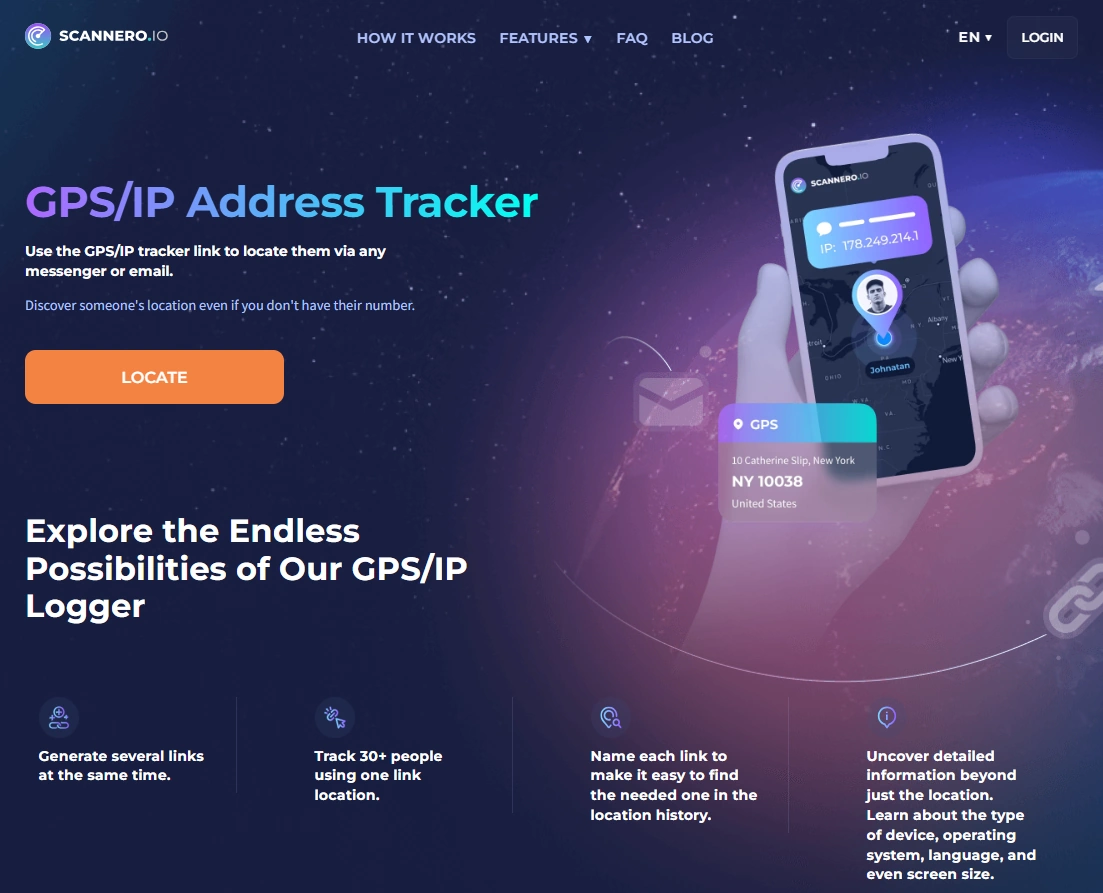
Scannero is best when your scenario is consent-based location sharing — for example, you need someone to share their location via a request/link workflow. It’s not a full parental monitoring suite, but it can be useful in specific “locate now” situations with permission.
Product highlights
- Consent-based locate flow (request/share)
- Useful for quick location checks with permission
- No heavy installation experience compared to monitoring suites
What’s to like
- Simple concept for permission-based locating
- Good for specific one-off scenarios
What’s not to like
- Not a replacement for full GPS history/geofence parent tools
- Depends on the sharing/request flow (not a background tracker suite)
PROS
- Very simple for consent-based use
- Useful for “locate now” scenarios
CONS
- Not a full monitoring suite
- Not designed for long-term routine tracking the same way
Legal notes (please read)
Use GPS tracking legally and ethically.
- Only track a device you own or have clear permission to manage (for example, your child’s phone).
- Tracking adults without consent may be illegal. Laws vary by country and situation.
- If you’re unsure, read: Legal phone tracking: what’s allowed and what’s not.
FAQ
What is the best GPS tracker app for Android?
For most families, mSpy is the best overall pick because it combines GPS tracking with broader parent oversight. If you want a simpler dashboard, Eyezy is a strong alternative. uMobix and Spynger are good depending on whether you want more context or a straightforward tracker.
Why is the location inaccurate or stuck on Android?
The most common causes are missing “Precise location,” restricted background activity, battery optimization, or Battery Saver mode. Fixing permissions and disabling battery optimization for the tracker usually resolves most issues.
Do GPS tracking apps drain battery?
They can, especially with frequent live updates. A practical strategy is normal tracking most of the day and higher-frequency checks only when needed.
Do you need root for GPS tracking on Android?
Many tracking setups work without root, but reliability depends on correct permissions and background settings. If you’re staying no-root, see: Best Android monitoring apps without root.
Is it legal to track someone’s Android phone?
It can be legal if you own the device or have explicit permission to track it (such as a child’s phone). Tracking without permission may be illegal, so check local laws.