

Employee monitoring is one of those topics where the tool matters less than the policy and setup. Done right, monitoring can help with security (lost devices, data leak prevention, safety for field teams). Done wrong, it can create legal risk, destroy trust, and collect far more data than you can justify.
This guide is written for legal + ethical use on company-owned devices (or clearly managed devices), with clear notice, a documented purpose, and strict minimisation.
Quick shortlist for company-owned phones: Moniterro (balanced option), FlexiSPY (advanced features), Spyera (alternative to compare). Use only with written notice/consent and a clear workplace policy.
Quick jump: Checklist · What’s legal vs risky · What to monitor (and avoid) · Comparison table · App reviews · Policy template structure · Setup tips · FAQ
Start with the legal baseline here: Legal Phone Tracking: What’s Allowed and What’s Not.
60-second legal + ethical checklist
- Device ownership: monitor only company-owned devices (or BYOD only with explicit, separate agreement and limited scope).
- Purpose: write a specific reason (security, safety, compliance, time tracking for contractors) — not “just in case.”
- Notice: employees must be informed (what, why, when, how long data is kept, who can access it).
- Minimise: collect the least data needed (sampling over continuous, metadata over content when possible).
- Access control: limit who can view data, log access, set retention limits.
- Red lines: avoid secret always-on audio/video, private messages, and “read everything” surveillance.
Related internal guides: Legal Phone Monitoring for Employees (Company Phones vs BYOD) · How to Monitor Work Phones Ethically
Employee monitoring: what’s usually legal vs what’s risky
Usually defensible (when transparent + proportionate)
- Security controls: device encryption, remote wipe, app allow-lists, malware protection
- Work-account protections: monitoring corporate accounts for threats (phishing, suspicious logins)
- Location for field teams during work hours (safety + logistics), with clear boundaries
- Time tracking for contractors (hours, activity categories), not deep content capture
Legally/ethically risky (avoid unless you have a very strong case)
- Secret monitoring (no notice), especially content-level monitoring
- Capturing private communications (personal email, private chats) without a very clear lawful basis
- Continuous keylogging or screen recording across the whole day
- Monitoring off-hours or tracking unrelated-to-work activity
If your primary goal is preventing leaks, start here: How to Prevent Employee Data Leaks with Monitoring Software.
What to monitor (and what not to) — practical scope guide
1) Prefer “security-first” signals over content
- Device status (root/jailbreak indicators, risky settings)
- Installed apps list (policy compliance)
- Corporate account activity (login anomalies, threat alerts)
- Work-time location for field operations (work hours only)
2) Avoid content capture unless strictly necessary
Reading message content, recording screens, or keylogging should be treated as exception-only with a documented reason, tight retention, and strict access controls.
3) Set boundaries that employees can understand
- Work hours vs off-hours
- Work profile vs personal profile (especially for BYOD)
- Who reviews data (manager vs HR vs IT security)
- When it’s used (security incident, compliance audit, payroll dispute)
For a balanced approach, see: How to Monitor Work Phones Ethically.
Best employee monitoring apps for company-owned phones
| App | Best for | Platforms | Ethical fit (when used properly) | Try |
|---|---|---|---|---|
| Moniterro | General company-phone oversight with a “keep it reasonable” scope | Android, iPhone | Best when focused on security, compliance, and incident response | Open Moniterro |
| FlexiSPY | Advanced monitoring features for strict corporate use cases | Android, iPhone | Use only with tight policy + minimisation (avoid “collect everything”) | Open FlexiSPY |
| Spyera | Alternative option if you’re comparing fit and pricing | Android, iPhone | Best for narrow, documented needs on company-owned devices | Open Spyera |
Need a smaller-business version? See: Best Employee Monitoring Apps for Small Businesses.
Reviews (practical + policy-first)
Moniterro — best “balanced” option for company phones

Description: Moniterro is a practical option if you want monitoring that supports security and compliance on company-owned devices — and you’re committed to doing it transparently.
Product highlights:
- Cross-platform coverage (Android + iPhone)
- Useful for incident response workflows (lost device, policy violations)
- Works best when the scope is limited to what the company can justify
What’s to like
- Good for a “documented purpose + minimal data” approach
- Useful if you need one dashboard for multiple devices
What’s not to like
- If you try to monitor everything, you increase both risk and employee pushback
- Cross-platform limitations still apply (iOS tends to be more restrictive)
PROS
- Balanced fit for ethical policies
- Good for company-owned phone oversight
CONS
- Requires strong internal policy + access controls
- Not ideal if your company culture depends on high autonomy
More details: Moniterro Employee Monitoring Review.
FlexiSPY — advanced features (use only with tight minimisation)
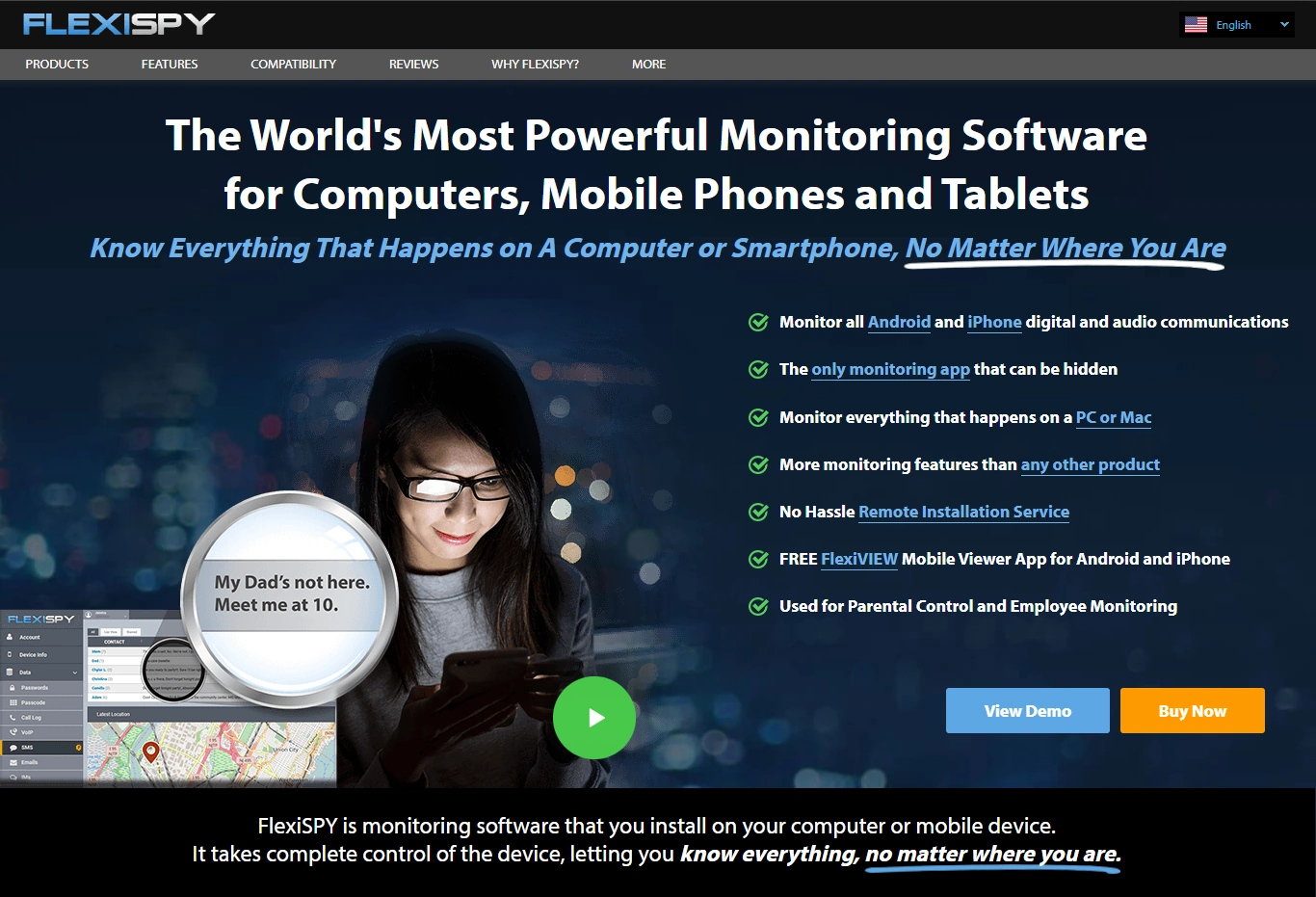
Description: FlexiSPY is known for more advanced capabilities. In an employee context, that means you must be extra careful: the more powerful the tool, the more important it is to constrain scope to strictly necessary business needs.
Product highlights:
- Advanced feature set (varies by platform)
- Suitable only for company-owned devices and clearly documented use cases
- Best used as an “incident response” tool rather than daily surveillance
What’s to like
- Strong option when you have a very specific, high-risk security use case
- Can support investigations when handled with legal/HR oversight
What’s not to like
- High potential for over-collection if you don’t set strict rules
- Can damage trust if used as “bossware”
PROS
- Powerful capabilities
- Works for strict corporate scenarios (when controlled)
CONS
- Easy to misuse without guardrails
- Requires serious governance (policy + approvals + audits)
Comparison read: FlexiSPY vs Spyera for Employee Monitoring.
Spyera — a comparison alternative
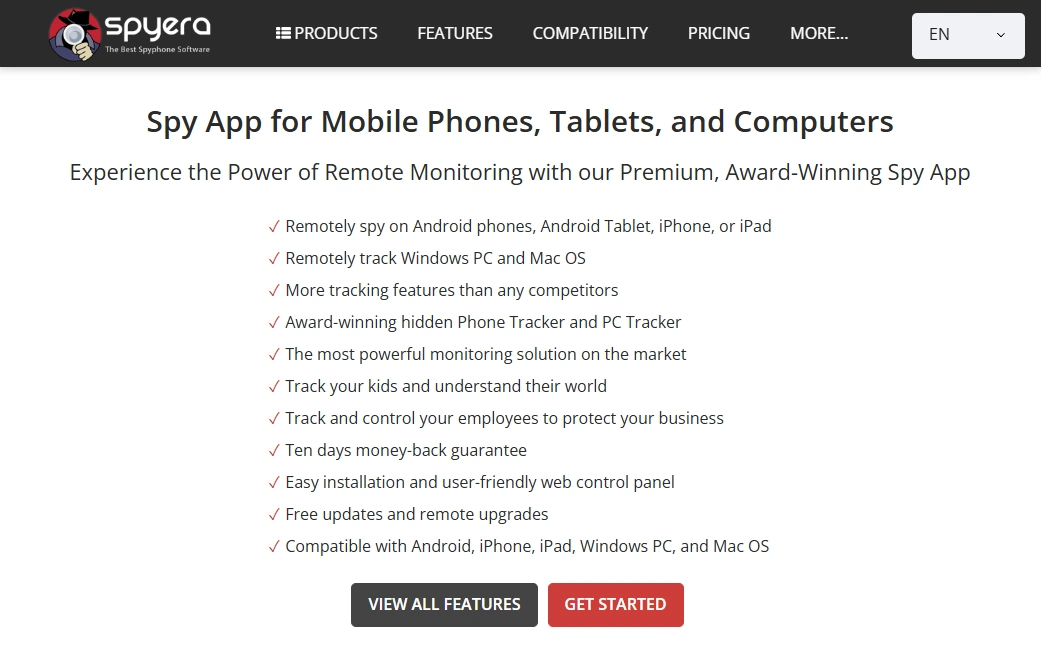
Description: Spyera can be considered if you’re comparing options for company-owned phone monitoring. The key is the same: make sure your scope is transparent and limited.
Product highlights:
- Cross-platform availability
- Useful as a comparison option for price/fit
- Works best for narrow, approved corporate purposes
What’s to like
- Good “compare before you decide” candidate
- Can work for company-device oversight when paired with a clear policy
What’s not to like
- Not a replacement for MDM/security tooling
- Still carries trust risk if used for daily surveillance
PROS
- Cross-platform
- Simple shortlisting option
CONS
- Needs strict governance
- Not ideal for BYOD scenarios
Employee monitoring policy structure (use this before installing anything)
If you want to stay on the safe side, your policy should be readable in 2 minutes and answer these questions:
- What is monitored (examples: work-hours location for field staff, corporate account security alerts)
- Why (security, safety, compliance, payroll validation)
- When (work hours only; incident-only; sampling cadence)
- Who can access the data (role-based access; HR/IT/security only)
- How long data is retained (short retention by default)
- Employee rights (how to request access/corrections, how to raise concerns)
Internal deep dives:
Setup tips to reduce risk (and avoid over-collection)
1) Use “least invasive” settings by default
- Prefer metadata (work app usage categories) over message/content capture
- Prefer sampling over continuous tracking
- Disable anything you can’t justify in writing
2) Separate responsibilities
- IT sets up devices
- Security/HR approve scope
- Managers see only what they truly need (usually aggregated)
3) Create an escalation path
- When do you open detailed logs?
- Who approves access?
- How do you document decisions?
If your monitoring is mainly about data leaks and insider risk, use: Prevent Employee Data Leaks (Guide).
FAQ
Is employee monitoring legal?
Often yes — but legality depends on jurisdiction, lawful basis, transparency/notice, and proportionality. In the EU/UK, employers usually need a clear lawful basis and must minimise data collection. In the US, federal rules (like the ECPA) and state notice requirements can apply.
Do I need employee consent?
In many EU/UK contexts, “consent” is tricky in employment because of power imbalance; organisations often rely on other lawful bases plus strong transparency. In the US, notice/consent requirements can vary by state, so you should check local rules and document employee notice.
What’s the most ethical approach?
Monitor only what you can justify for security/safety/compliance, keep it work-hours limited, disclose it clearly, minimise collection, and keep retention short. If you wouldn’t defend it in writing, don’t collect it.
Should I monitor BYOD phones?
It’s much riskier. If you must, keep scope narrow (work profile only), get explicit agreement, and avoid content-level monitoring. For most companies, the safer path is issuing company-owned devices for roles that require monitoring.
Which tool should I choose for company-owned phones?
If you want a balanced option, start with Moniterro. If you have strict security use cases and strong governance, compare FlexiSPY and Spyera.