

“Deleted message” usually doesn’t mean the message vanished from the universe — it means the sender removed it from the chat view. If you want to “see deleted messages,” the only reliable approach is using a tool that can capture messages before they get deleted (or using backups/notification logs when available).
This guide focuses on the most practical, real-life way parents use these tools: monitoring a child’s device to spot bullying, grooming, risky content, or secret accounts — not to enable illegal monitoring.
Legal note: Only use monitoring on a phone you own or legally manage (typically your child’s phone). Start here: Legal phone monitoring: what’s allowed and what’s not.
Short on time? Quick verdict
- Best overall for capturing chats before deletion (all-around): mSpy
- Best “clean UI + social monitoring” alternative: Eyezy
- Best Android-first monitoring experience: uMobix
- Best if you want a simpler “social monitoring” style option: Spynger
Quick jump: 60-second checklist · Verdict · Comparison table · What really matters · Best for your situation · Setup tips · Reviews · Legal notes · FAQ
60-second decision checklist
- Are you the parent/guardian managing this phone? If not, don’t do this: legal guide.
- WhatsApp / Instagram / Facebook “deleted” usually means: deleted from chat view, not necessarily unrecoverable.
- Real-world rule: you can only “see deleted messages” if they were captured before deletion (monitoring) or saved elsewhere (backup/notification history).
- Android vs iPhone: Android is typically more flexible. iPhone can be more limited and setup-dependent.
- Do safe setup first: Android setup / iPhone setup.
- Want broader app lists? WhatsApp tools, Instagram tools, Facebook/Messenger tools.
Verdict
If your goal is specifically to see deleted messages, you should think in terms of pre-deletion capture: the app needs to record chats/notifications/logs while the message still exists. That’s why the best picks are established monitoring apps with strong social coverage.
My practical ranking for most parents:
- mSpy — best all-around baseline for WhatsApp/Instagram/Facebook monitoring
- Eyezy — strong “social-first” alternative with a polished dashboard
- uMobix — great Android-first experience if your child uses Android
- Spynger — simpler social monitoring option worth comparing
Try mSpy (WhatsApp) | Try Eyezy (Instagram) | Try uMobix (Messenger)
Comparison table
Quick comparison for the “deleted messages” use case (meaning: captured before deletion).
| App | Best for | How it helps with “deleted” messages | Android vs iPhone reality | CTA |
|---|---|---|---|---|
| mSpy | Most parents (balanced coverage) | Captures activity/logs while messages exist; can reveal content even if later removed from the chat view | Android usually offers more consistent coverage; iPhone can be more setup-dependent | Check |
| Eyezy | Social-first monitoring UI | Records social activity early, making “delete later” less effective | Android typically easier; iPhone depends on setup method/permissions | Check |
| uMobix | Android-heavy households | Strong monitoring approach for capturing messages before they disappear | Best fit on Android; iPhone outcomes vary by configuration | Check |
| Spynger | Simple “social monitoring” comparisons | Captures social chat activity so “delete” doesn’t erase the earlier record | Android generally more flexible; iPhone can be limited | Check |
What really matters (how “deleted messages” works)
1) There’s no magic “show me deleted messages” button
WhatsApp/Instagram/Facebook don’t keep a “deleted messages” folder you can open. To see deleted content, you need one of these:
- Captured before deletion (monitoring app logs, notifications, activity records)
- Backups (sometimes restore-able, but messy and not guaranteed)
- Notification history (more common on Android; still not foolproof)
2) Timing is everything
If the message was sent and deleted fast, the tool may miss it. Your goal is consistency: stable setup, background permissions, and avoiding “it stopped updating” problems.
3) Android vs iPhone (realistic expectations)
- Android: generally easier to keep monitoring stable, but battery optimization can kill background logging.
- iPhone: often more restricted and setup-dependent; OS updates can change behavior.
4) “Disappearing messages” and view-once media
Features like disappearing messages/view-once media are specifically designed to reduce traceability. If you need visibility for child safety, use a tool that captures activity early and keep expectations realistic.
Related deep dives:
- Best WhatsApp monitoring tools
- Best Instagram monitoring tools
- Best Facebook/Messenger monitoring tools
- Top 10 Parental Control & Phone Monitoring Apps Comparison Table
Best for your situation
Best for parents worried about bullying, grooming, or risky chats
Start with a stable baseline app (mSpy or Eyezy), then set rules around safety and privacy (age-appropriate transparency beats constant “gotcha” monitoring).
Best if your child uses Android and you want the smoothest monitoring experience
Go with uMobix and follow the Android setup guide so background logging remains consistent.
Best if you only care about one app (WhatsApp vs Instagram vs Facebook)
Pick the offer matching the platform you care about most (and test for 48–72 hours):
- WhatsApp: mSpy, Eyezy, uMobix, Spynger
- Instagram: mSpy, Eyezy, uMobix, Spynger
- Facebook/Messenger: mSpy, Eyezy, uMobix (Messenger), Spynger
Setup tips & common issues (so you don’t miss the “deleted” part)
Use the safe setup guides first
Do these 5 things to improve “captured before deletion” success
- Fix battery optimization (Android): don’t let the phone kill background activity.
- Keep notifications enabled for WhatsApp/Instagram/Messenger (many “deleted” captures depend on early notification activity).
- Limit workarounds: don’t allow random VPN apps and multiple alternative browsers if you rely on consistent logging.
- Re-check after OS updates: permissions can reset or behavior changes.
- Test like a teen: send a message, delete it, and confirm what you see in the dashboard within 10–30 minutes.
If you’re focused on WhatsApp specifically, these internal guides help:
Reviews
mSpy
Description
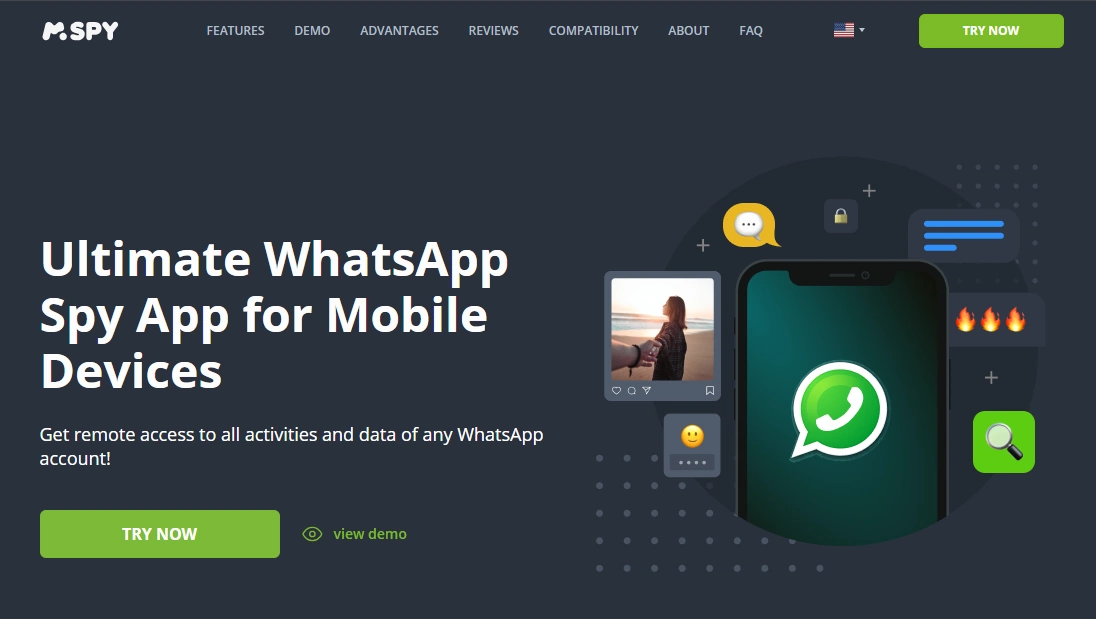
mSpy is the most reliable “start here” option for parents who want a single tool to monitor WhatsApp/Instagram/Facebook activity and reduce the chance that “delete” hides the evidence. The key is stable setup so messages/activity are captured before they disappear from the chat view.
Product highlights
- Strong coverage across major social platforms (WhatsApp/Instagram/Facebook)
- Works best when configured to stay stable in the background
- Good balance: monitoring context + practical parent use
What’s to like
- Best all-around baseline for the “deleted messages” use case
- Easy to choose the exact platform offer you care about
What’s not to like
- Not “magic recovery” — if it wasn’t captured before deletion, it may be gone
- iPhone expectations can be more limited and setup-dependent
PROS
- Best overall pick for parents
- Good coverage across WhatsApp/Instagram/Facebook
CONS
- Reliability depends on permissions/background settings
CTA: mSpy for WhatsApp | mSpy for Instagram | mSpy for Facebook
Eyezy
Description
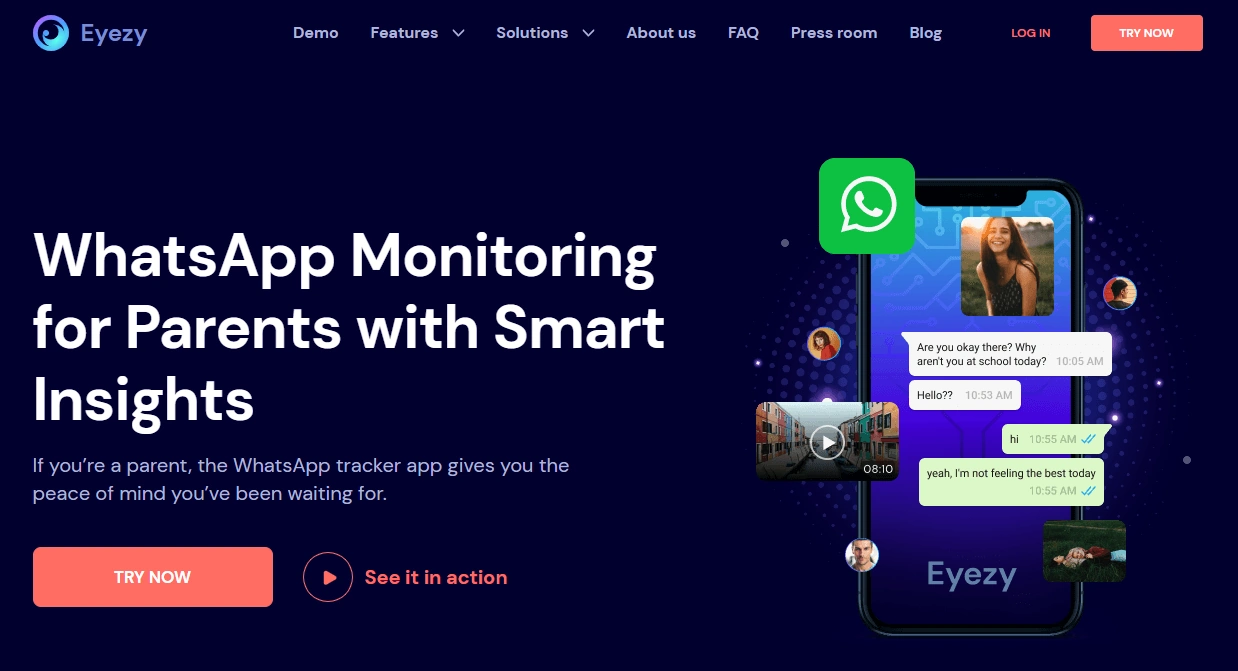
Eyezy is a strong alternative if you prefer a “social-first” monitoring experience. For deleted messages, the win is the same: capture the activity early so later deletions don’t erase the earlier record.
Product highlights
- Dedicated offers for WhatsApp/Instagram/Facebook monitoring
- Good option if you want a polished dashboard and clear social positioning
- Best results when setup is stable and maintained after OS updates
What’s to like
- Great “compare vs mSpy” option
- Clear social focus across the apps kids actually use
What’s not to like
- Still not a guaranteed recovery tool if messages weren’t captured
- iPhone limitations can affect what’s visible
PROS
- Strong social coverage and easy comparison shopping
- Good choice for parents who want a clean UI
CONS
- Needs correct setup to avoid missed captures
CTA: Eyezy for WhatsApp | Eyezy for Instagram | Eyezy for Facebook
uMobix
Description
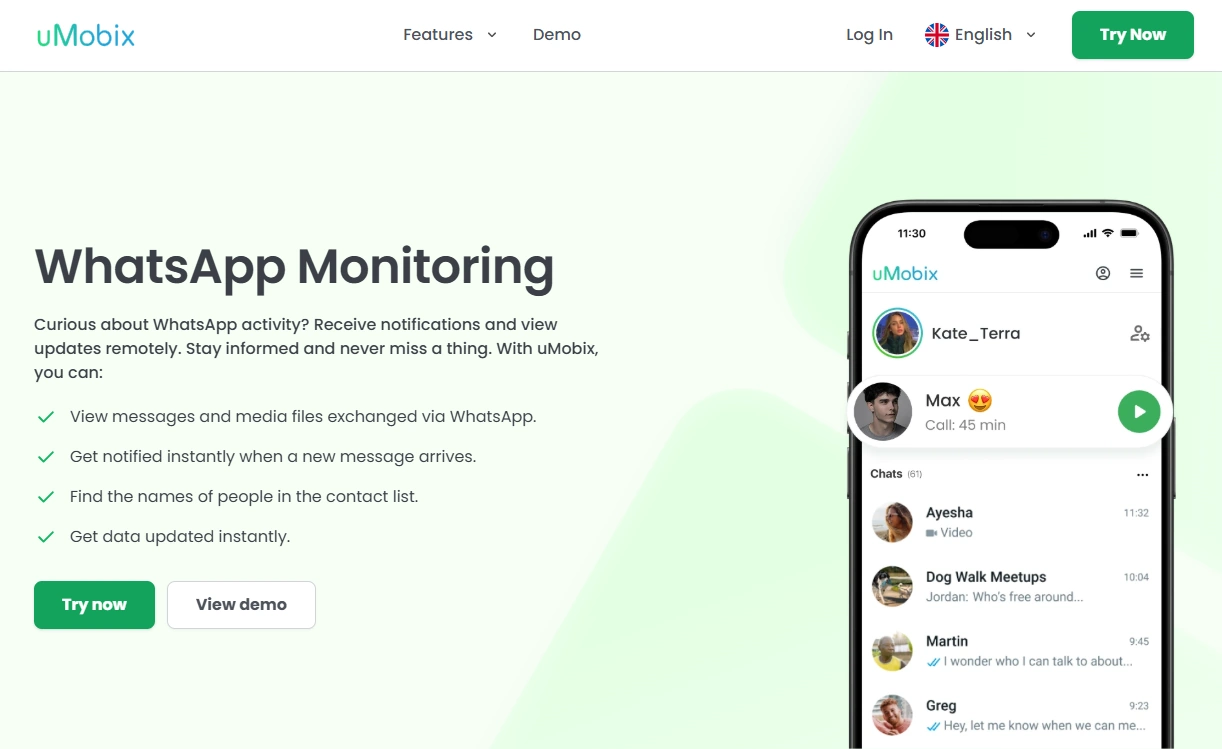
uMobix is a great fit when your household is Android-heavy and you want a monitoring tool that feels built for modern social behavior. For “deleted messages,” the practical value is capturing chats/records early and keeping background behavior stable.
Product highlights
- Strong Android-first experience for social monitoring
- Dedicated offers for WhatsApp/Instagram/Messenger
- Best when battery optimization is configured correctly
What’s to like
- Very strong shortlist pick for Android parents
- Good “one more option” to compare vs mSpy/Eyezy
What’s not to like
- Not a guaranteed “recovery” tool if content was never captured
- Requires sensible setup to avoid missed updates
PROS
- Excellent Android-fit for monitoring consistency
- Clear focus on the apps kids actually use
CONS
- Background/battery settings can make or break reliability
CTA: uMobix for WhatsApp | uMobix for Instagram | uMobix for Messenger
Spynger

Description
Spynger is a straightforward “social monitoring” comparison option. If you want to test one more tool on your shortlist, Spynger is worth a look — especially if your goal is simply ensuring “delete” doesn’t remove all visibility.
Product highlights
- Dedicated offers for WhatsApp/Instagram/Facebook
- Simple comparison option for social monitoring needs
- Same core reality: must capture activity before deletion
What’s to like
- Easy to compare side-by-side with mSpy/Eyezy/uMobix
- Good option if you want a simpler shortlist test
What’s not to like
- Not a “retroactive recovery” tool if it didn’t capture the message
- iPhone setups can be more limited than Android
PROS
- Simple social monitoring comparison pick
- Clear coverage for the main apps in this guide
CONS
- Reliability depends on platform and setup quality
CTA: Spynger for WhatsApp | Spynger for Instagram | Spynger for Facebook
Legal & ethical notes
We don’t support hacking, covert surveillance, or monitoring adults without consent. Use these tools only for legitimate purposes on devices you own or legally manage (typically your child’s phone), and follow local laws.
Start here: Legal phone tracking: what’s allowed and what’s not.
FAQ
Can I really see deleted WhatsApp/Instagram/Facebook messages?
You usually can only see deleted messages if they were captured before deletion (monitoring logs/notifications) or stored elsewhere (backups/notification history). There’s no guaranteed “recover everything” method.
Which is best for deleted messages: mSpy, Eyezy, uMobix, or Spynger?
For most parents, mSpy is the best baseline, Eyezy is the best polished alternative, uMobix is great for Android-heavy households, and Spynger is a solid simple comparison pick.
Is it easier on Android or iPhone?
Android is typically more flexible for consistent capture. iPhone can be more limited and setup-dependent. Use: Android setup / iPhone setup.
Why do I still miss some deleted messages?
Most misses happen when messages are deleted quickly, the phone restricts background activity, notifications are off, or permissions were changed after an update.
Is it legal to use these apps to see deleted messages?
It depends on your jurisdiction. The typical lawful scenario is a parent monitoring a minor’s device they own/manage for safety. Read: what’s allowed and what’s not.