

“Recover deleted chats and media” is a loaded promise. In real life, there are only a few scenarios where recovery actually works:
- Capture-before-delete: the content was logged while it still existed (best for “deleted messages”).
- Backups: you can restore an earlier chat/media state from iCloud/Google Drive/device backups.
- Trash folders: the media is still in “Recently Deleted/Trash” and hasn’t expired.
This guide is written for parents/guardians protecting kids from bullying, grooming, and risky contacts. We don’t support illegal spying on adults without consent. Read first: Legal phone tracking: what’s allowed and what’s not.
Short on time? Quick verdict
- Best overall for “deleted chats” (capture-before-delete): mSpy (WhatsApp/Instagram/Facebook offers)
- Best iPhone-friendly angle for restores (backup-based mindset): Eyezy iCloud Sync (without touching)
- Best Android-first monitoring experience: uMobix WhatsApp Monitoring
- Best simple comparison pick: Spynger for WhatsApp
Quick jump: 60-second checklist · Verdict · Comparison table · What really matters · Best for your situation · Setup tips · Reviews · Legal notes · FAQ
60-second decision checklist
- Whose phone is it? Only do this on a device you own/manage legally (usually your child’s).
- What are you trying to recover?
- Chats/messages: best chance is capture-before-delete.
- Photos/videos: best chance is Trash/Recently Deleted or backup restore.
- Android vs iPhone: Android is typically more flexible. iPhone is more restricted and backup-dependent.
- If you need WhatsApp specifically: Best apps to see deleted WhatsApp messages (realistic expectations).
- Use safe setup first: Android setup / iPhone setup.
- Want broader app comparisons? Top 10 Parental Control & Phone Monitoring Apps Comparison Table.
Verdict
If you want to “recover deleted chats,” the most dependable method is: capture the messages before they are deleted. That’s why monitoring apps are the top picks for parents — not “recovery magic.”
If you want to “recover deleted media,” your best options are: Trash/Recently Deleted first, then backups. Monitoring can help by giving context (what was shared, who shared it, when).
Try mSpy (best overall) | Try Eyezy iCloud Sync (iPhone angle) | Try uMobix (Android-first)
Comparison table
These picks are best understood as tools that help you retain visibility even when someone tries to erase evidence later.
| App | Best for | What it can “recover” realistically | Android vs iPhone reality | CTA |
|---|---|---|---|---|
| mSpy | Best overall “deleted chats” protection | Chat visibility via capture-before-delete (best for WhatsApp/IG/Facebook scenarios) | Android usually more consistent; iPhone can be more setup-dependent | Check |
| Eyezy (iCloud Sync) | iPhone households thinking in backups/restores | Best “restore mindset” pick (visibility tied to iCloud-based behavior and stable configuration) | iPhone-focused offer; expectations depend on setup and iOS behavior | Check |
| uMobix | Android-first monitoring flow | Chat visibility when capture is stable (battery optimization is make-or-break) | Best fit on Android; iPhone can be more limited | Check |
| Spynger | Simple comparison pick | Basic “deleted chats don’t erase everything” visibility when capture is active | Android typically more flexible than iPhone | Check |
What really matters (chats vs media, Android vs iPhone, reliability)
1) “Recover chats” is usually “catch them before deletion”
If the message was sent and deleted quickly, and nothing captured it (notifications/logs/backups), it may be unrecoverable. That’s why parents use monitoring tools to retain evidence early, especially for WhatsApp/Instagram/Facebook cases.
Related guides on your site:
- Best apps to see deleted WhatsApp messages
- Best apps to see deleted messages on WhatsApp/Instagram/Facebook
- Best WhatsApp monitoring apps
2) “Recover media” is mostly Trash/Backups — not monitoring apps
For photos/videos, the real recovery path usually looks like this:
- Check “Recently Deleted/Trash” (device gallery or cloud gallery).
- Check cloud trash (Google Photos / iCloud Photos “Recently Deleted”).
- Consider restoring from a backup if the content matters enough (but note it can overwrite newer data).
Monitoring tools help by adding context: who shared it, when it appeared, what account/app it came from.
3) Android vs iPhone (practical expectation)
- Android: generally easier for consistent capture — but battery optimization can silently stop logging (most common cause of “missed deleted messages”).
- iPhone: more restricted; outcomes often depend on the setup path and backups/iCloud behavior.
4) Reliability beats “features”
The best “recovery” outcome is simply: your setup keeps working quietly. Once it breaks, parents start troubleshooting — and that creates gaps (and sometimes visibility issues).
Best for your situation
Best for parents worried about bullying, grooming, or risky contacts
Choose an all-around baseline and focus on stable capture: mSpy is the best starting point for most families. Then expand coverage if needed: Instagram tools and Facebook/Messenger tools.
Best if your household is iPhone-heavy and you think in “restore/backups”
Start with Eyezy iCloud Sync (without touching) and keep expectations realistic: iOS restrictions mean a more backup/configuration-driven approach.
Best if your child uses Android and you want the smoothest practical flow
Go with uMobix WhatsApp Monitoring and fix battery optimization early (this prevents most “why didn’t it capture the deleted message?” problems).
Best if you just want a simple comparison option
Test Spynger for WhatsApp for 48–72 hours and compare update speed + dashboard clarity vs your top pick.
Setup tips & common issues (avoid gaps that kill “recovery”)
Use the safe setup guides first
6 practical tips to improve capture-before-delete success
- Android: disable aggressive battery optimization for the monitoring tool.
- Keep app notifications enabled (WhatsApp/Instagram/Messenger) — many “deleted message” traces start as notifications.
- After OS updates: re-check permissions and background behavior.
- Don’t run multiple monitoring apps at once (conflicts and instability create gaps).
- Test your exact scenario: send a message, delete it, and verify what appears within 10–60 minutes.
- For WhatsApp-focused parents: use the dedicated guides: mSpy WhatsApp guide and uMobix WhatsApp guide.
Reviews
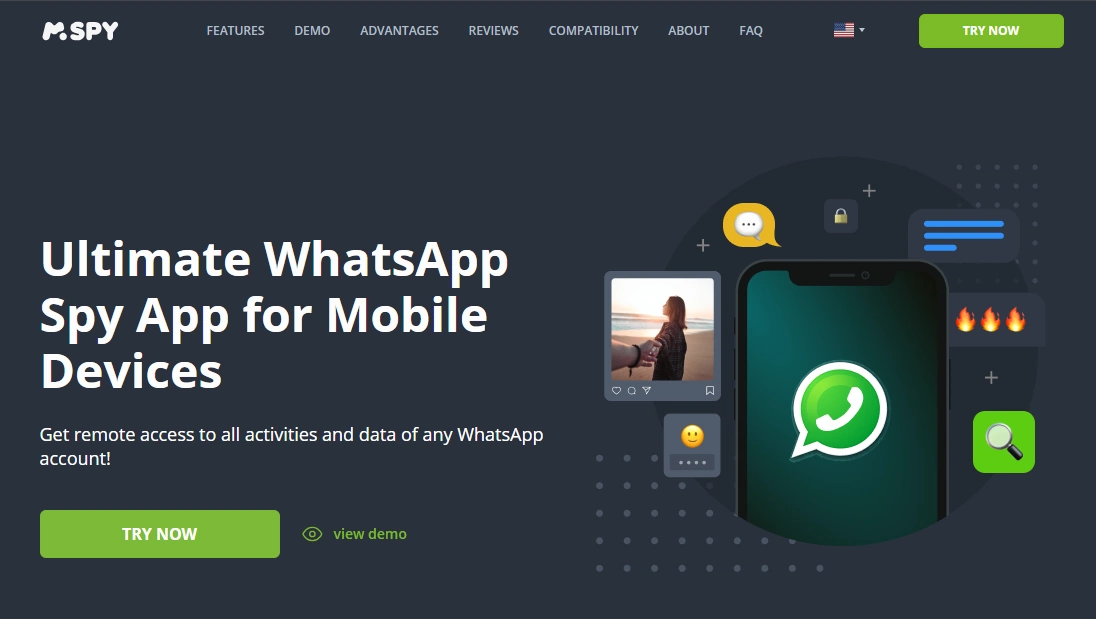
mSpy (best overall for “deleted chats” visibility)
Description
mSpy is the most practical “start here” pick if your main goal is visibility into chats that later get deleted. It’s not about retroactive magic — it’s about capturing activity while it exists, so “delete for everyone” doesn’t erase your ability to review what happened.
Product highlights
- Strong baseline for chat monitoring and capture-before-delete behavior
- Dedicated offers for the major platforms kids use: WhatsApp, Instagram, Facebook
- Best results come from stable setup + minimal troubleshooting
What’s to like
- Best overall fit for parents who want “deleted chats” visibility across apps
- Easy to expand from WhatsApp to Instagram/Facebook when needed
What’s not to like
- Not a guaranteed “recover after deletion” tool if nothing was captured/backed up
- iPhone expectations can be more setup-dependent than Android
PROS
- Best overall baseline for capture-before-delete
- Clear offers for the big platforms
CONS
- Reliability depends on permissions/background settings
CTA: Get mSpy for WhatsApp | Get mSpy for Instagram | Get mSpy for Facebook
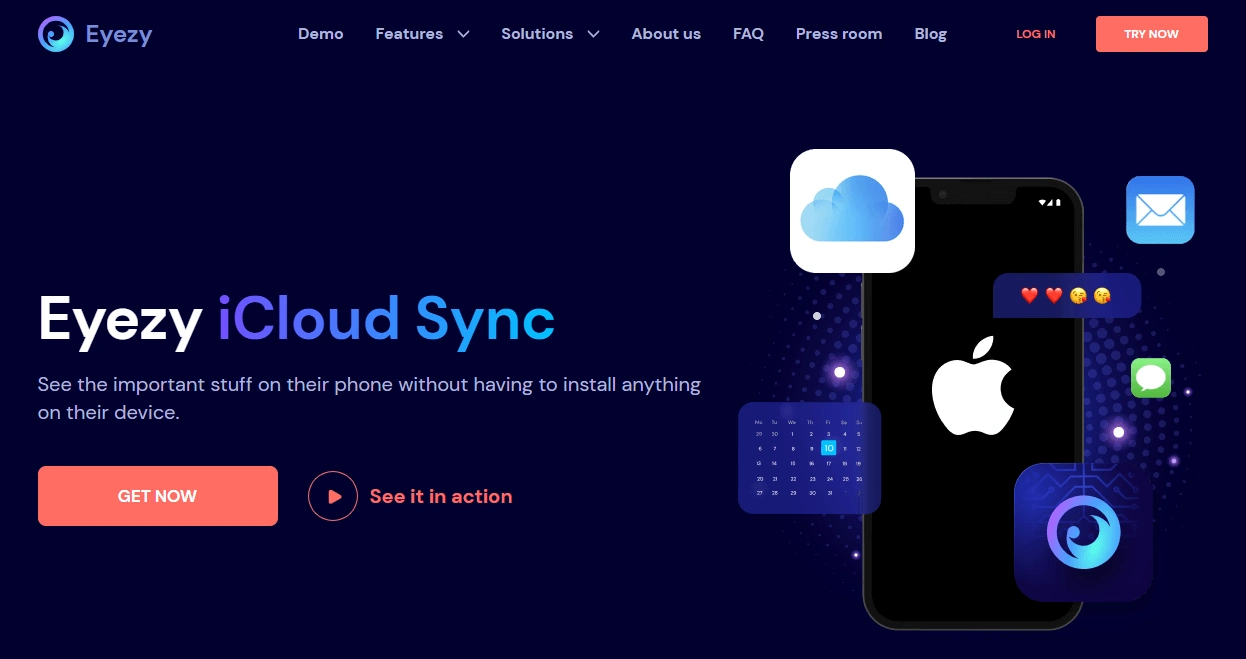
Eyezy iCloud Sync (without touching) (iPhone restore mindset)
Description
Eyezy iCloud Sync (without touching) is a good fit if your household is iPhone-heavy and you’re thinking in terms of cloud/backups rather than “deep device capture.” It’s not a promise to resurrect anything that never existed in backups — but it aligns with the reality that iPhone “recovery” is often backup-driven.
Product highlights
- iPhone-focused approach that fits a restore/backup mindset
- Useful comparison pick next to a capture-before-delete baseline like mSpy
- Works best when configuration stays stable (avoid constant changes after iOS updates)
What’s to like
- Good “iPhone reality” pick (less Android-style freedom, more backup logic)
- Pairs well with social monitoring offers (WhatsApp/Instagram/Facebook) when needed
What’s not to like
- Not a guaranteed media recovery tool if content is already gone from backups/trash
- iOS restrictions mean outcomes can be more limited than Android
PROS
- Strong iPhone-oriented angle for parents
- Good alternative to compare on iOS
CONS
- Setup-dependent outcomes
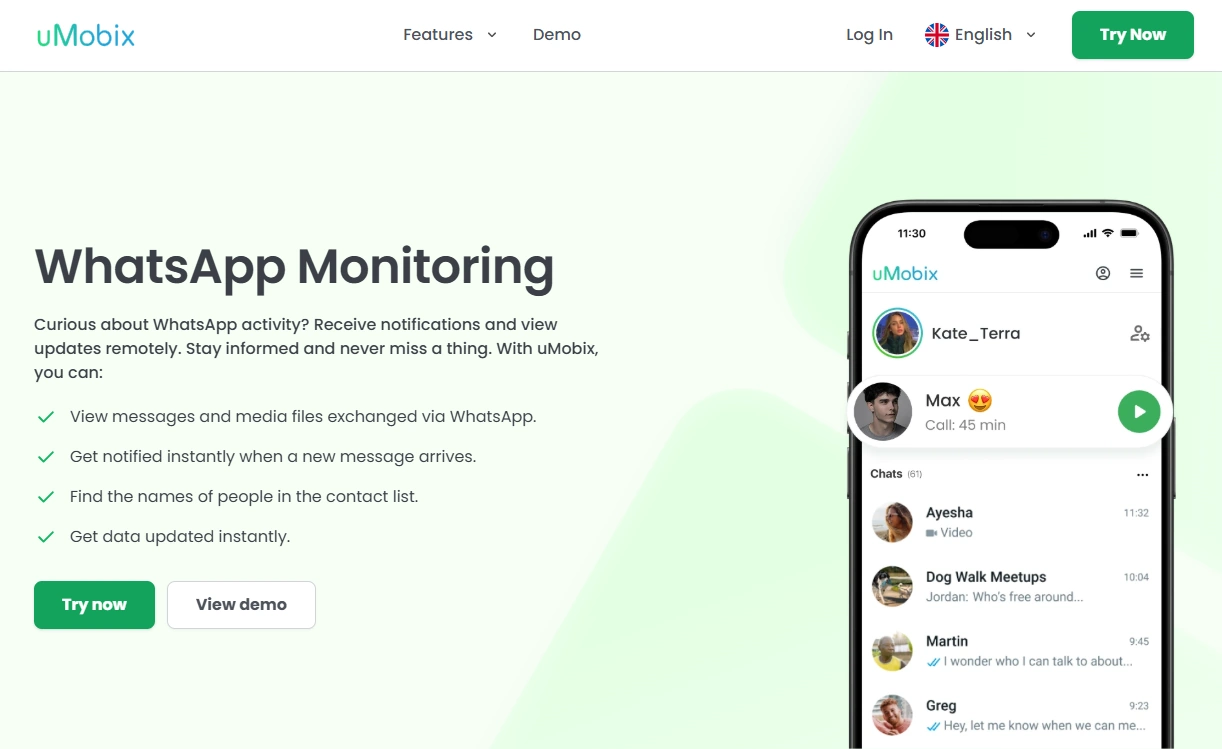
uMobix (Android-first “deleted chats” visibility)
Description
uMobix is a great choice when your child uses Android and you want a monitoring flow that can stay consistent day-to-day. For “recovery,” that consistency is everything: if the capture is stable, deleted chats are far less likely to remove your visibility.
Product highlights
- Android-first monitoring experience (practical for parents)
- Dedicated offers for major platforms (WhatsApp/Instagram/Messenger style use cases)
- Battery optimization settings are the #1 reliability lever
What’s to like
- Excellent fit for Android households
- Good shortlist pick to compare vs mSpy
What’s not to like
- If Android kills background activity, you’ll miss fast deletions
- Not a “restore deleted media from thin air” solution
PROS
- Strong Android fit
- Good practical odds for capture-before-delete when configured correctly
CONS
- Battery/background settings can make or break results
Spynger (simple comparison pick)

Description
Spynger is a straightforward comparison option if you want to test one more tool on your shortlist. For “recovery,” the rule stays the same: if it captures the chat while it exists, later deletion won’t erase all visibility.
Product highlights
- Simple monitoring-style offer for WhatsApp-focused needs
- Good for shortlist testing (dashboard clarity, update speed)
- Best understood as capture-before-delete help, not retroactive restoration
What’s to like
- Easy to compare vs mSpy/uMobix
- Good “simple option” for parents who want fewer moving parts
What’s not to like
- Not a guaranteed recovery tool if content was never captured/backed up
- iPhone can be more limited than Android
PROS
- Solid comparison pick
- Simple WhatsApp-focused entry point
CONS
- Still setup-dependent for consistent capture
Legal & ethical notes
We don’t support hacking, covert surveillance, or monitoring adults without consent. Use these tools only on devices you own or legally manage (typically your child’s phone), and follow local laws. If you’re unsure, read: what’s allowed and what’s not.
FAQ
Can an app recover chats that were already deleted?
Usually not reliably. The best real-world approach is capture-before-delete (monitoring/logs/notifications) or restoring from a backup if one exists.
Can I recover deleted photos and videos from chats?
Sometimes — but it’s usually through Trash/Recently Deleted folders or backups (iCloud/Google Photos/device backup). Monitoring apps help with context and visibility, not guaranteed media resurrection.
Which app is best for deleted WhatsApp messages?
For most parents, mSpy WhatsApp Tracking is the best baseline. Android-heavy families often like uMobix, while iPhone households may prefer a backup-driven mindset like Eyezy iCloud Sync.
Is it easier on Android or iPhone?
Android is typically more flexible for consistent capture. iPhone can be more restricted and setup-dependent. Use: Android setup / iPhone setup.
Is it legal to use these apps for “recovery”?
It depends on your jurisdiction. A common lawful scenario is a parent monitoring a minor’s device they own/manage for safety. Read: legal phone tracking rules.