

Looking for a reliable Android monitoring app as a parent? This guide compares the top options you can actually use in 2026—covering calls, chats, GPS location, and day-to-day device activity.
Important: Use monitoring tools only on a device you own or manage as a parent/guardian, and follow local laws. If you’re unsure, start with our legal guide: Legal Phone Tracking: What’s Allowed and What’s Not.
If you want the broader hub first, see: Top Android Monitoring Apps.
Short on time? Here are the best picks
- Best overall for most parents: mSpy
- Best for safety alerts and healthier habits: Bark
- Best for a clean, parent-friendly dashboard: Eyezy
How to choose the right Android monitoring app
Before you buy anything, decide what “success” looks like for your family. Most parents fall into one of these goals:
- Safety alerts: you want warnings and guidance (better for trust and transparency).
- Routine control: screen time limits, app rules, and location check-ins.
- Deeper visibility: calls, texts, app activity and (sometimes) social apps—useful for high-risk situations.
If you want a full feature breakdown, read: Monitoring App Features Explained: What You Can (and Can’t) Monitor. If you’re trying to do this without risky device changes, see: Best Monitoring Apps Without Root or Jailbreak.
Quick comparison table
| App | Best for | Platforms | Key highlights | Refund or Trial |
|---|---|---|---|---|
| mSpy | Best all-round monitoring for most families | Android (primary) + iPhone | GPS + calls + texts + app activity in one dashboard | Refund policy (see official site) |
| Eyezy | Best for a clean, parent-friendly dashboard | Android + iPhone | Easy setup flow, solid day-to-day monitoring | Refund policy (see official site) |
| uMobix | Best for social-heavy teens (Android) | Android + iPhone | Strong focus on social & messaging apps (device-dependent) | Refund policy (see official site) |
| Bark | Best for alerts, content risks & safer habits | Android + iPhone (plans vary) | Alerts over deep logs, web/content monitoring + limits | Trial/refund options (see official site) |
| Parentaler | Best for simple screen time + location | Android + iPhone | Straightforward controls: time limits, apps, web rules, GPS | Refund policy (see official site) |
| Moniterro | Best for practical “core monitoring” on a budget | Android + iPhone | Core activity visibility + GPS (feature depth varies) | Refund policy (see official site) |
| Flexispy | Best for advanced monitoring needs | Android + iPhone (advanced setups may vary) | Power features for edge cases (more complex than most) | Refund policy (see official site) |
Note: Feature depth can vary by Android version, phone model, and the permissions you allow during setup. Always confirm what matters most for your device on the official site.
Which app is best for your situation?
If you want the best all-rounder (GPS + calls + daily visibility)
Start with mSpy for Android—it’s usually the easiest “one app does most things” option for parents.
If you want an easy dashboard and simple day-to-day parenting controls
Go with Eyezy for Android or, if you mainly want simple rules + location, consider Parentaler and compare both in Eyezy vs Parentaler.
If your teen lives in social and chat apps
Put uMobix for Android on your shortlist and compare it against mSpy and Eyezy in our “vs” hub: mSpy vs uMobix vs Eyezy.
If you want alerts (not deep logs) and want to keep trust intact
Choose Bark and pair it with a privacy-friendly approach (this helps long-term cooperation): How to Monitor Kids’ Phones Without Invading Their Privacy.
If you’re testing a simpler alternative first
You can also look at Moniterro for a more “core monitoring” approach, then upgrade later if you hit limitations.
If you’re a power user with an edge case (most parents can skip this)
FlexiSPY can be relevant for advanced needs, but it’s typically more complex than family-focused tools. Compare it with mainstream options first: mSpy vs FlexiSPY.
Need a simpler starting point? You might prefer a pure parental-control roundup: Top Parental Control Apps for Android.
mSpy
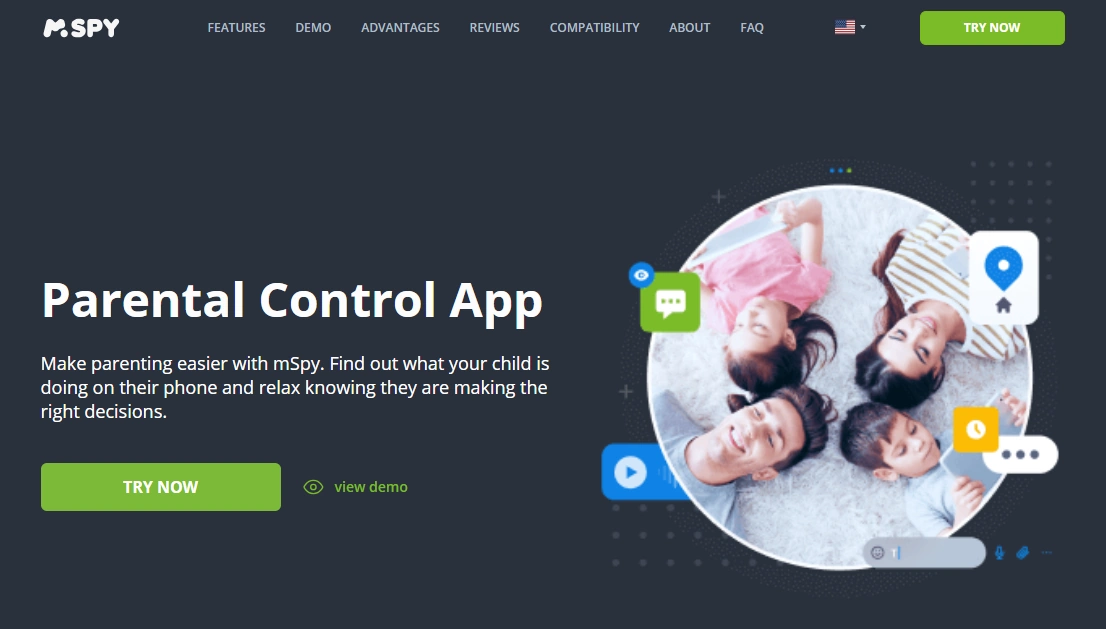
mSpy is one of the most popular Android monitoring suites for parents who want an all-in-one view of calls, messages, location, and app activity in a single dashboard. It’s a strong pick when you’re dealing with multiple social apps and you want one place to review what’s going on.
Want a full walkthrough? See our step-by-step guide: mSpy for Android: Full Review & Setup Guide.
Key features
- Location tracking with history (GPS) and basic geofencing-style use cases
- Call and text activity visibility (feature depth can vary by device/OS)
- App activity and screen-time style insights in one dashboard
- Web browsing and general device activity reporting (plan/device dependent)
- Cross-platform account access for parents (monitor from your own phone or computer)
PROS
- All-around feature set for day-to-day parenting use
- Works well for mixed ‘GPS + messages + apps’ monitoring needs
- Good choice if you want one primary app instead of juggling multiple tools
CONS
- Setup requirements can vary depending on the Android version
- Some “deep” features may not be available on every device
- Best results usually require initial device access during setup
Ready to try mSpy? Check the latest plans on the official website.
Eyezy
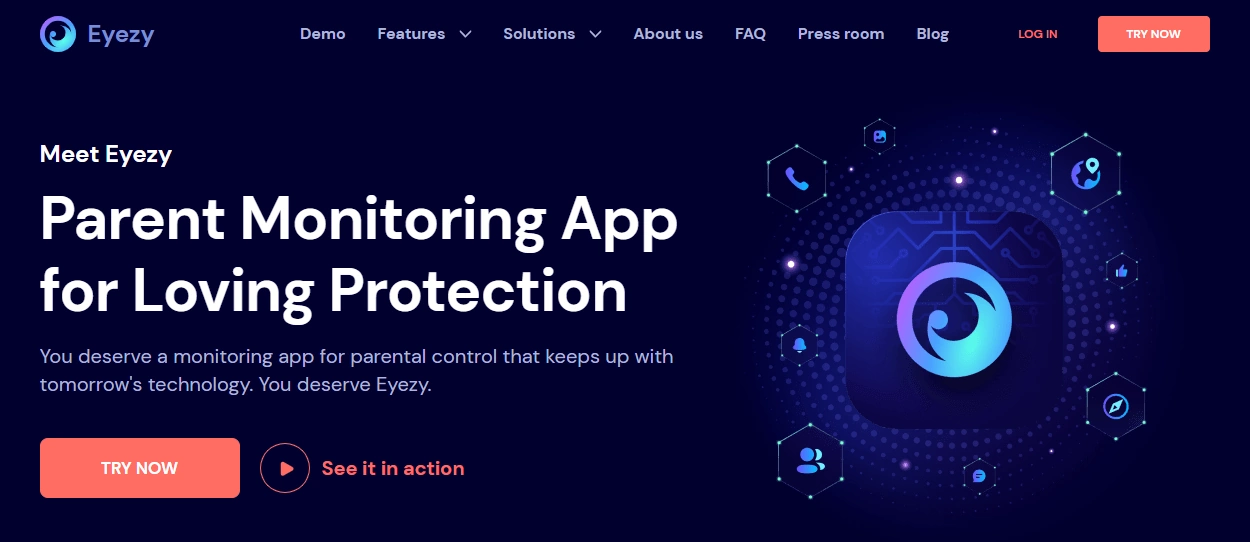
Eyezy is a parent-friendly monitoring option when you want a clean dashboard and straightforward reporting. It’s often chosen by families who want visibility without turning setup into a weekend project.
Prefer a cleaner interface? Start here: Eyezy for Android: Complete Review & Setup.
Key features
- Simple dashboard built for parents (less clutter, easier navigation)
- Location tracking and basic movement history
- Visibility into messaging and app activity (device/OS dependent)
- Web activity and general phone usage reporting
- Alerts and rules-style features depending on the plan
PROS
- Easy to understand for non-technical parents
- Great ‘daily check-in’ type monitoring experience
- Good balance between features and usability
CONS
- Advanced monitoring depth can vary by Android model
- Not every feature is available on every Android version
- You still typically need initial access to the child’s device to set it up
Ready to try Eyezy? Check the latest plans on the official website.
uMobix

uMobix is often picked by parents who care most about social and chat apps. If the main risk is what happens inside messengers and social platforms, uMobix is usually the shortlist candidate.
If your child lives in social apps, read: uMobix for Android: Review & Setup.
Key features
- Strong focus on popular social and chat apps (device dependent)
- Location tracking for day-to-day safety check-ins
- Call and SMS visibility (varies by device/OS)
- App usage insights to understand patterns and habits
- Web activity visibility depending on setup and plan
PROS
- Good fit for social-heavy teens (Android-first use cases)
- Useful if messaging visibility is your top priority
- Pairs well with a ‘trust + verify’ parenting approach
CONS
- Feature coverage can vary by phone model and Android build
- Some dashboards feel more ‘monitoring-focused’ than ‘parental-control-focused’
- Initial setup typically requires device access
Ready to try uMobix? Check the latest plans on the official website.
Bark
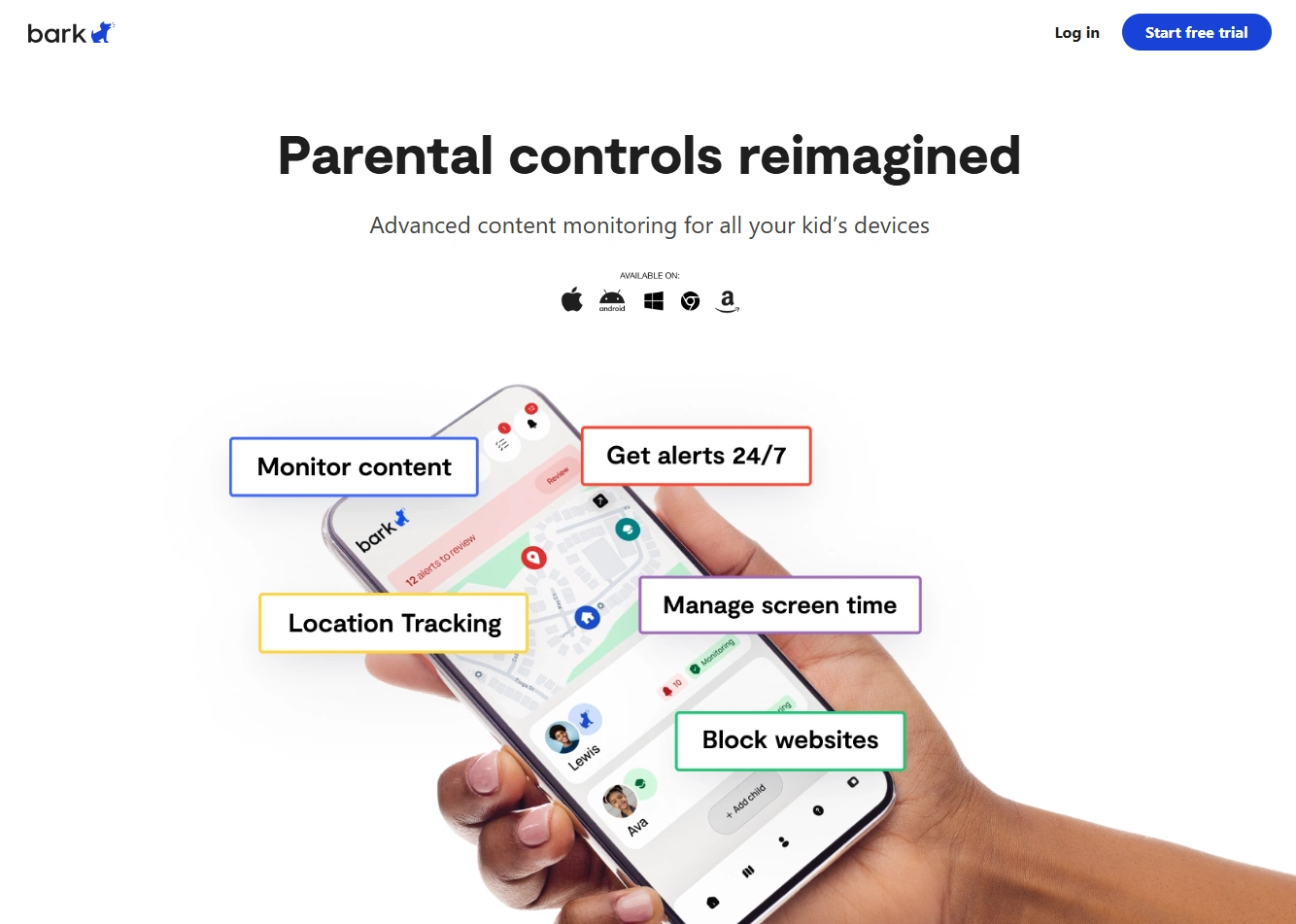
Bark is a great choice when your goal is safety alerts and healthy digital habits rather than deep, minute-by-minute logs. Many parents prefer Bark’s “signal over surveillance” approach, especially for younger kids or when trust is a priority.
Also see: How to Monitor Kids’ Phones Without Invading Their Privacy and our guide to kids phones & GPS watches with parental controls.
Key features
- Alerts around risky content and concerning patterns (plan dependent)
- Screen time / app limits and web filtering style controls (plan dependent)
- Location tools for basic safety and check-ins
- Family-oriented guidance and reporting experience
- Works well as a ‘lighter-touch’ option for transparent monitoring
PROS
- Best fit if you want alerts and guidance more than full activity logs
- Easier to use for many families, especially with younger children
- Good for building safer habits (not just tracking)
CONS
- Not designed for deep ‘spy-style’ monitoring
- Feature availability depends on the plan and device type
- May feel limited if you need detailed chat-by-chat logs
Ready to try Bark? Check the latest plans on the official website.
Parentaler

Parentaler is the “keep it simple” option for parents who mainly want screen-time rules, app limits, web filtering-style controls, and GPS. It’s a strong pick for non-tech-savvy families or for younger kids where transparency matters most.
Not sure if you want “simple controls” or “deeper monitoring”? Compare: Eyezy vs Parentaler.
Key features
- Screen-time limits and app rules for healthier routines
- Location tracking for check-ins and peace of mind
- Web filtering-style controls and basic activity reports
- Simple, parent-first setup flow (plan dependent)
- Good for families who prefer transparent monitoring
PROS
- Very approachable for everyday parenting
- Good value if you don’t need deep app-by-app chat monitoring
- Strong fit for younger kids and clear household rules
CONS
- Limited deep social-message access compared to “monitoring suites”
- May not satisfy parents looking for detailed chat logs
- Feature sets depend on Android version and plan
Ready to try Parentaler? Check the latest plans on the official website.
Moniterro

Moniterro can make sense if you want a straightforward “core monitoring” toolkit without overthinking it. It’s typically considered as a practical option when you mainly care about the basics (location + core activity) and want to see how far you can get on a simpler setup.
If you want a deeper Android-first option, compare the big three first: mSpy vs uMobix vs Eyezy.
Key features
- Core activity visibility features (plan/device dependent)
- GPS tracking for safety check-ins
- Call/message visibility depending on device and permissions
- Web activity visibility depending on setup
- Useful as a ‘starter’ option for core needs
PROS
- Good for parents who want the basics first
- Can be a reasonable budget-conscious alternative
- Simple shortlist candidate if you’re comparing multiple tools
CONS
- Not every ‘advanced’ feature is available on every device
- May require testing on your exact phone model to confirm coverage
- Setup and feature depth can vary across Android versions
Ready to try Moniterro? Check the latest plans on the official website.
Flexispy
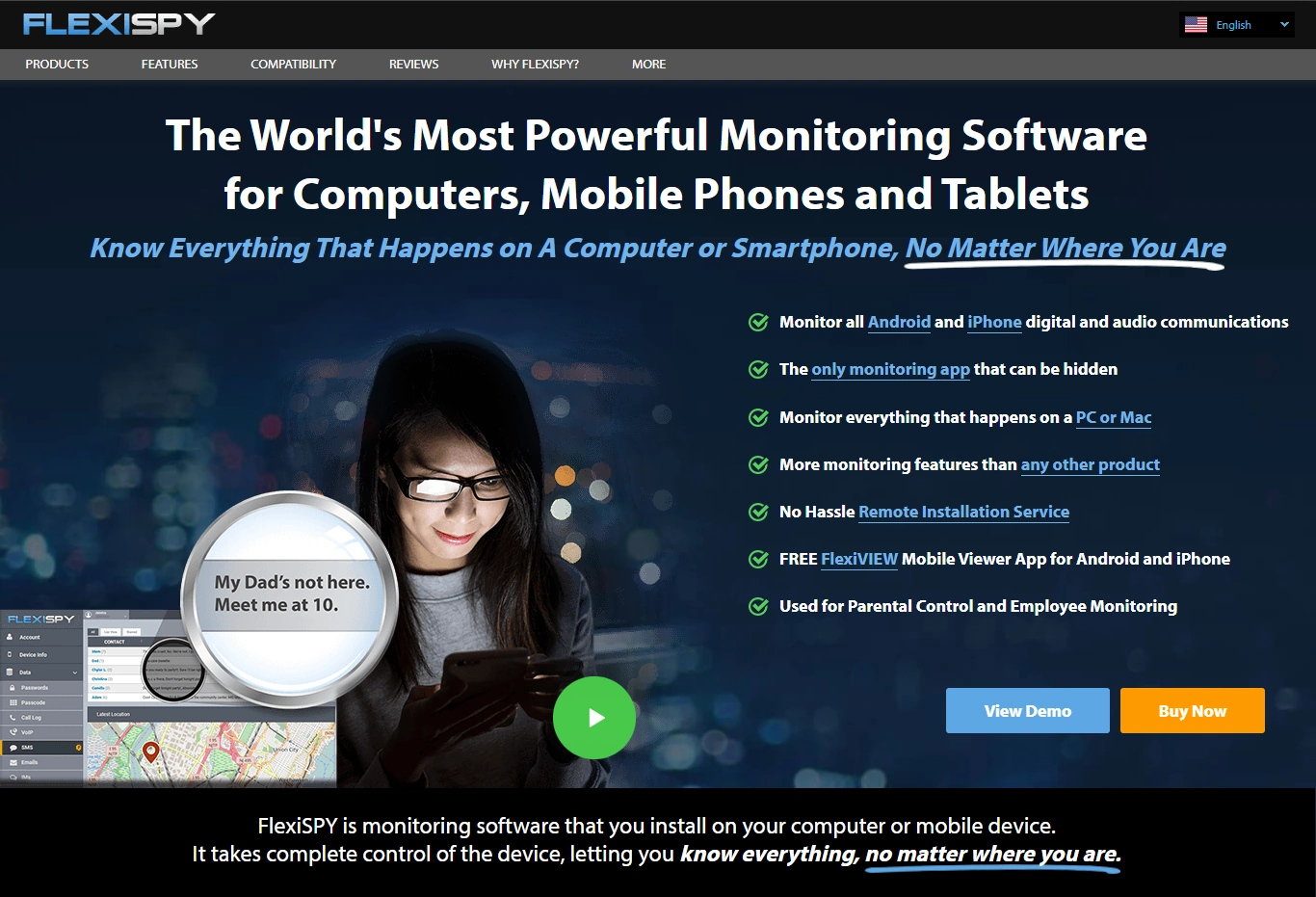
FlexiSPY is the “power-user” option. It’s usually overkill for most parents, but it can be relevant in edge cases where you need more advanced monitoring features and you’re comfortable with a more technical setup.
Considering a power tool? Read: mSpy vs FlexiSPY.
Key features
- Advanced monitoring capabilities (feature availability varies by device/setup)
- Broader toolset for edge cases compared to typical parental apps
- Works across multiple platforms (plan dependent)
- Best suited for experienced users who can handle a more complex setup
- Useful when mainstream apps don’t cover a specific need
PROS
- Very feature-rich compared to most parent-focused apps
- Potential fit for advanced monitoring requirements
- Good option for experienced, technical users
CONS
- More complex setup than most families want
- May involve higher cost and more configuration
- Some features may require deeper device changes (not recommended for most parents)
Ready to try Flexispy? Check the latest plans on the official website.
Final notes for parents
- Be transparent whenever possible. Clear rules usually work better than secret monitoring.
- Start light and escalate only if needed. Alerts + limits are often enough for younger kids.
- Prioritize legality. If you’re unsure, review the legal guide again: what’s allowed and what’s not.
FAQ
Are Android monitoring apps legal for parents?
Legality depends on where you live and who owns the device. In general, parents/guardians should monitor only devices they own or manage, and follow local privacy laws. If you’re unsure, read: https://startdigital.ee/en/legal-phone-tracking-whats-allowed-and-whats-not/.
Do I need physical access to my child’s Android phone to set up monitoring?
For most full-feature Android monitoring apps, yes—at least during the initial setup. Lightweight options (like basic location sharing) may work without it, but deep monitoring typically requires installing and granting permissions on the device.
Do these apps require rooting an Android phone?
Usually not. Many mainstream apps work without root, but some advanced capabilities may be limited on non-rooted devices. If you want safer options first, choose tools that work without root and confirm feature coverage on your specific phone model.
Will my child notice the monitoring app?
It depends on the tool, Android version, and how the device is configured. For healthy family dynamics, transparency and agreed rules are usually the better long-term approach.
Which app is best for alerts vs detailed logs?
If you want alerts and guidance, Bark is often a better fit. If you need a broader “dashboard” view (GPS + calls + messages + activity), mSpy or Eyezy are common choices. If messaging/social apps are the core concern, consider uMobix.
What should I do before installing any monitoring tool?
Agree on rules with your child (where appropriate), back up the device, and decide which features you truly need. Always review your local legal requirements first.